

What are the best AI Detection Removers?
An AI detection remover is a tool built to help writers avoid AI detection by rewriting machine-generated text in a way that feels more human to automated scanners. Writers, students, and content creators use these tools when their text is marked as AI-written and they need it to read more naturally. The tool changes sentence structure, word choice, and rhythm to reduce patterns that detectors look for. It does not change the meaning of the text – it only changes how the text is written.
We compared 5 AI detection removers to help you find the right tool without testing each one yourself. The table below covers key differences in features, pricing, free plan limits, use cases, and user feedback. Use it to quickly see which tool fits your needs before reading the full reviews.
Comparison of the best 5 AI Detection Removers
|
Parameter |
HumanizeAI |
GPTinf |
QuillBot |
Phrasly |
Grammarly |
|
Free plan / free limit |
No signup required. Up to 200 words/run; unlimited runs |
No signup required. Up to 300 words/run; unlimited runs |
125 words/run; 6 uses/day; no signup required. AI detector free up to 1,200 words/scan |
550 words total free — not per month. AI detection remover capped at 300 words/run on free tier |
Free AI detection remover available |
|
Paid plan |
$9.99/month (monthly) |
$9.99/month (monthly) |
$19.95/month (monthly) |
$20/month (monthly) |
$30/month ( monthly) |
|
Key humanization feature |
Structural rewriting with multiple tone modes: Standard, Academic, Formal, Informal, Simple |
8 rewriting modes; keyword freeze; compare mode shows before/after with multi-detector scores |
Humanization in 5 languages; 4 English dialect options; Chrome and Word integration. |
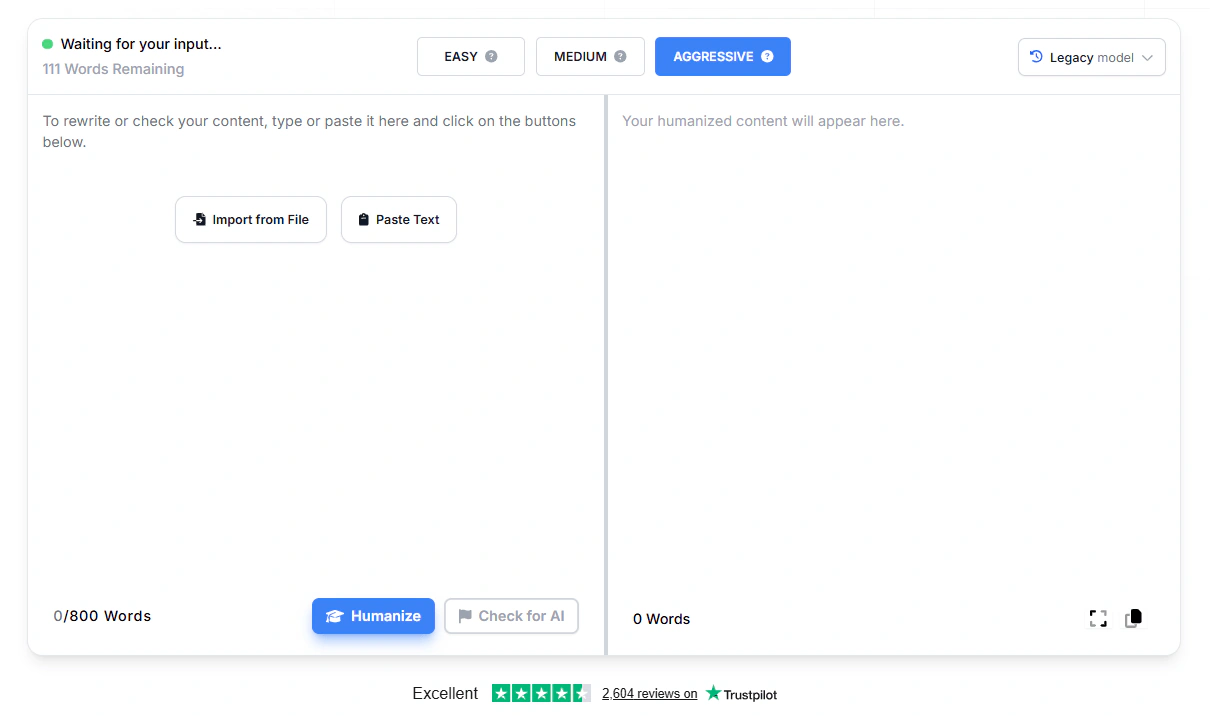
4 intensity modes: Easy, Medium, Aggressive, Pro Engine; integrated detector and humanizer in one workflow |
Editorial tone and phrasing refinement; Authorship feature shows which parts came from AI, web sources, or the user |
|
Detectors it targets |
Turnitin, Copyleaks, Originality.ai, GPTZero, Crossplag, Sapling.ai, Gowinston.ai, ZeroGPT |
GPTZero, Turnitin, Originality.ai, ZeroGPT, Copyleaks |
Not clearly stated |
GPTZero, Turnitin, Originality.ai, ZeroGPT, Copyleaks, Winston AI |
Tool is not designed specifically to bypass detectors |
|
Built-in AI detector |
Yes |
Yes |
Yes |
Yes |
Yes |
|
Input word limit per run |
200 words/run (free); unlimited words/run (paid) |
300 words/run (free); unlimited words/run (paid) |
125 words/run (free); unlimited on paid |
300 words/run (free); 5,000 words/run (paid) |
Not clearly stated |
|
Ease of use |
Paste and click. No signup required |
Paste and click. No signup required |
Paste and click; Chrome extension available |
Paste and click; signup required |
Paste and click; browser extension available |
Read also: Best AI Humanizer tools comparison
Detailed reviews of the best AI Detection Removers
HumanizeAI – best AI Detection Remover for students
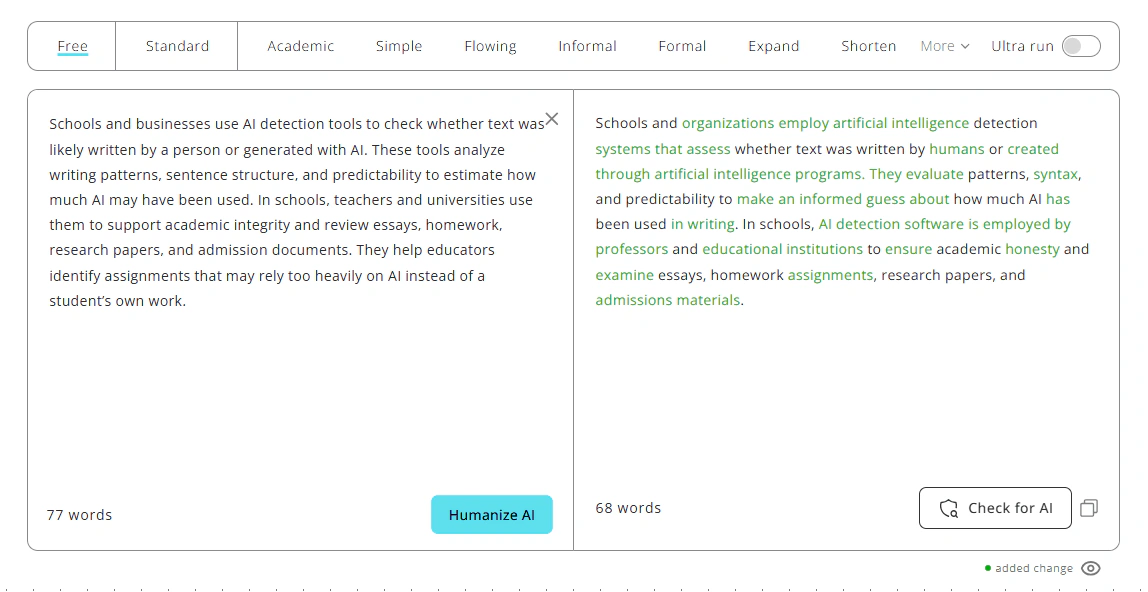
HumanizeAI rewrites AI-generated text at the sentence level – changing structure, rhythm, and word patterns – so the output reads more like something a person actually wrote. It is a good fit for students who need their AI-assisted drafts to sound like their own voice, and for writers who want cleaner, more natural content before publishing. Unlike tools that only swap synonyms, it works on the structure itself, which is what most AI detectors measure.
After rewriting, a built-in detector checks the text against 8 systems – including Turnitin, GPTZero, Originality.ai, and Copyleaks – and shows exactly why each section was flagged.
Pros
- Free plan gives 200 words per run with unlimited runs and no account required
- Built-in detector covers 8 systems and shows a signal-level explanation for each flagged sentence, not just a score
- Multiple writing modes (Academic, Formal, Simple, Flowing, and more) let you keep the original register instead of pushing everything toward casual English
- The humanizer and detector are connected – after rewriting, you can check results without leaving the page or re-pasting text
Cons
- No file upload
- No Chrome extension
- The Lite plan limits processing to 500 words at a time
Free plan: 200 words per run, unlimited runs, no account required.
Paid plans start at $9.99/month (monthly) or $4.99/month (billed annually).
User reviews

This website is truly amazing and helpful. I’ve been subscribing for half a year now. I work with a lot of AI-generated content, and this tool saves me so much time. Its service is impressive and often manages to bring AI detection scores all the way down to zero in just one go. I have to say I will genuinely recommend to try its Ultra run.
GPTinf – best AI Detection Remover for academic writing
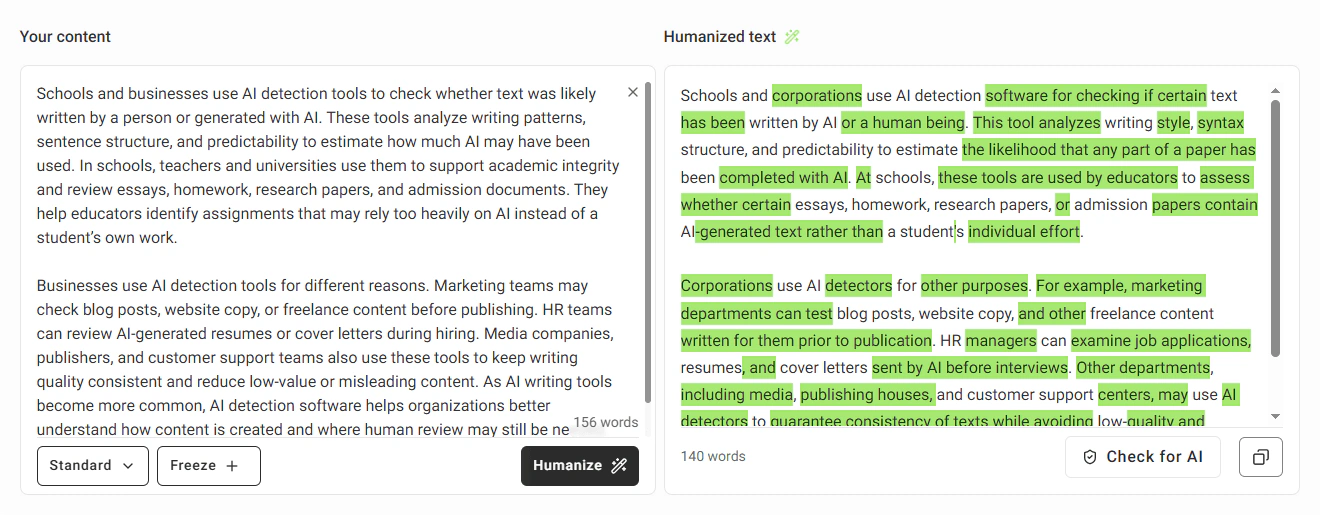
GPTinf rewrites AI-generated text to reduce the patterns that detection systems look for, with a stronger focus on giving users control over the output. It offers 8 rewriting modes, a keyword freeze feature that keeps specific words or phrases unchanged, and a compare view that shows the original and rewritten text side by side with detection scores.
It works well for freelancers, content writers, and professionals who process text regularly and want to fine-tune results without rewriting manually. File upload is supported, which saves time when working with longer documents.
Pros
- Keyword freeze keeps specific terms, names, or phrases exactly as written - useful for branded content or technical writing where word choice matters
- File upload is supported – no need to copy and paste long documents into the tool manually
- Compare mode shows the original and rewritten text next to each other with detection scores, so you can see what changed and whether it worked
- Paid plans start at $4.99/month (billed annually), which is one of the lower entry prices in this category
Cons
- No multilingual support
- No Chrome extension
Free plan: 300 words per run, unlimited runs, no account required.
Paid plans start at $9.99/month (monthly) or $4.99/month (billed annually).
User reviews
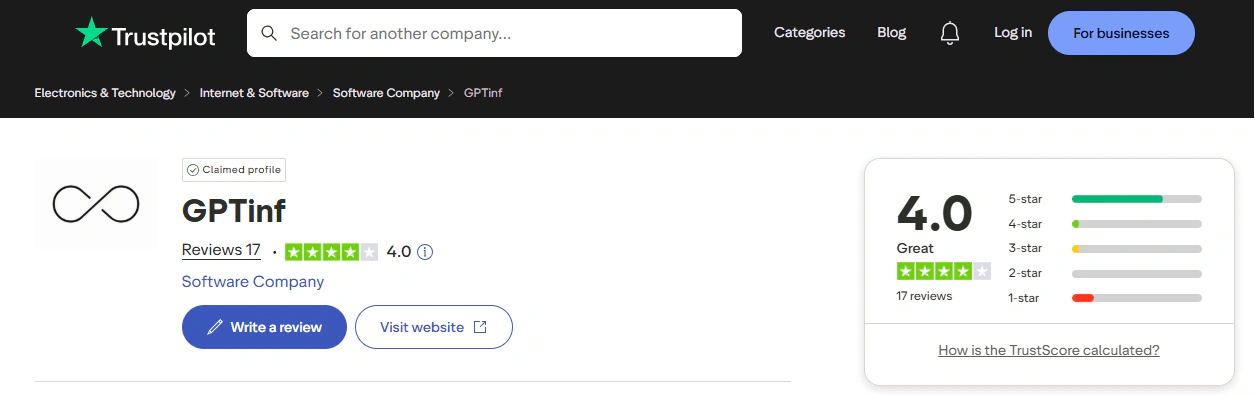
It's my honor sharing my experience on GPTinf. I used it for the last 6 weeks. Its accuracy is very promising as it redetects more, and satisfactorily enough, after once checked by other detection tools even though those detect a given write-up as human-written.
QuillBot – best for everyday writing
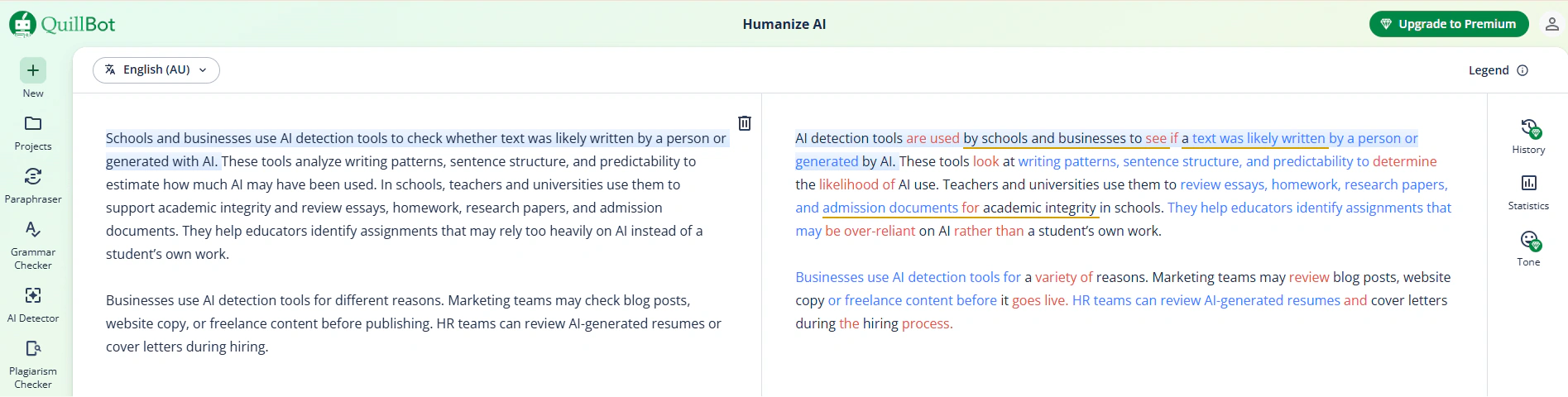
QuillBot is a well-known writing platform that includes an AI pattern remover alongside a paraphraser, grammar checker, plagiarism checker, AI detector, summarizer, and citation generator – all available under one subscription. The AI detection remover rewrites AI-generated text to make it sound more natural, with a Basic mode on the free plan and an Advanced mode on paid plans for deeper rewrites.
It is a practical choice for content writers who already use multiple writing tools and want to manage everything in one place. The Chrome extension lets users humanize text directly inside ChatGPT, Google Docs, and Gmail without switching tabs.
Pros
- Full writing suite included in one paid plan – AI detection remover, paraphraser, grammar checker, plagiarism checker, AI detector, translator, and citation generator without paying for separate tools
- Chrome extension works inside ChatGPT, Google Docs, Gmail, and other platforms – no copy-pasting required
- Supports 5 languages (English, Spanish, French, German, Portuguese) plus 4 English dialects (US, UK, AU, CA), which is useful for non-native English writers
- Custom voice profile on paid plans – paste a sample of your own writing and the AI detection remover adapts its output to match your style
Cons
- Free plan limits humanization to 125 words per run and 6 uses per day
- The AI pattern remover works more like a paraphraser than a structural rewriter – it focuses on word and phrase changes rather than sentence-level restructuring
- The tool does not clearly state which AI detectors it targets
Free plan: 125 words per run, 6 humanizer uses per day. Basic AI detector access included.
Paid plans start at $4.17/month (billed annually) or $9.95/month (billed monthly).
User reviews
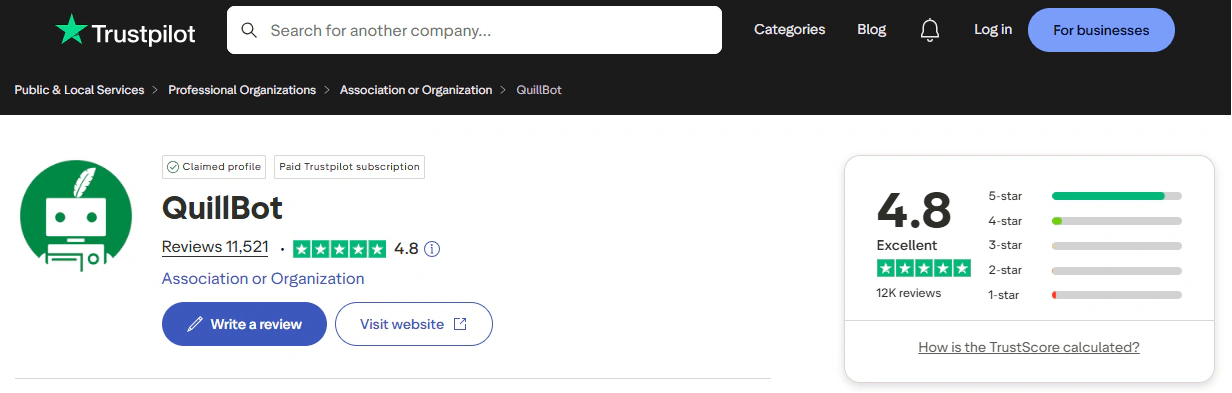
Everything is going well and is in progress. Though, the humanizing ability is still below other software that provides such a service.
Phrasly – best for enterprise needs
Phrasly is an AI detection remover that combines an AI detection remover and an AI detector in a single workflow, so users can rewrite and check their text without switching between tools. It offers 4 intensity modes – Easy, Medium, Aggressive, and Pro Engine – letting users choose how much the text is rewritten depending on how strongly their content was flagged.
It works best for writers who need to process shorter pieces quickly and want to see detection results immediately after rewriting. The standalone AI detector is free and does not require an account, which makes it easy to try before signing up.
Pros
- Built-in AI detector is free, requires no account, and scans up to 2,000 words per check
- 4 intensity modes give users control over how aggressively the text is rewritten
- Targets 6 specific detectors – GPTZero, Turnitin, Originality.ai, ZeroGPT, Copyleaks, and Winston AI
- Paid plan allows up to 5,000 words per run
Cons
- The free plan gives only 550 words in total across all use – not per month
- Humanized text isn’t highlighted
- A free account is required to access the AI detection remover
- The free AI detection Remover is capped at 300 words per run
Free plan: 550 words total (not per month). AI detection remover capped at 300 words per run and requires a free account.
Paid plans start at $20/month (monthly) or $10.99/month (billed annually).
User reviews
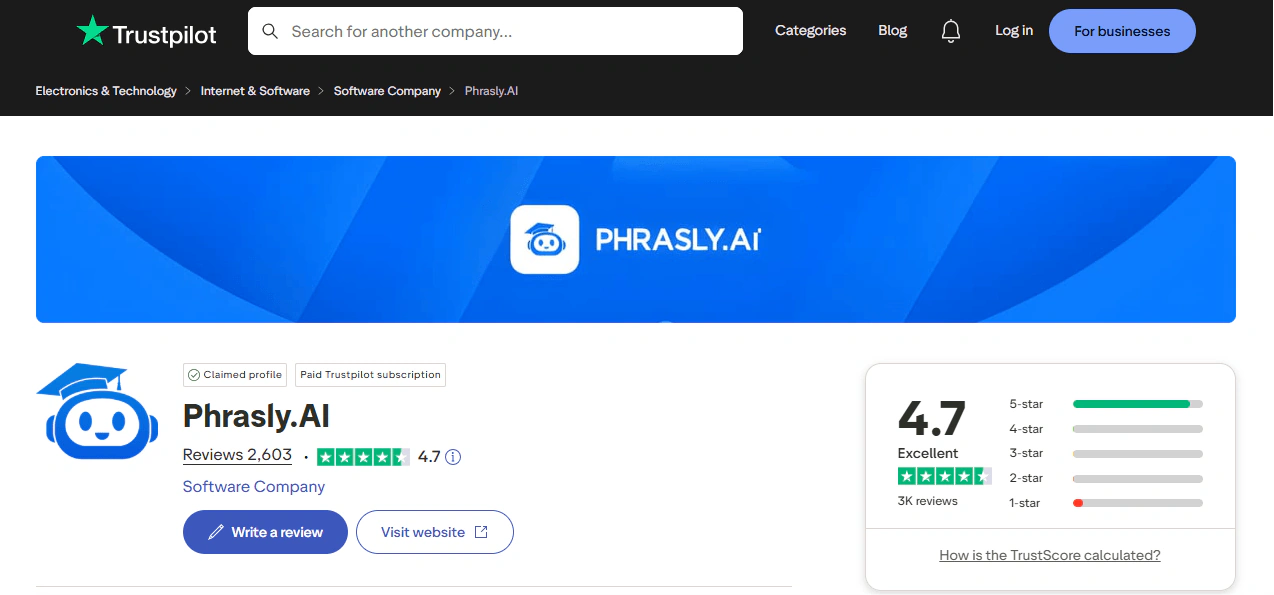
It's a great thing I'm not going to lie has helped me tremendously. However, I wish there were easier ways to help with papers without such a confusing layout that y'all have.
Grammarly – best for AI writing integration
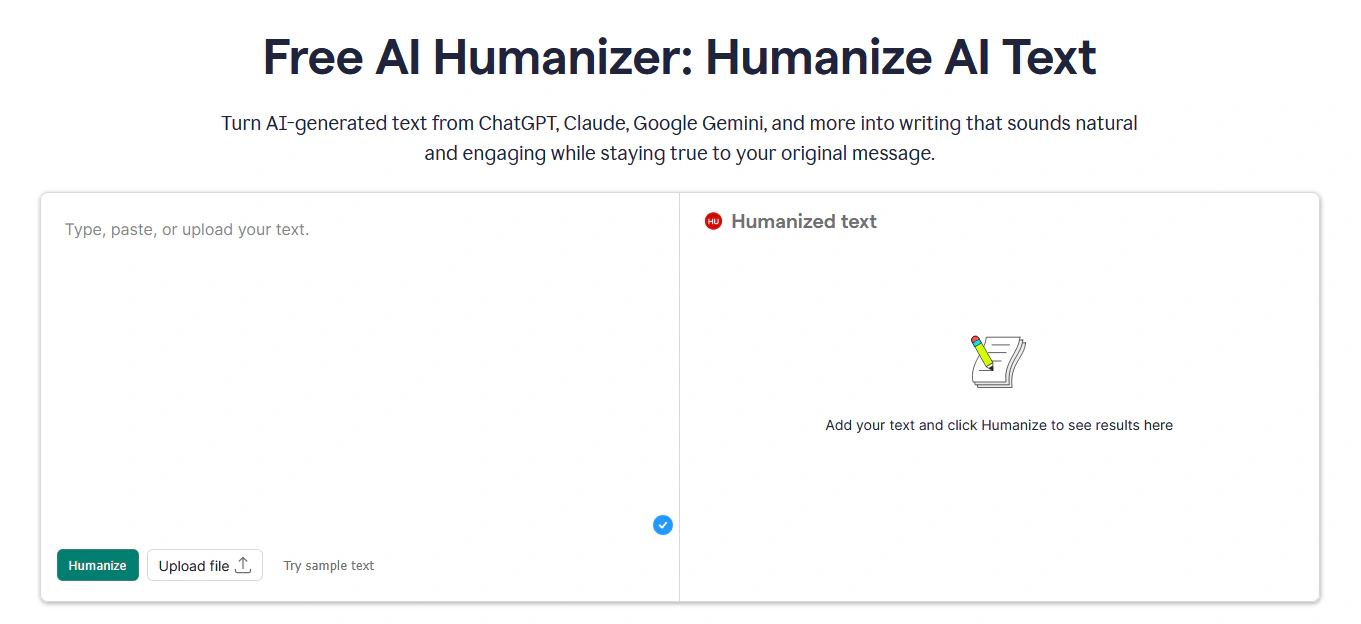
Grammarly is a well-established writing assistant that added an AI text rewriter as part of its broader suite, which also includes grammar checking, plagiarism detection, an AI detector, tone suggestions, and citation tools. The AI pattern remover focuses on refining AI-assisted text to sound more natural and credible – it is not designed specifically to bypass AI detectors, but rather to improve overall writing quality and preserve the user's voice.
It works best for professionals, teams, and advanced users who already write in Google Docs, Gmail, or Outlook and want writing support built directly into those tools. The Chrome extension brings the full suite, including the AI detection remover, into over one million apps and websites.
Pros
- Chrome extension works across 1 million+ apps and websites — including Google Docs, Gmail, Outlook, and ChatGPT
- Authorship feature categorizes text by source – showing which parts came from AI, which from the web, and which the user wrote
- Custom voice profile lets users paste a sample of their own writing so the AI detection remover adapts its output to match their personal style
Cons
- The full AI detector with inline highlighting and segment-level feedback requires a paid Pro plan
- The AI text rewriter is embedded inside the Grammarly interface and Chrome extension, not available as a simple standalone paste-and-go tool
- Grammarly does not clearly state which AI detectors its AI detection remover targets, and the tool is not positioned as a detection remover
Free plan: Word limit per run is not clearly stated on the official page. Free account includes 100 AI prompts per month across all Grammarly tools.
Paid plans start at $12/month (billed annually) or $30/month (billed monthly).
User reviews
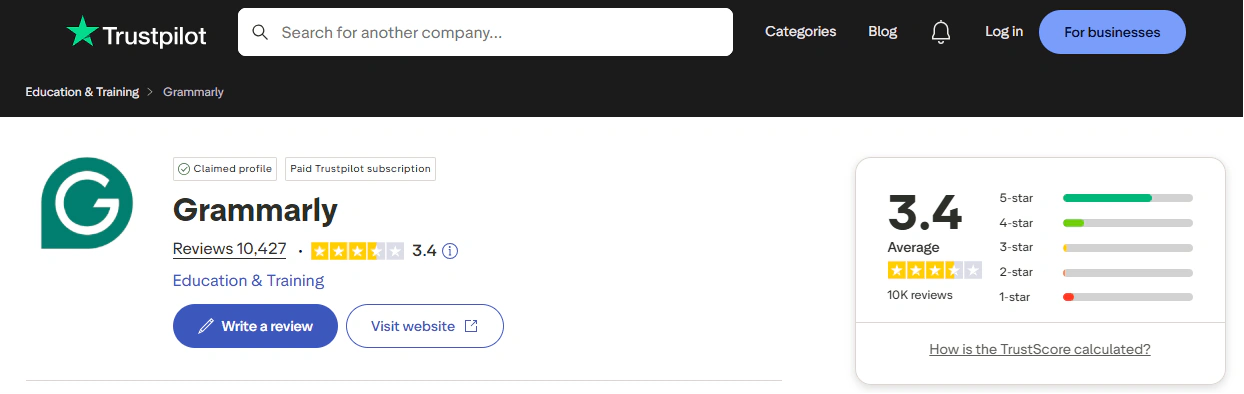
The Plagiarism and AI checkers are also very helpful in my case, as I write articles and can immediately test them.
I'm giving it 4/5 because some recommendations don't make sense, and the service doesn't understand slang or specific language.
Why AI Detection Is Stricter in 2026
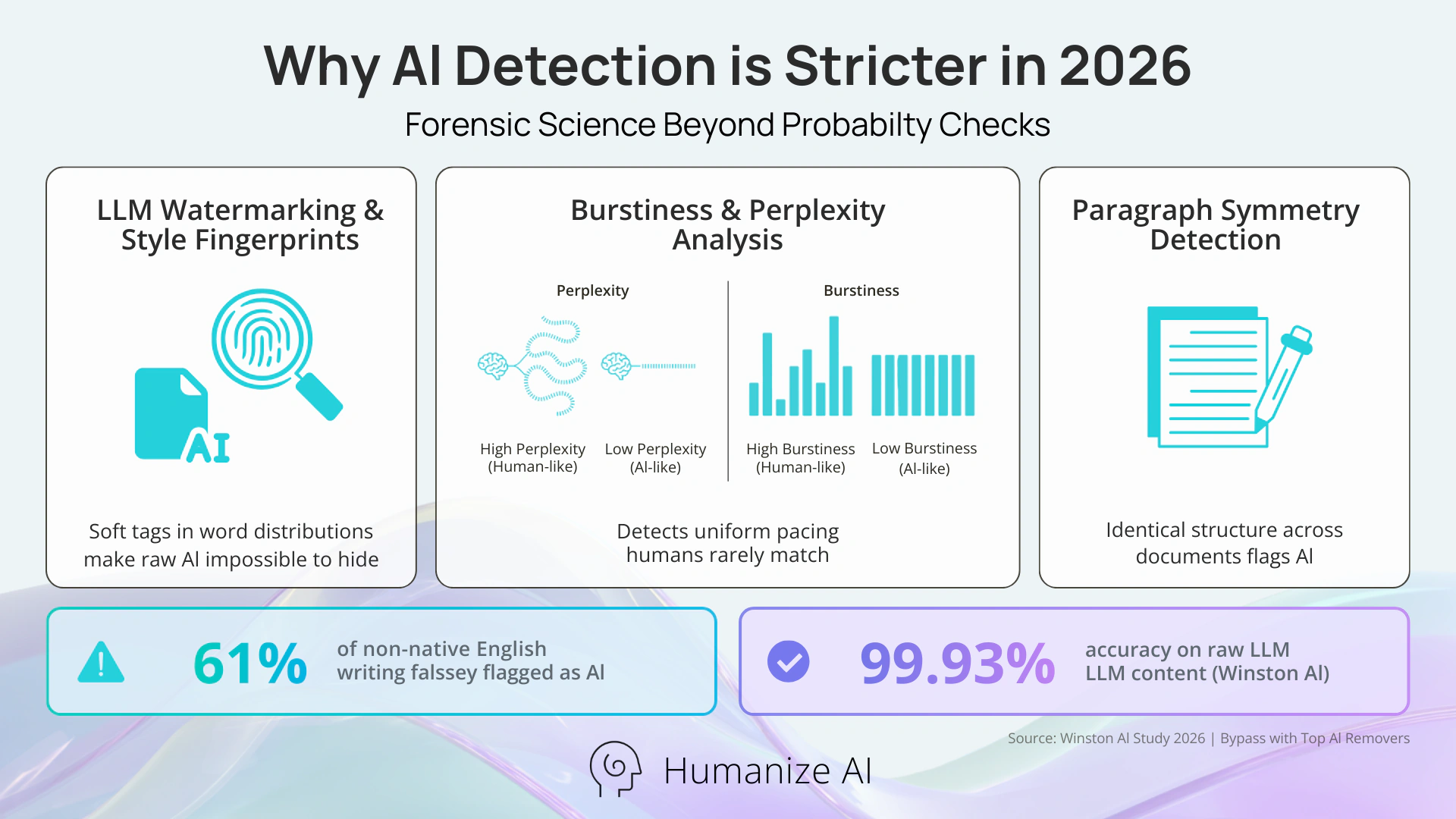
AI detection has evolved from simple probability checks into a sophisticated forensic science. In 2026, detection platforms like Winston AI and Turnitin use a combination of LLM watermarking, "style fingerprints," and deep burstiness analysis. Watermarking now involves "soft" tags embedded in the statistical distribution of words, making it almost impossible to hide raw AI output without specialized tools. Detectors also look for "paragraph symmetry," where the AI maintains identical pacing and structure throughout a document, something humans rarely do.
The impact of this strictness is visible in recent data. Research shows that modern AI detectors frequently misidentify original work, especially from specific groups. For example, a study found that over 61% of writing from non-native English speakers is incorrectly flagged as AI-generated by leading detection tools. Despite these errors, institutions continue to adopt them rapidly. Winston AI currently claims a 99.93% accuracy rate when identifying raw content from the latest LLM models.
Final recommendation
The right tool depends on what you need it for. If you want a dedicated AI detection remover that rewrites text at the sentence level and shows you exactly why it was flagged, HumanizeAI.pro is the strongest option for students and content writers. If you already use a full writing suite and want everything in one place, QuillBot or Grammarly may be a better fit, though their humanizers are not purpose-built for detection removal.
Phrasly is worth considering if you write shorter academic pieces. GPTinf is a good choice if you need more control over the output, such as keeping specific words unchanged or uploading a file directly. Start with the free tier of whichever tool fits your workflow best – most of them let you test before paying.
FAQ
Does one run through an AI detection remover always fix the problem?
Not always – heavily AI-generated text sometimes needs a second pass, especially if the original was written with very uniform sentence structure. Most tools let you re-run the text or switch to a more aggressive mode if the first result still shows a high AI score.
Is it safe to use these tools for academic submissions?
That depends on your institution's policy, which varies widely. Some universities allow AI-assisted writing with disclosure, while others do not – using a detection remover does not change what your institution's rules say, so it is worth checking before you submit.
Will the tool change the meaning of my text?
Most tools are designed to preserve meaning, but the risk increases with more aggressive rewriting modes. If meaning accuracy matters — for example in technical or legal writing – it is worth reading the output carefully before using it.
Do these tools work on text written in languages other than English?
Most dedicated AI detection removers in this category are built primarily for English. QuillBot supports 5 languages, but others either do not confirm language support or show weaker results outside English – check the tool's official page before using it on non-English text.
How do I know if the rewritten text actually passed detection?
The safest approach is to check the output in the same detector your institution or publisher uses – not just the built-in one. Built-in detectors show a useful estimate, but different systems use different models and can return different results on the same text.
If a tool has a free plan, is it enough for regular use?
For most users, free plans are enough to test the tool but not for ongoing work. Free tiers in this category range from 125 to 400 words per run and often come with daily or total usage caps – if you write regularly, a paid plan will likely be necessary within a few sessions.