


What are the best AI Writing tools?
The best AI writing tool depends on what you actually need. Some are built for general writing. Others focus on SEO optimization, grammar editing, or scaling content output. And if AI detection is a concern, you need a humanizer on top of whatever you use to write.
That last part matters more than most guides admit. Run a standard AI draft through a detector like GPTZero or Originality.ai, and it will likely get flagged. For bloggers, marketers, and SEO teams publishing at scale, that's a real workflow problem – not a theoretical one.
ChatGPT alone is no longer enough. It writes fast, but the output follows predictable patterns. Those patterns are easy for detectors to spot. You need a smarter workflow – or a tool that goes further than a basic text generator.
That's what this article covers.
We tested 11 AI writing tools across four categories: general writing, SEO writing, grammar and editing, and AI humanization. For each tool, we looked at output quality, use-case fit, and how well the text performs against AI detectors.
No single tool does everything. But some are much better than others for specific jobs. Here's what we found.
Best AI Text Generators
ChatGPT – best for general writing, brainstorming, first drafts
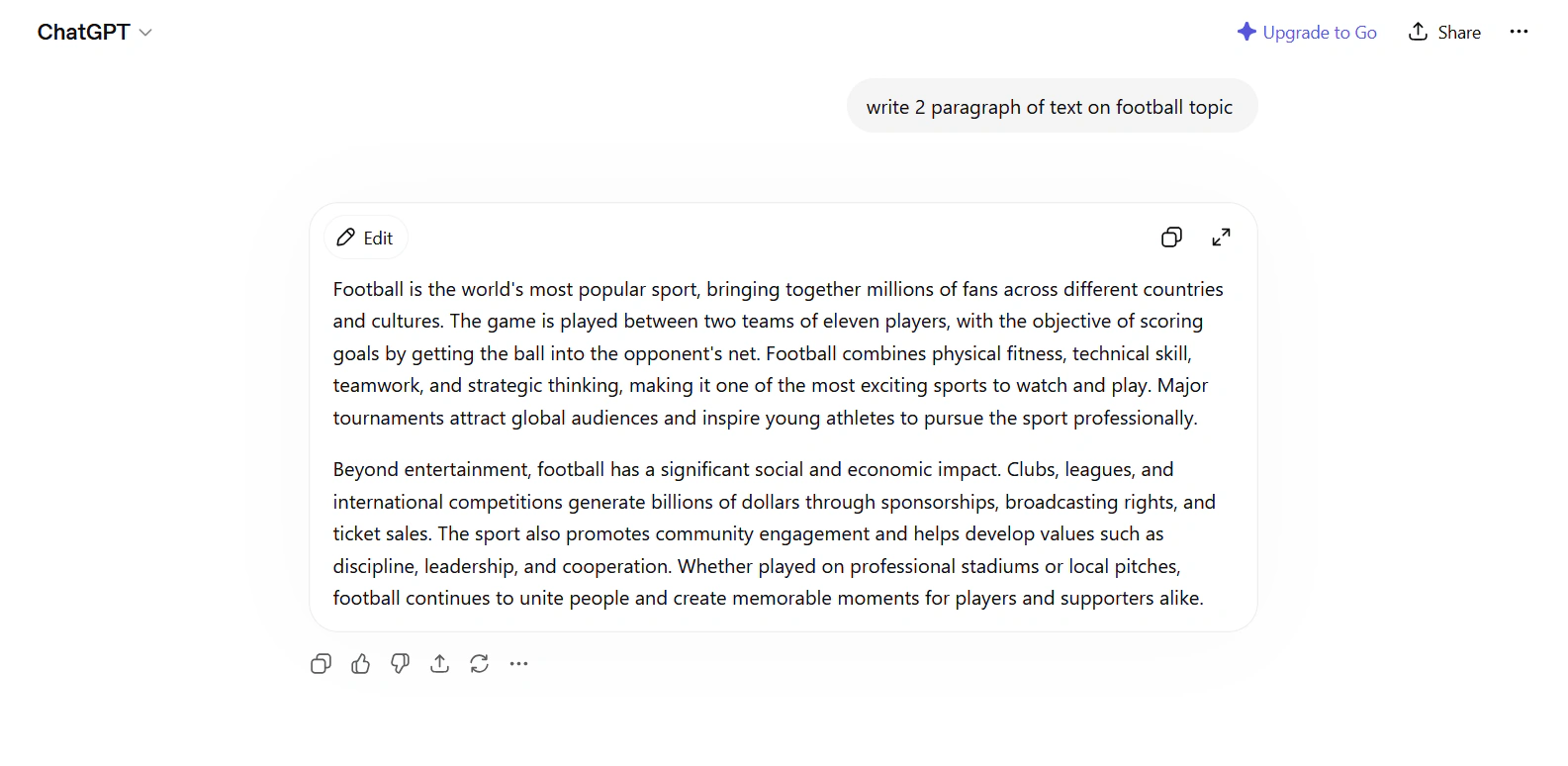
The free version uses GPT-3.5. ChatGPT Plus ($20/month) gives you GPT-4o, which is noticeably better for longer content.
It handles most writing tasks well – blog posts, emails, social copy, product descriptions. The quality is solid for a first draft. You'll usually need to edit before publishing.
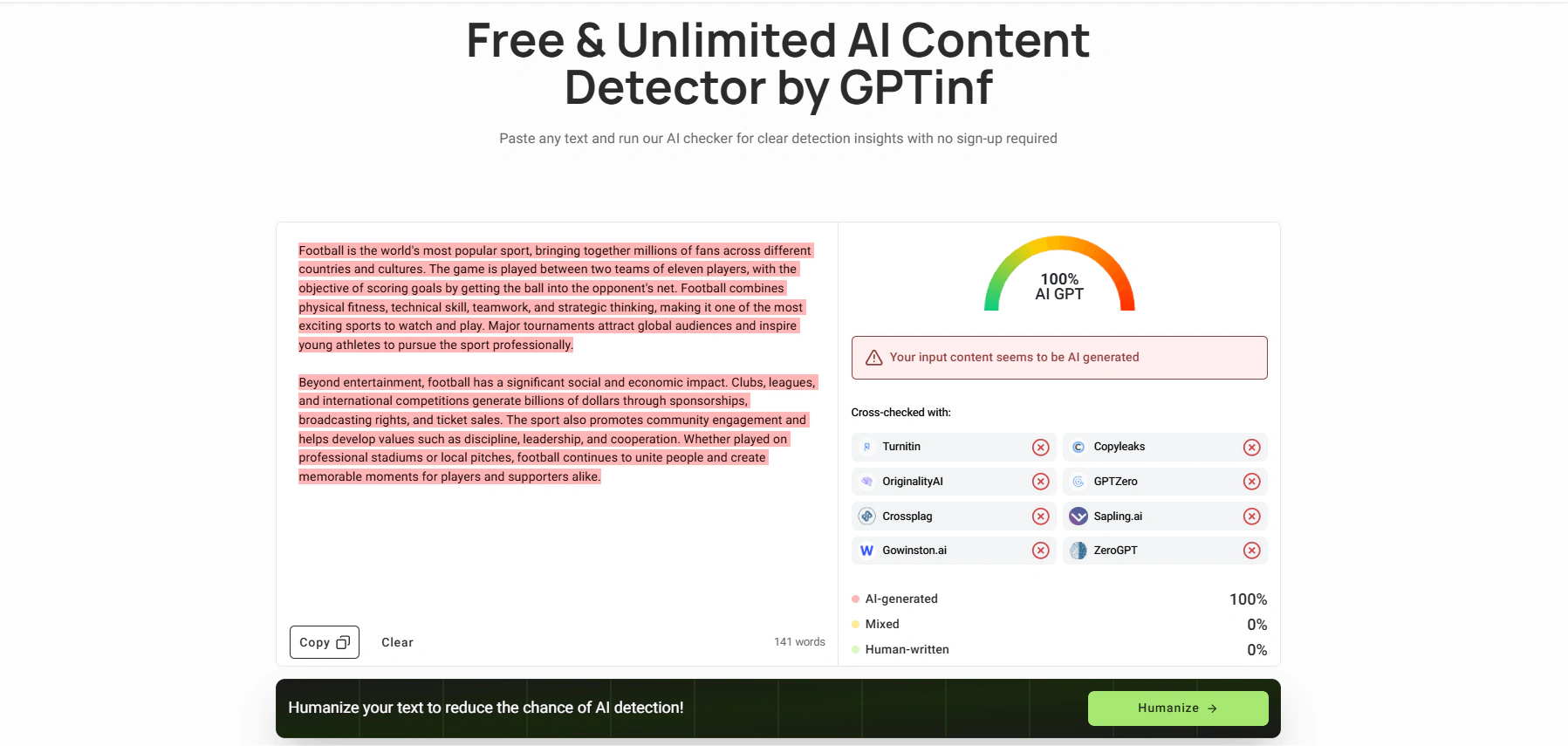
The main problem: raw ChatGPT output is easy to detect. If you paste it into GPTZero or Originality.ai without editing, expect it to be flagged.
Pros:
-
Very flexible – works for almost any writing task
-
Strong reasoning and instruction-following
-
Huge user base, lots of community prompts
Cons:
-
Raw output often flagged as AI
-
No built-in SEO features
-
Output can sound formulaic without good prompts
AI detection score: Flagged by major detectors on raw output
Free plan: Yes (GPT-3.5, with limits)
Price: $20/month (Plus)
Claude – best for long-form writing, analysis, nuanced content
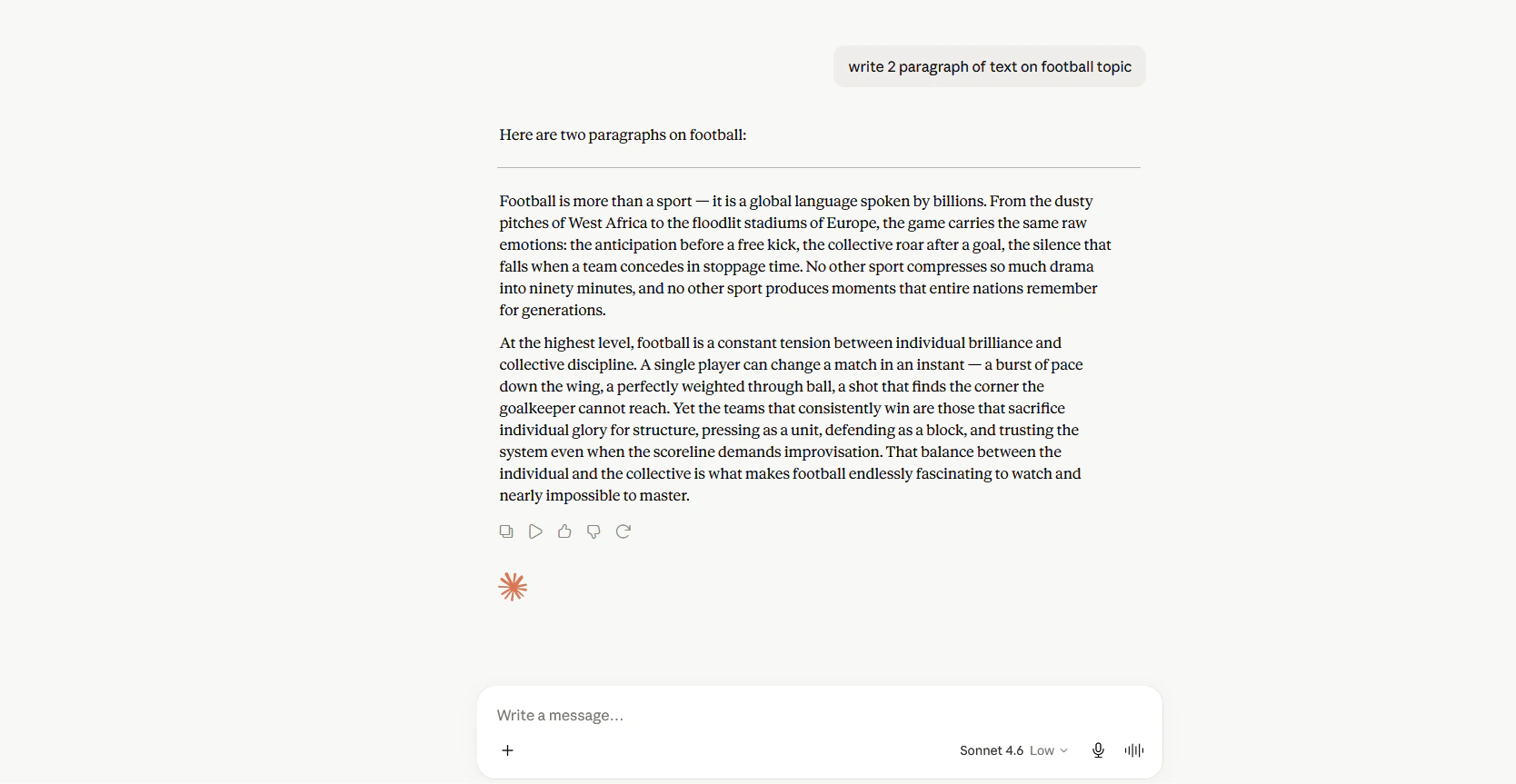
Claude is made by Anthropic and is a strong alternative to ChatGPT for writing tasks. It tends to produce more natural, varied prose than GPT-4 – especially on longer pieces.
Claude Pro costs $20/month. The free tier is more limited than ChatGPT's.
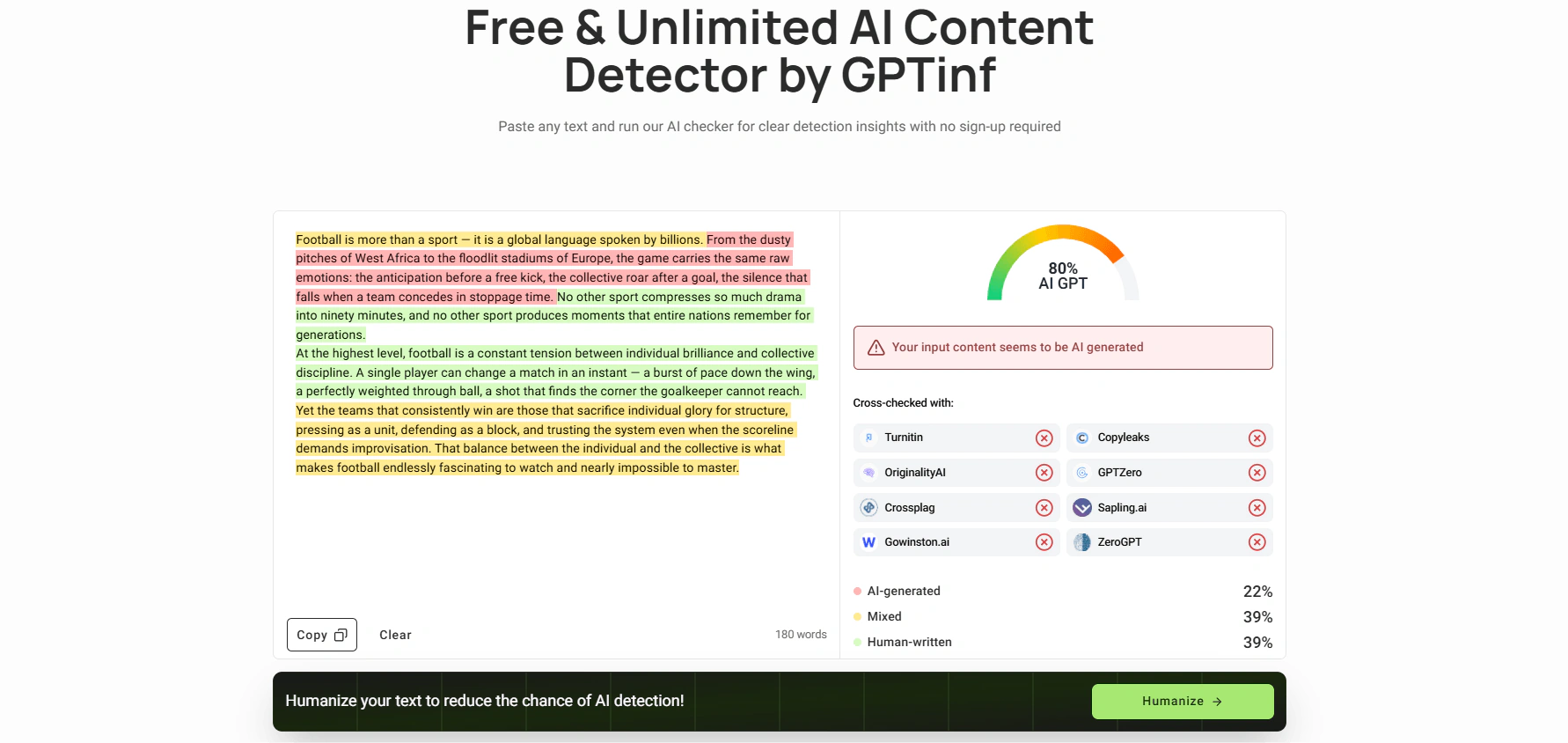
It's a good choice for writers who care about tone and readability. The output doesn't feel as robotic. That said, it still gets flagged by AI detectors on raw output.
Pros:
-
Very natural writing style
-
Handles long documents well
-
Good at following complex instructions
Cons:
-
Raw output still flagged by detectors
-
Fewer third-party integrations than ChatGPT
-
No built-in SEO tools
AI detection score: Flagged, though often with lower confidence than GPT-4
Free plan: Yes (limited)
Price: $20/month (Pro)
QuillBot – best for AI-assisted writing and paraphrasing
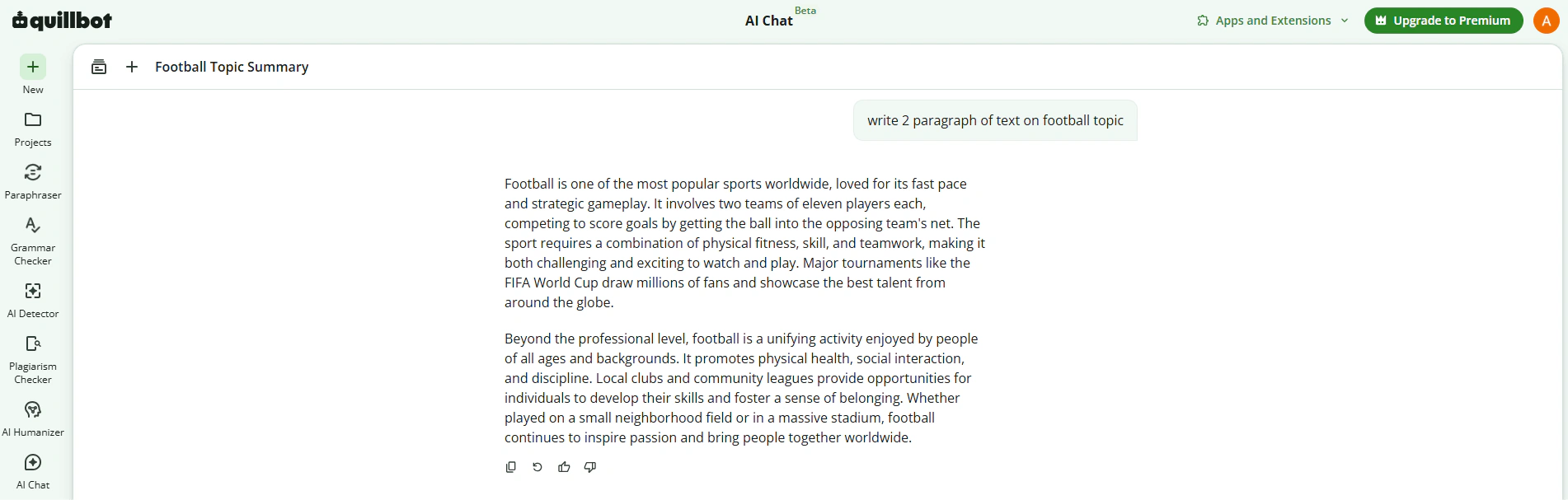
QuillBot generates and rewrites text using AI. The writing modes – Standard, Fluency, Formal, Academic, Simple, Creative, and Expand – let you produce or rework content in different tones without switching tools. It works well for drafting shorter pieces, polishing existing content, and adjusting style for different audiences.
Beyond text generation, it includes a Grammar Checker, Summarizer, Plagiarism Checker, and Citation Generator. The browser extension and Word add-in let you use it directly inside your existing workflow without copy-pasting.
The free plan limits the Paraphraser to 125 words at a time. Premium removes that limit and unlocks all seven modes. Premium costs $19.95/month on a monthly plan or $8.33/month billed annually ($99.95/year). Students get a discounted annual rate of $6.25/month.
Pros:
-
Seven writing modes for different tones and purposes
-
Browser extension and Word add-in work well
-
Plagiarism checker included in Premium
-
Strong value at the annual price
Cons:
-
125-word free plan limit is restrictive
-
Better suited to shorter content than long-form articles
-
Raw output can still be flagged by AI detectors
AI detection score: Varies – output reduces AI patterns but is not guaranteed to pass
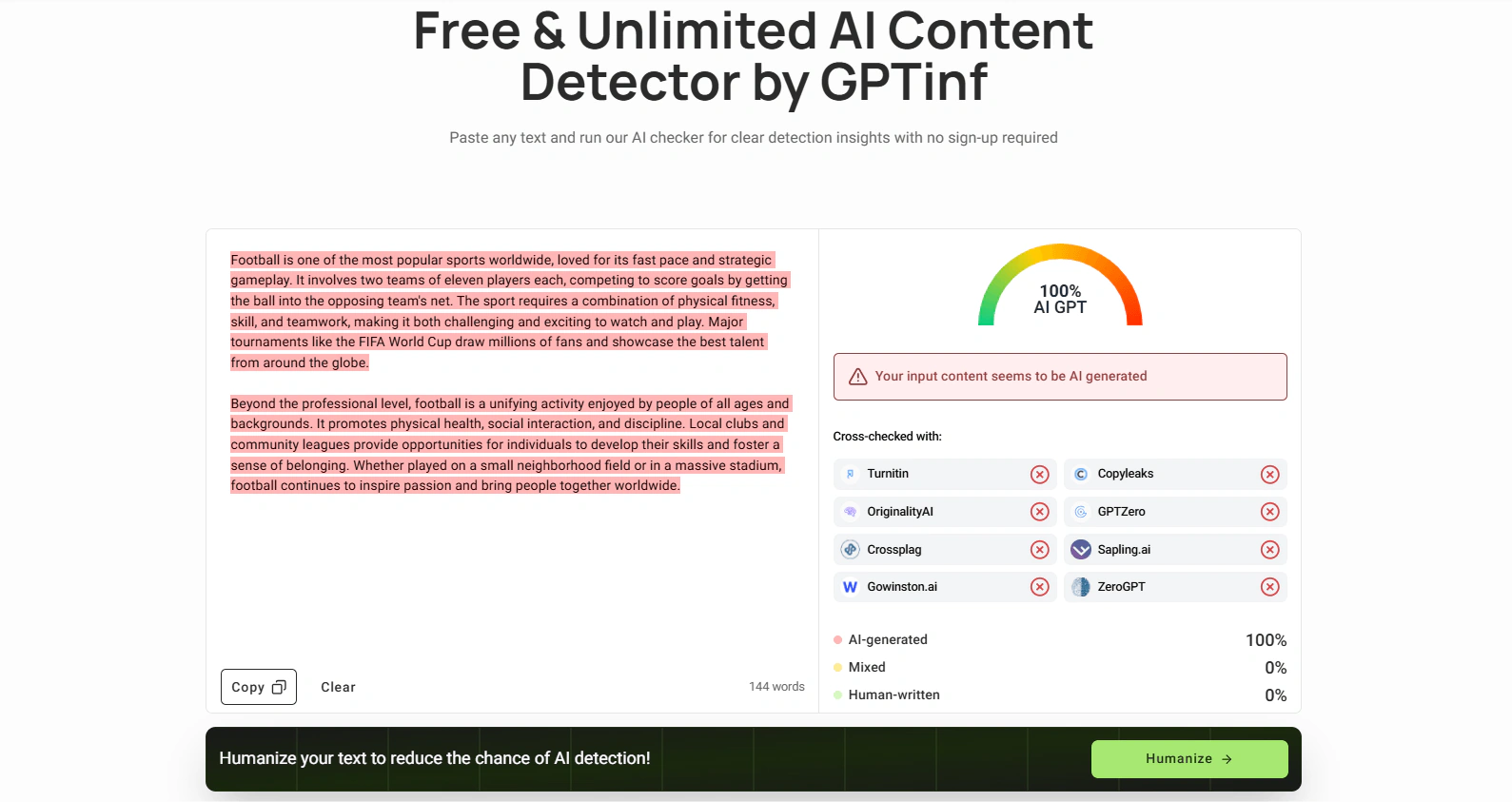
Free plan: Yes (125 words paraphraser, AI text generator - free)
Price: Free / $8.33/month (annual Premium)
Writesonic – best for SEO content, volume output
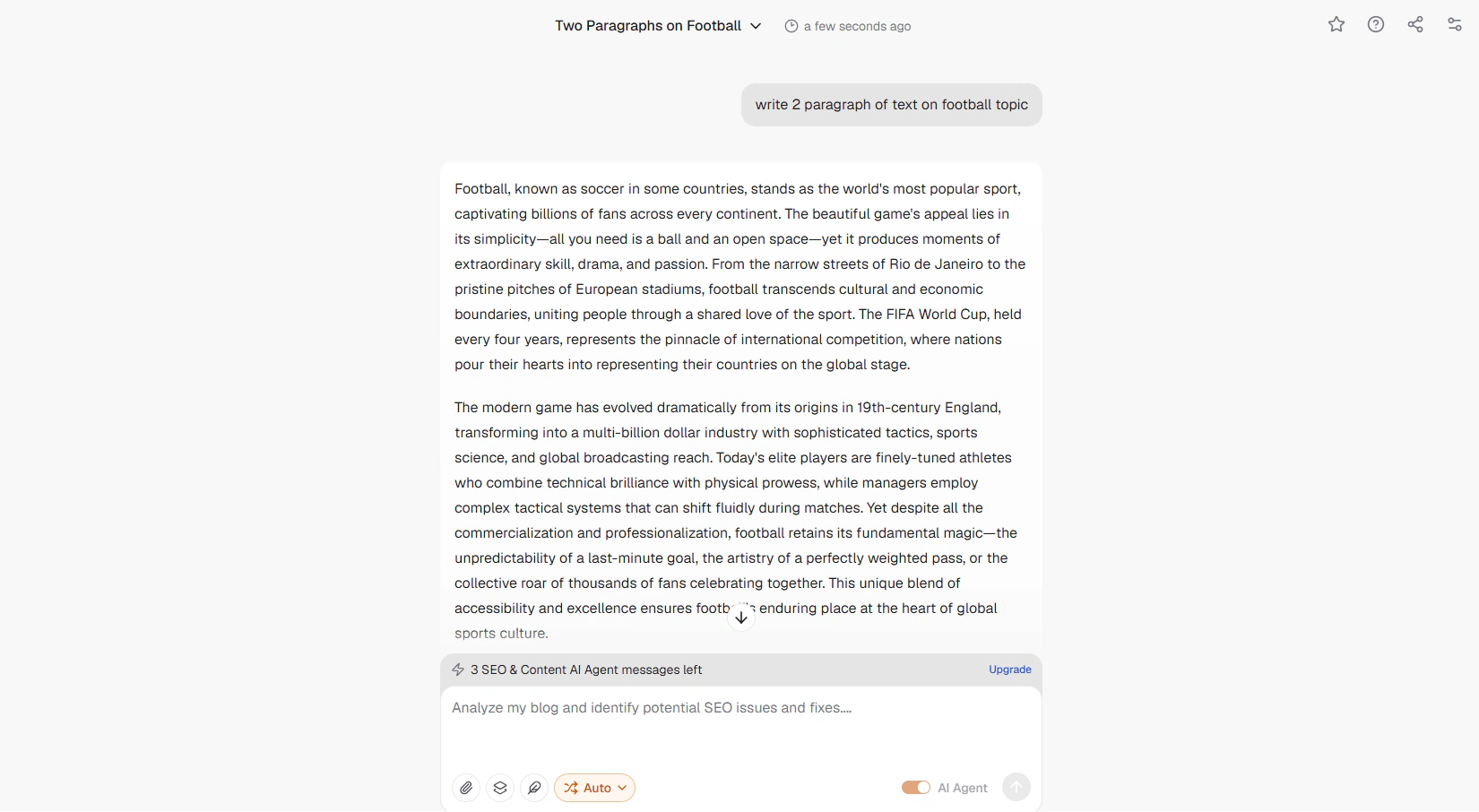
Writesonic is one of the more SEO-focused general writing tools. It has a Surfer SEO integration and keyword-targeting features built in. If you write a lot of content and care about SEO scores, it's a useful mid-range option.
The entry plan starts at $49/month. There's a limited free tier.
Pros:
-
Good SEO features for the price
-
Decent output volume
-
Includes Chatsonic (ChatGPT-style interface with web access)
Cons:
-
Output still flagged by detectors
-
Can feel overwhelming for beginners
-
Quality drops on complex or nuanced topics
AI detection score: Flagged
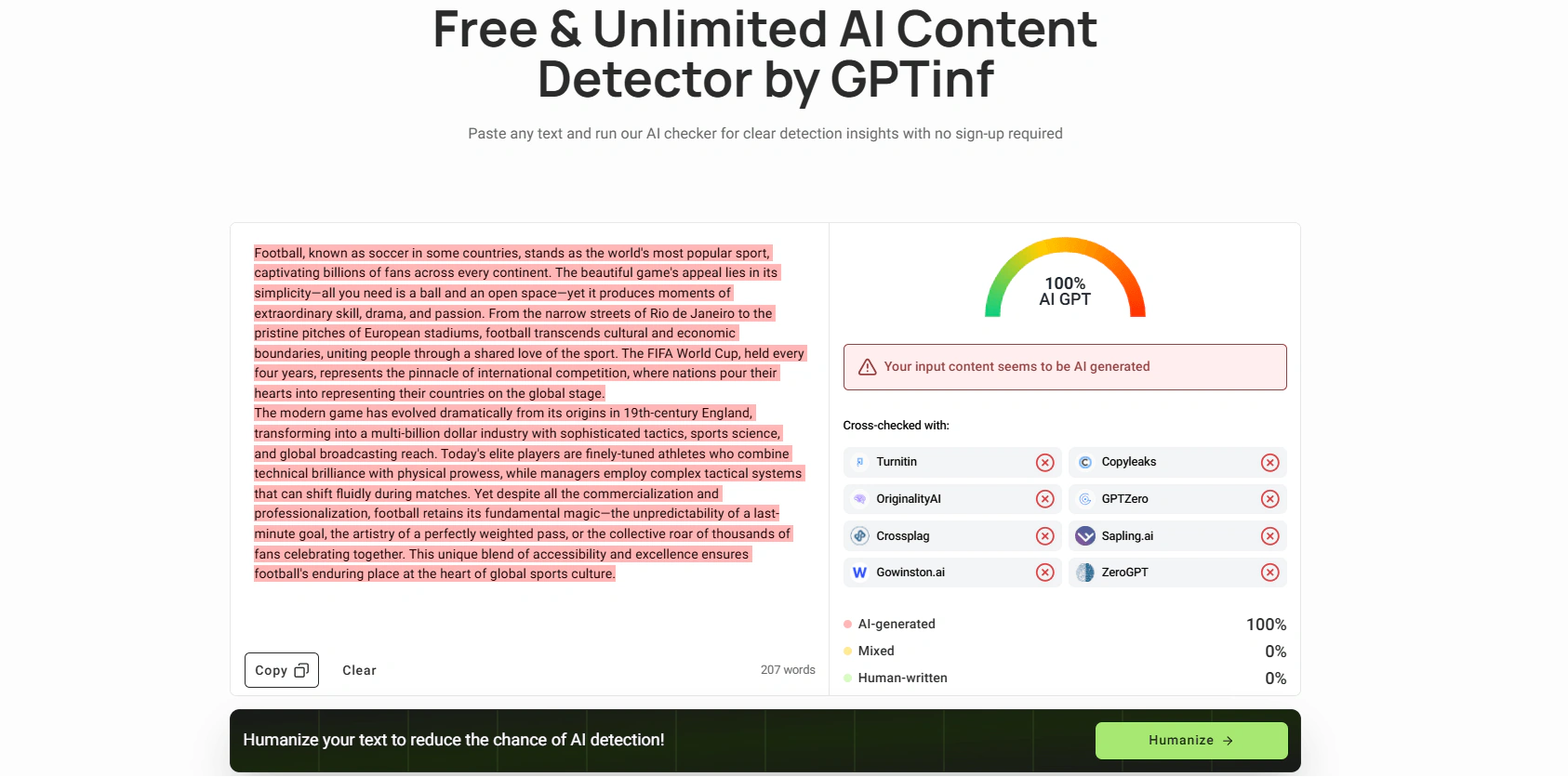
Free plan: Yes (limited)
Price: From $49/month
Best tools to humanize AI writing
Most AI writing tools produce text that detectors flag. If your content needs to pass AI detection – for SEO, editorial, academic, or platform compliance reasons – you need a separate humanization step.
We cover this topic in more depth in our roundup of Best AI Detection Removers, but here's a quick overview of what works.
Detectors like GPTZero, Originality.ai, and Turnitin are increasingly accurate. The pattern-recognition these tools use is getting better. Using raw ChatGPT output without editing or humanizing it is a risk most serious content teams no longer take.
GPTinf – Best for student assignments and academic writing
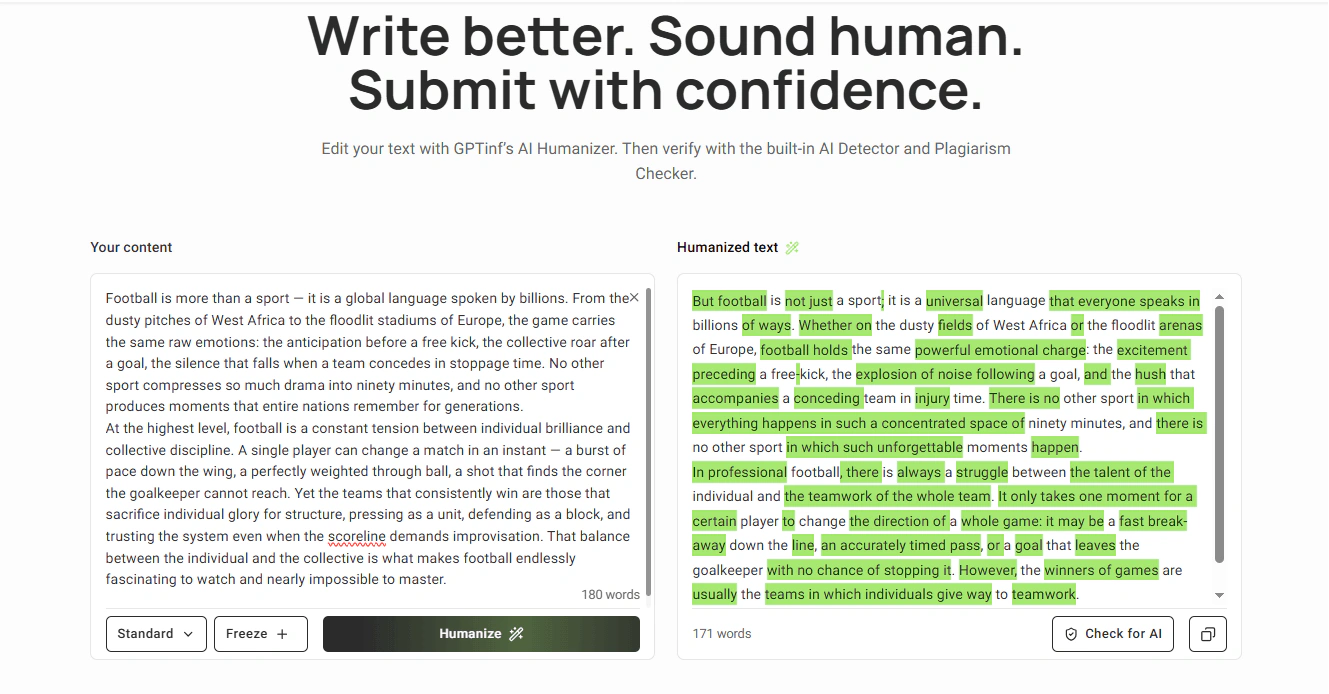
GPTinf is an all-in-one writing tool built for content publishers. It covers the full AI content workflow in one place: generate text, humanize it, check for AI signals, run a plagiarism check, and fix grammar – without switching between tools.
The core feature that sets it apart from generic paraphrasers is Freeze Keywords. You can lock specific keywords in place before the rewrite. The tool rewrites the surrounding text while keeping your target terms exactly as written. For SEO teams managing keyword density, that's a practical advantage.
Features
Humanizer
The Humanizer is GPTinf's core tool. It takes AI-generated text and restructures it at a sentence level – adjusting vocabulary, grammar, and sentence patterns to remove the repetitive structures that detectors flag. Unlike most humanizers that feed your text into another AI model, GPTinf uses a proprietary algorithm that restructures text without generating new content.
Paraphraser
A lighter-touch rewriter for content that doesn't need full humanization – useful for varying repetitive phrasing or refreshing older content.
Grammar Checker
A proofreading tool built into the platform. Catches grammar errors and awkward phrasing after rewriting, so the final text is clean before you publish.
Built-in AI Detector
You can run detection checks directly inside GPTinf without switching to a separate tool. It checks your text against multiple AI detectors(including GPTZero, Originality.ai and others) at once and shows you the probability scores before and after rewriting.
Pricing
-
Lite: $9.99/month – 5,000 words, all rewrite modes, unlimited Freeze Keywords, unlimited detector checks
-
Pro: $24.99/month – 25,000 words, unlimited re-paraphrasing, priority support
-
Unlimited: $59.99/month – unlimited words, all features, first access to new tools
Annual billing reduces the effective monthly cost. A Pro plan on annual billing costs around $12.49/month.
Detection results
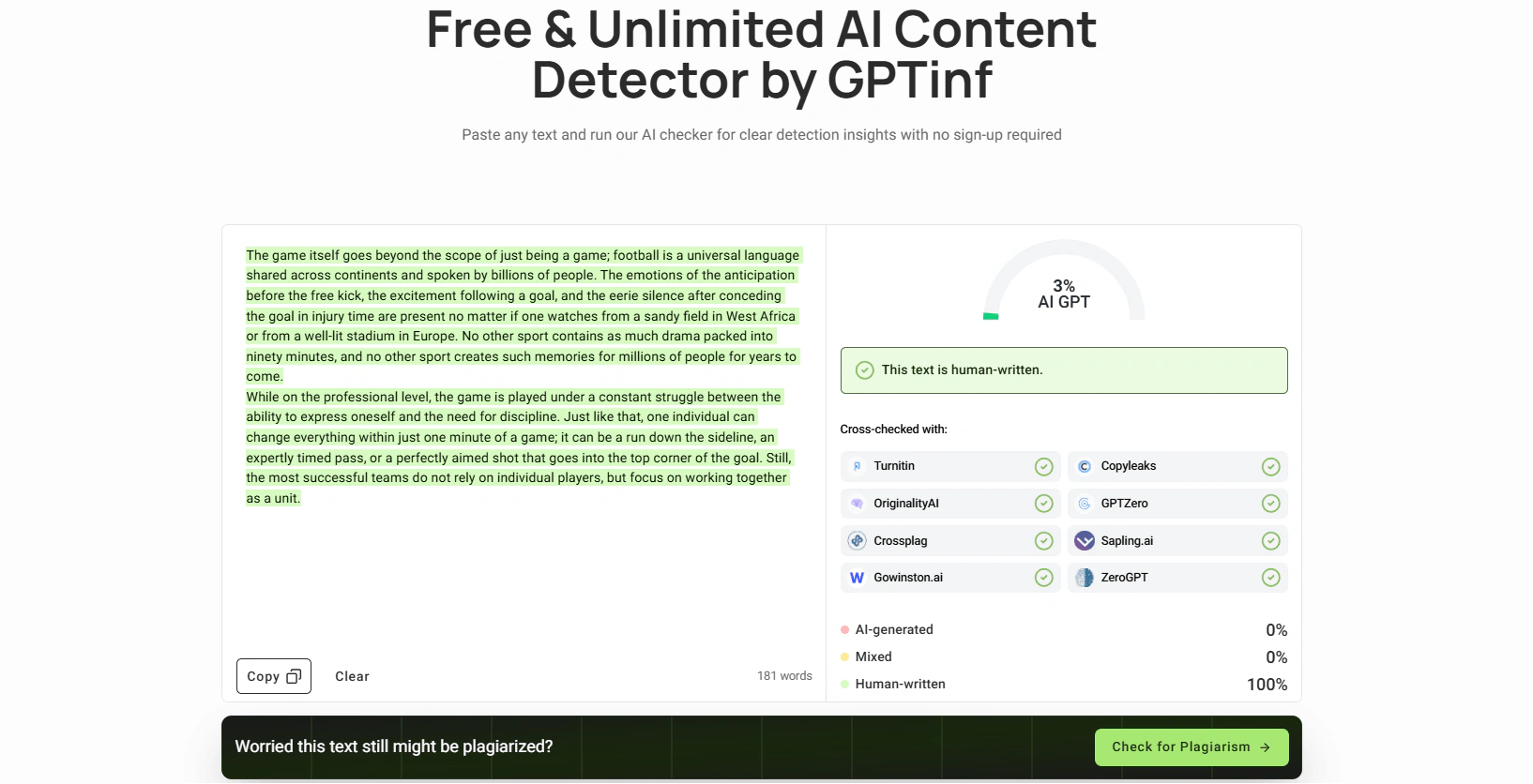
GPTinf performs well against the major AI detectors. The built-in detector lets you check your text before and after rewriting without switching tools – you can see exactly how the score changes. For marketing, SEO, and general publishing content, it's a reliable part of the humanization workflow.
Who it's for
GPTinf fits anyone who writes with AI and needs the output to sound human. That includes students cleaning up drafts before submission, ESL writers who want natural phrasing, bloggers, marketers, researchers, and business writers who need to strip the templated tone from reports and copy. SEO teams get the most out of the Freeze Keywords feature.
Pros:
-
Freeze Keywords keeps SEO terms intact during rewriting
-
Built-in detector saves time
-
Affordable Pro plan for volume content
-
Simple, clean interface
Cons:
-
Grammar cleanup still needed after rewriting
-
Selective rephrase and re-humanize are locked behind a paid plan
Free plan: Yes (300 words/run)
Price: From $9.99/month
Undetectable.ai – best for users who want a well-known Humanizer
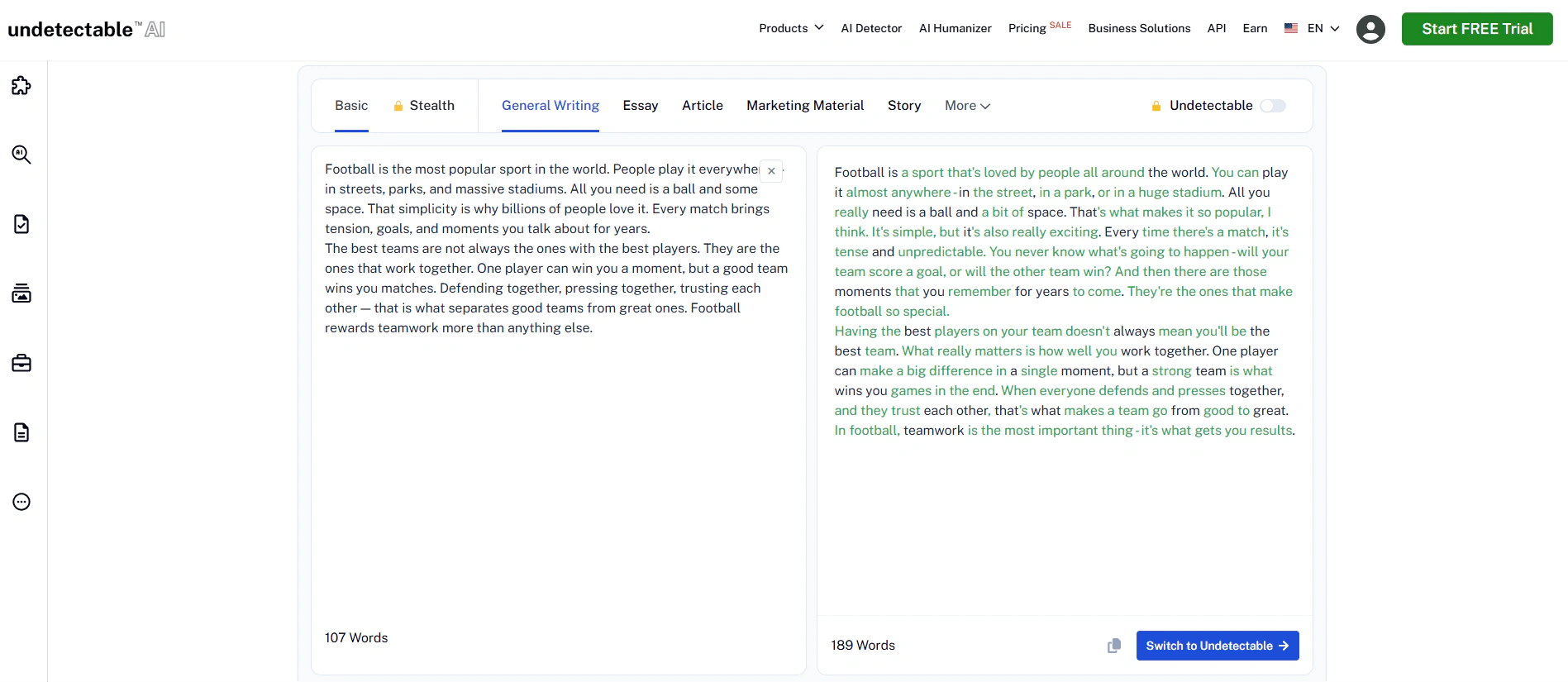
Undetectable.ai is an AI humanizer that rewrites text and checks it against multiple detectors simultaneously — GPTZero, Turnitin, Originality.ai, and others.
You can adjust the readability level (elementary through professional) and purpose (essay, marketing, general) before rewriting. That gives you more control over tone.
Pricing starts at $19/month for 20,000 words, or $5/month on an annual plan (billed at $60/year for 10,000 words). Credits typically don't roll over month to month.
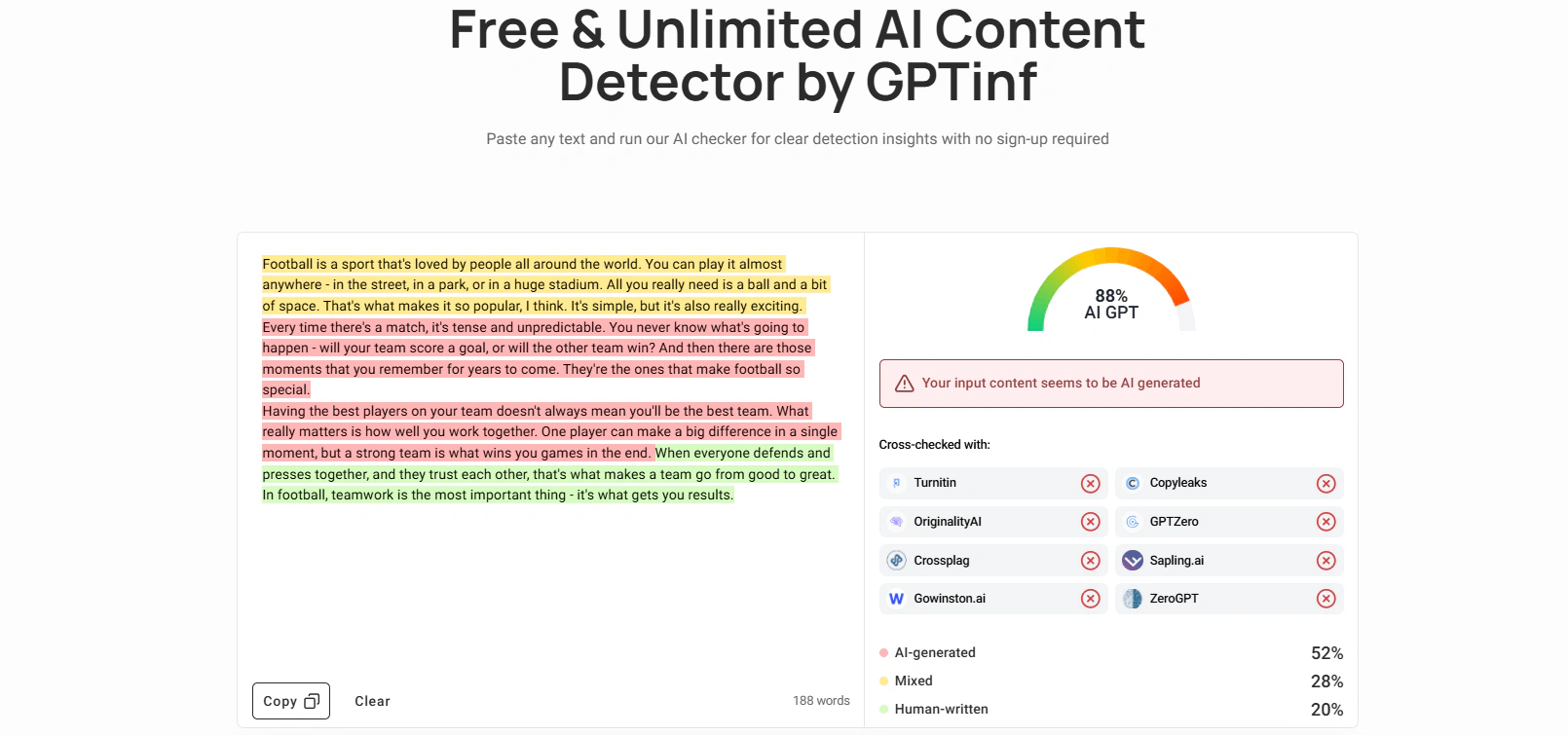
Independent tests show that Undetectable.ai passes most major detectors most of the time. Results vary run to run – a passage that passes one check may not pass the next.
Pros:
-
Recognizable brand with large user base
-
Simultaneous multi-detector checking
-
Flexible readability and purpose settings
-
Money-back guarantee if output is still flagged
Cons:
-
Inconsistent results between runs on the same text
-
Turnitin performance leaves some margin of risk
-
Mixed Trustpilot reviews around billing and result consistency
Free plan: Yes (250 words)
Price: From $9.99/month (monthly) / $5/month (annual)
Best AI Writing tools for SEO
Surfer SEO – best for SEO content creation and on-page optimization
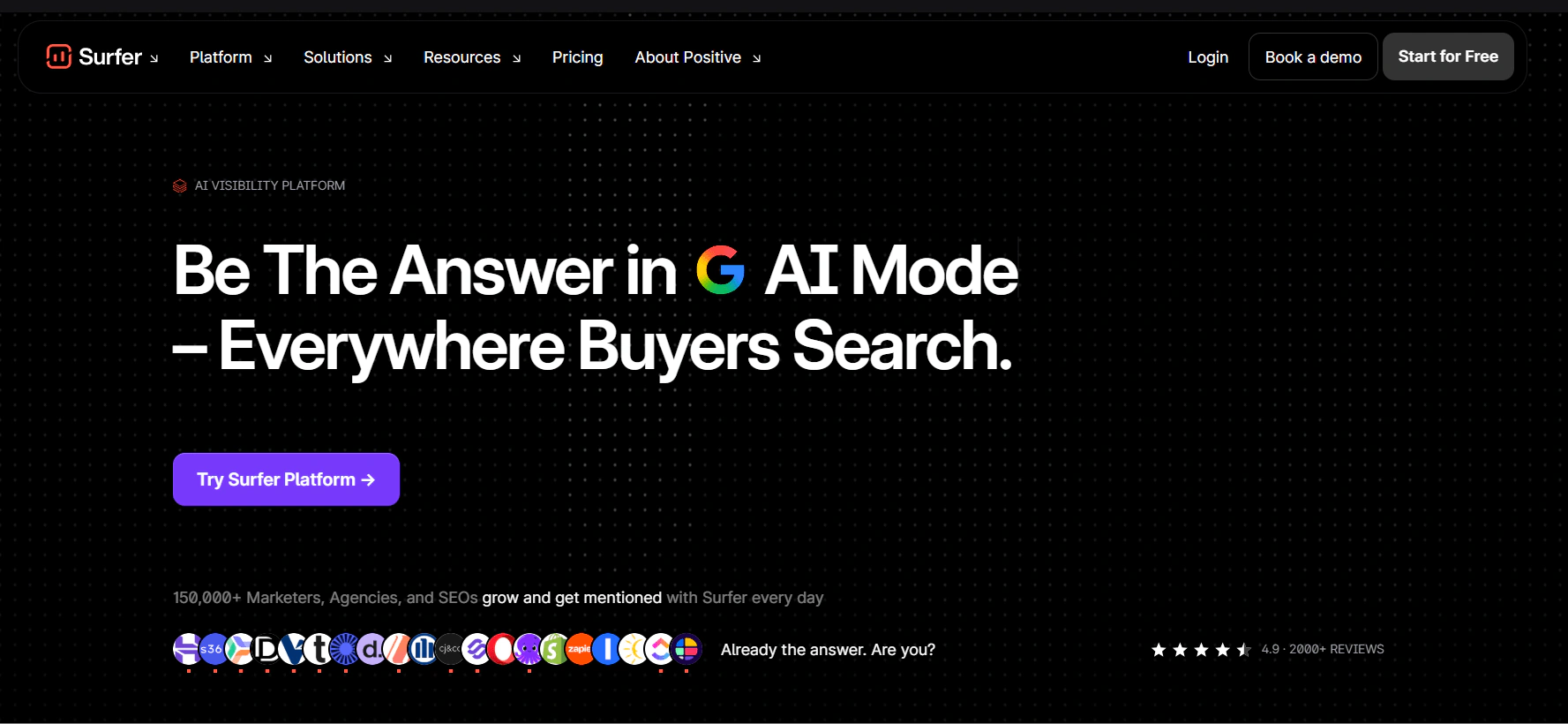
Surfer SEO is primarily an optimization tool, but it also includes an AI Writer. You can generate a full draft directly inside the editor – the AI writes with SEO signals baked in from the start, using competitor data for your target keyword.
The Content Editor then scores your article in real time against the top-ranking pages. It shows you which terms to include, how often, and what structure works best.
Plans start at $99/month. It's a meaningful investment, but for agencies and teams producing competitive SEO content regularly, it's one of the most-used tools in the market.
Pros:
-
Detailed content scoring
-
Strong competitor analysis
-
Real-time optimization feedback
Cons:
-
AI Writer produces SEO-focused drafts, but output still needs editing for tone and originality
-
Expensive at $99/month to start
-
Focused on Google only (less useful for AI search)
Free plan: No (7-day refund policy)
Price: From $99/month
Frase.io – best for research, content briefs, SEO workflows
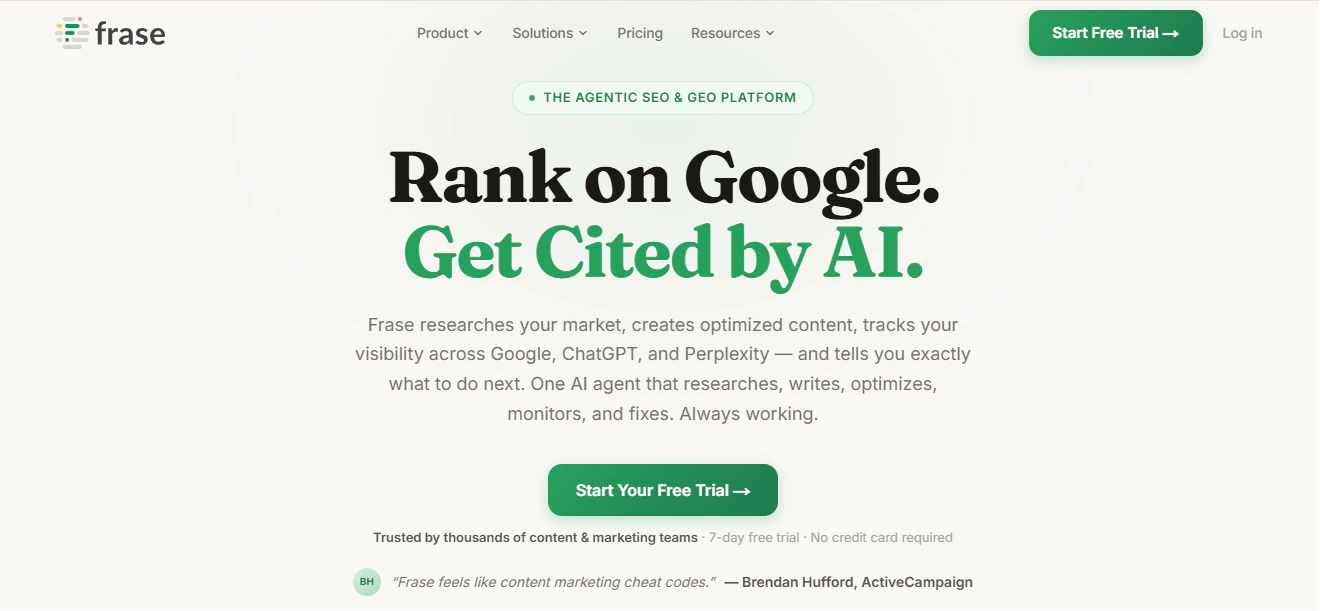
Frase helps you research a topic and build a content brief before you write. It pulls data from top-ranking pages and lets you see what questions users are asking.
In 2026, Frase added AI visibility tracking – it monitors how your content appears in tools like ChatGPT and Perplexity. That makes it more relevant than pure Google-focused tools.
Starting price is $39/month (annual billing).
Pros:
-
Strong research and brief-building features
-
AI search (GEO) tracking is a useful 2026 addition
-
Lower price than Surfer for comparable content scoring
Cons:
-
AI writing features are secondary – it's a research tool first
-
Interface takes time to learn
-
Team seat pricing adds up
Free plan: No (7-day trial)
Price: From $39/month (annual)
NeuronWriter – best for budget SEO content optimization
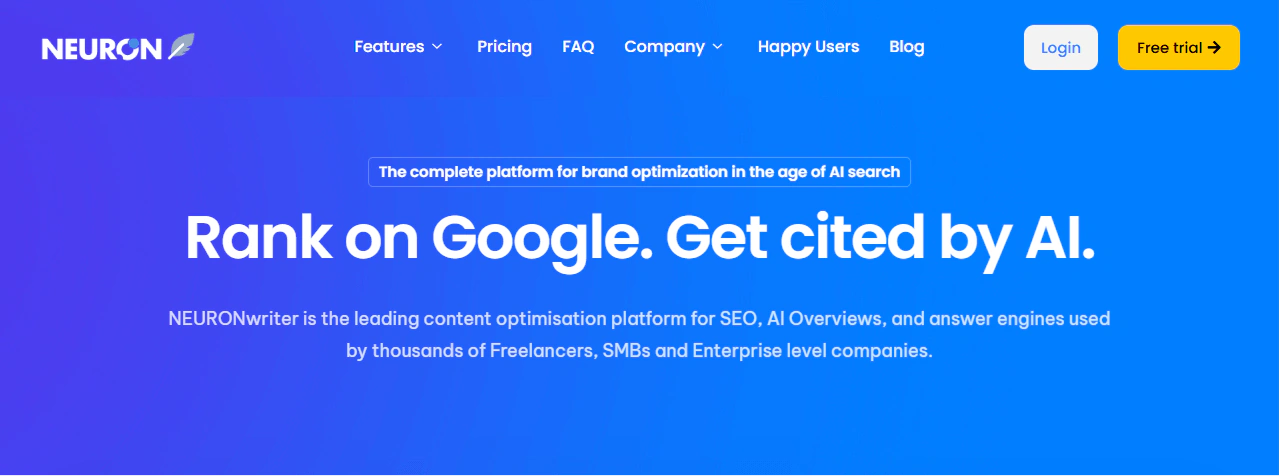
NeuronWriter does most of what Surfer does at a lower price. It uses NLP-based analysis to score content against competitors and suggests terms to include.
Plans start at $19/month. It also has a lifetime deal on AppSumo that some users cite as strong value.
The interface is less polished than Surfer. But for solo creators, freelancers, and small agencies, it covers the basics well.
Pros:
-
Best value SEO optimizer on the market
-
Unlimited team members on the Gold plan ($69/month)
-
60-day money-back guarantee
Cons:
-
Less polished UI than Surfer or Clearscope
-
Less data depth on very competitive keywords
-
Limited enterprise-level features
Free plan: No
Price: From $19/month
Best AI Editing tools
Grammarly – best for day-to-day grammar, clarity, and style corrections
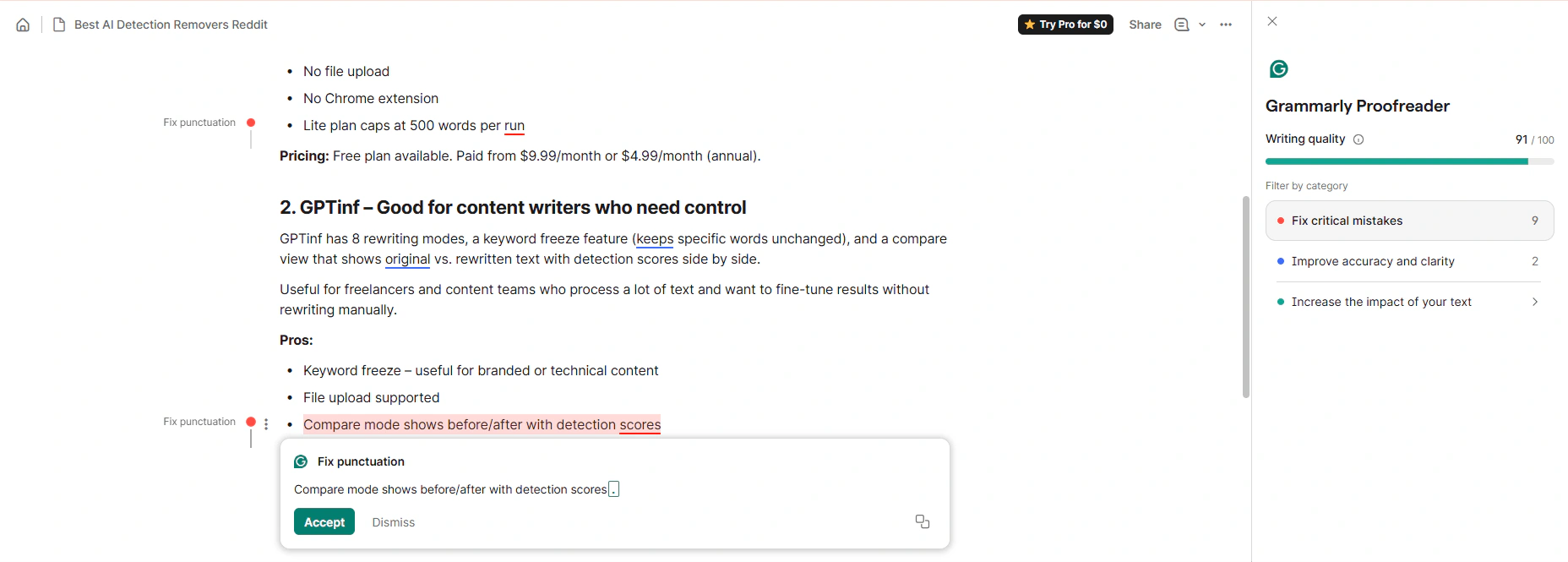
Grammarly is an AI writing assistant that works across browsers, desktop apps, and most workplace tools. In 2025, its parent company rebranded to Superhuman, but the product kept the Grammarly name.
It does more than grammar checking. The Pro plan adds sentence rewriting, tone detection, brand voice consistency, and generative AI drafting. The tone analyzer shows how your writing will land with readers – useful for emails and professional copy where register matters. It integrates with Google Docs, Microsoft Word, Slack, Notion, and most browsers via extension, so it works inside your existing workflow without switching tabs.
The Pro plan costs $12/month (annual billing) or $30/month (monthly). There's a free plan with basic grammar and spelling checks.
Pros:
-
Works everywhere – browser, Google Docs, Word
-
Real-time corrections with clear explanations
-
Good AI rewriting assistant
Cons:
-
Not cheap at $12/month compared to alternatives
-
Doesn't reduce AI detection risk
-
English-only focus (limited multilingual support)
Free plan: Yes
Price: Free / $12/month (Pro, annual)
ProWritingAid – best for authors, long-form editing, deep style analysis
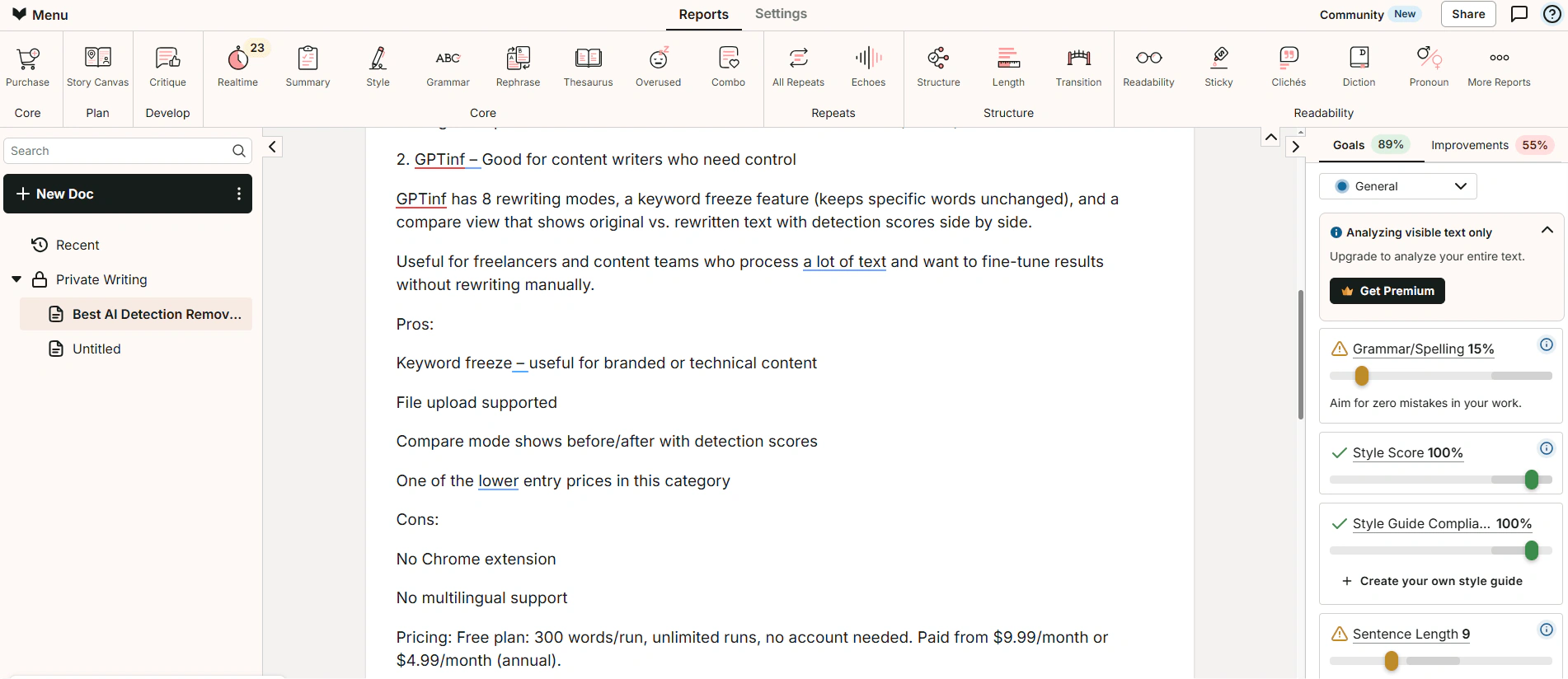
ProWritingAid goes deeper than Grammarly. It gives you 20+ analysis reports – pacing, dialogue tags, sentence variety, overused words, and more. It integrates with Scrivener, which makes it a favorite among fiction writers.
Premium is $120/year ($10/month billed annually). Premium Pro tier with AI features costs $144/year. There's also a lifetime Premium license at $399.
Pros:
-
Deep style analysis that Grammarly doesn't match
-
Scrivener integration for fiction writers
-
Lifetime license is strong long-term value
Cons:
-
Not built for quick in-browser editing
-
Less useful for short-form or business writing
-
UI is less intuitive than Grammarly
Free plan: Yes (limited)
Price: From $10/month (annual) / $399 lifetime
How we evaluated these AI Writing tools
We selected tools across four categories: general AI writing, SEO writing, grammar and editing, and AI humanization.
For each tool, we looked at four things:
Output quality. We ran the same prompts through each writing tool and assessed clarity, structure, and naturalness. We looked at whether the text needed heavy editing before it could be published.
AI detection score. For writing tools that produce text, we ran the raw output through GPTinf, which checks for 8 detectors including GPTZero and Originality.ai. This gives a baseline – not a guarantee – of how the content would perform in a standard editorial check.
SEO output. For SEO-focused tools, we checked whether content included relevant terms naturally, how well it matched search intent, and whether the structure matched what top-ranking pages use.
Price-to-value. We compared what each tool offers at its entry price against what alternatives offer at the same level.
How to choose the best AI Writing tool for you
The right tool depends on what you actually need. Here's a simple breakdown by use case.
Bloggers and solo content creators
Start with ChatGPT Plus or Claude Pro ($20/month). Both give you strong general writing at low cost. Add GPTinf if you need to pass AI detection on published content.
SEO teams and content agencies
You likely need two tools: a general writer (ChatGPT or Claude) plus an SEO optimizer (Surfer SEO for agencies, NeuronWriter for budget-conscious teams). If AI detection is a concern, add GPTinf to the workflow.
Copywriters
Grammarly is useful for reworking drafts and varying phrasing across multiple deliverables. Add GPTinf for humanization before the copy goes to a client.
Students
GPTinf works as an all-in-one tool – draft, humanize, check for AI signals, and run a plagiarism check before you hand anything in. For humanization specifically, HumanizeAI is a strong option: it's built with students in mind, offers multiple modes including Academic. For a full comparison, see our guide to the Best AI Humanizer Tools.
Fiction writers and authors
ProWritingAid for deep style analysis. It integrates with Scrivener and gives feedback that no other tool matches for narrative work.
FAQs
What is the best AI writing tool in 2026?
It depends on what you need. ChatGPT Plus and Claude Pro are the strongest general writing tools at $20/month. For SEO content, Surfer SEO or NeuronWriter add the optimization layer. For AI humanization, GPTinf is the best-value option for content teams.
Are AI writing tools detectable?
Yes. Most major AI writing tools – ChatGPT, Claude, Writesonic – produce output that gets flagged by GPTZero and Originality.ai on raw text. Detection accuracy has improved significantly. Standard AI-generated text without editing or humanization will be caught by most modern detectors.
What AI writing tool passes AI detection?
No writing tool produces output that reliably passes AI detection by default. You need a humanization step. GPTinf is built specifically for this – it rewrites AI text to reduce detectable patterns, with a Freeze Keywords feature that keeps your target SEO terms in place. Undetectable.ai is another option. Results vary, and no tool guarantees 100% pass rates on every detector.
What are the best free AI writing tools?
-
ChatGPT (free tier with GPT-3.5)
-
Claude (free tier with daily limits)
-
QuillBot (free plan with 125 words)
-
Grammarly (free plan with basic grammar)
-
GPTinf (free plan with 300 words/run)