


What are the best AI Detection Removers?
AI detection removers are tools that rewrite AI-generated text so it looks more like human writing. They are often used alongside a best ai writing tool to speed up the content production process. The best ai remover tool helps the text pass checks from platforms like Turnitin, GPTZero, or Originality.ai. Writers, students, and content creators use an ai detection remover when they need their content to sound natural and avoid flags. If you work with AI-written drafts regularly, a reliable ai detector bypass tool can save time and reduce the risk of rejection.
This page compares 6 ai removers to help you quickly see the main differences between each option. We look at features, pricing, free limits, use cases, and user feedback. By the end, you will know which tool fits your needs best.
Comparison of the best 6 AI Detection Removers
|
Parameter |
GPTinf |
HumanizeAI |
UndetectableAI |
BypassGPT |
StealthWriter |
WriteHuman |
|
Humanization Modes |
8 modes (Standard, Academic, Formal, Informal, and others) |
10 modes (Standard, Academic, Formal, Informal, and others) |
Available in paid plans |
3 modes (Fast, Creative, Enhanced) |
2 models (Ninja, Ghost) |
3 modes (Simple, Standard, Enhanced) |
|
Free Plan |
300 words per run |
200 words per run for anon. user 400 words for signed up |
1000 words for month + 1000 words/month for registered users |
150 words/month; 80 words per run |
10 humanizations/day; 1,000 words per run |
3 requests/month; 250 words per run |
|
Built-in AI Detector |
Yes – unlimited checks included |
Yes – included in all plans |
Yes – built-in detector included |
Yes – built-in AI checker |
Yes – V2 detector + Deep Scan included |
Yes – AI detection checks included |
|
Use Case Coverage |
Essays, blogs, emails, SEO articles, reports, social media |
Essays, blogs, emails, marketing copy, academic writing |
Best for short texts |
Essays, blogs, emails, marketing copy |
Essays, blogs, SEO content |
Blogs, emails, essays, social media, marketing copy |
|
Pricing Start |
$9.99 |
$9.99 |
$9.99 |
$12 |
$20 |
$18 |
|
Supported Languages |
EN |
EN,ES |
EN |
50+ languages |
EN |
40+ languages |
What each AI Detection Remover actually offers
GPTinf – best AI Detection Remover for students and content writers
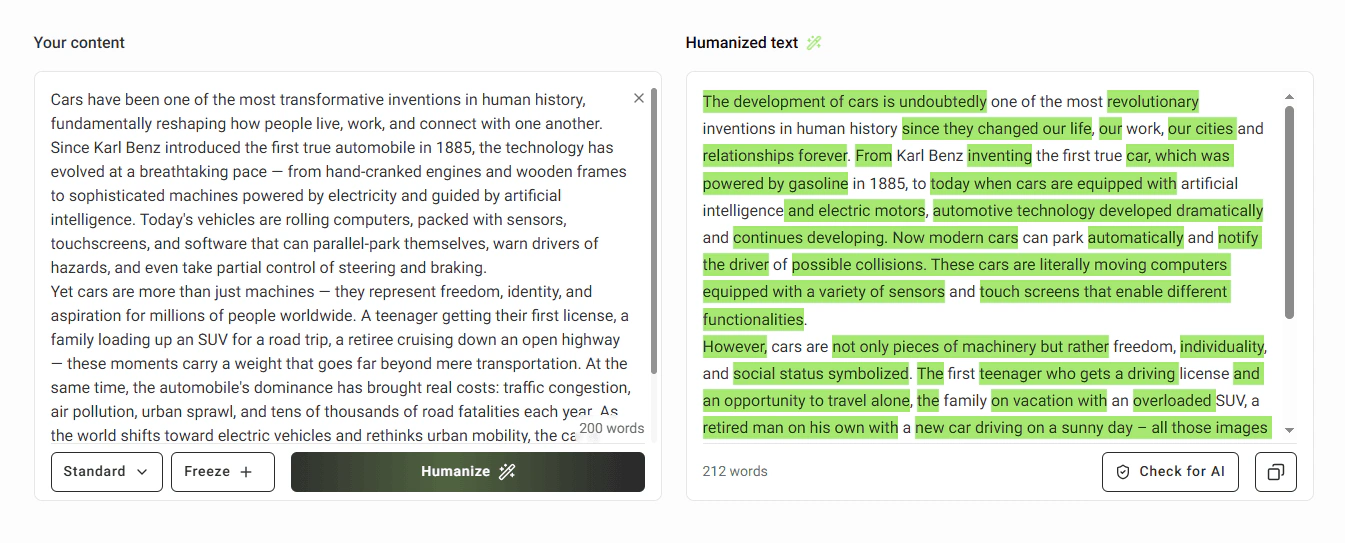
GPTinf is an all-in-one writing toolkit that rewrites AI-generated text so it reads like it was written by a person. It works at the sentence level – changing structure, rhythm, and word choice – not just swapping synonyms.
It is best for students who need to clean up AI-drafted essays before submission and for freelance writers who need publication-ready content. The built-in plagiarism checker and AI detector mean you can humanize, check for plagiarism, and verify detection results without switching tools.
Pros:
-
File upload on all plans
-
Freeze keywords – you can lock specific words or phrases so the humanizer never changes them
-
Built-in detector runs automatically – after every humanization
-
All-in-one workflow Humanizer, AI detector, plagiarism checker, and grammar checker are all in one platform
Cons:
-
No Chrome extension
-
Selective rephrase and re-humanize require a paid plan
Free plan: 300 words per run with no account needed; file upload and unlimited AI detector checks are included on the free tier.
Paid plans start at $9.99/month.
Humanize AI – best AI Detection Remover for academic writing and essays
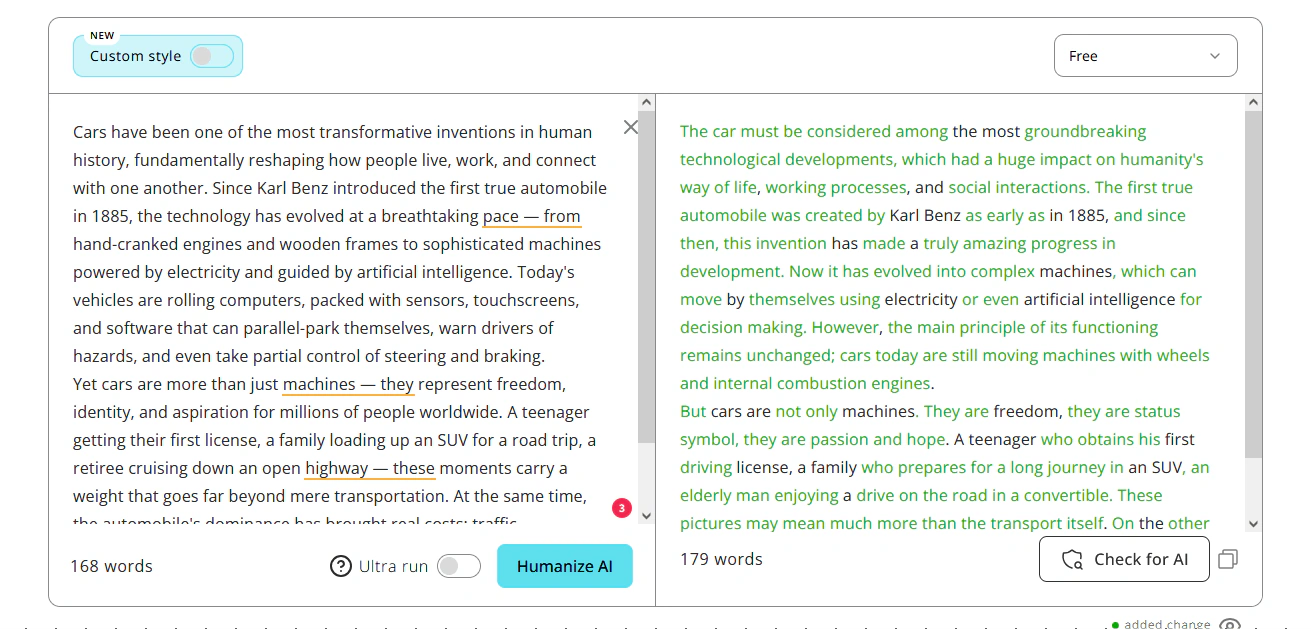
Humanize AI rewrites AI-generated text at the sentence level – changing structure, rhythm, and phrasing so it reads like a person wrote it. It is one of the best ai remover tools for students who need their essay to pass Turnitin or Originality.ai without losing the original meaning or formal tone.
Unlike tools that push text toward casual language to reduce detection scores, Humanize AI stays inside the academic register – which matters when you are submitting a research paper or formal report. The built-in AI detector lets you check results right after humanizing, without opening another tab.
Pros:
-
10 humanization modes – includes Academic, Formal, Simple, Flowing, and others
-
Free detector with full signal breakdown
-
Register preservation – the tool rewrites AI text while keeping the formal academic tone intact
-
Ultra run toggle – for text that needs more aggressive AI pattern removal
Cons:
- No file upload
- Selective rephrase and re-humanize require Standard plan or above
Free plan: 200 words per run with no account, 400 words/run signed in; all modes and the AI detector are included on the free tier.
Paid plans start at $9.99/month.
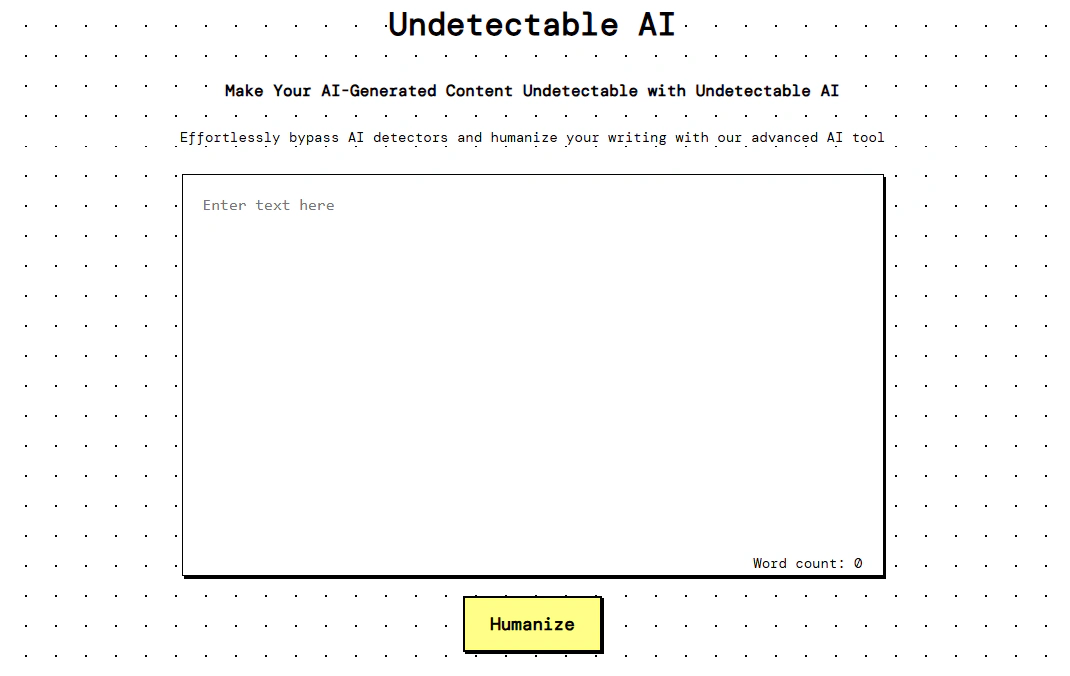
UndetectableAI – best AI Detection Remover for quick rewrites
UndetectableAI rewrites AI-generated text to make it harder to detect by automated systems like Turnitin, GPTZero, and Originality.ai. It is one of the most accessible best ai detector bypass tools available – you do not need to create an account or pay anything to start using it.
The tool works in seconds: paste your text, click rewrite, and get a humanized version back immediately. It is best for users who need a fast, low-friction option without committing to a subscription.
Pros:
-
Built-in AI detector included
-
Plagiarism checker included
-
Targets a wide range of detectors
Cons:
-
No file upload
-
Only one humanization mode in free plan
Free plan: 1000 words/month for anon users, 2000 for registered users.
Paid plans start at $9.99/month.
BypassGPT – best for non-English writers
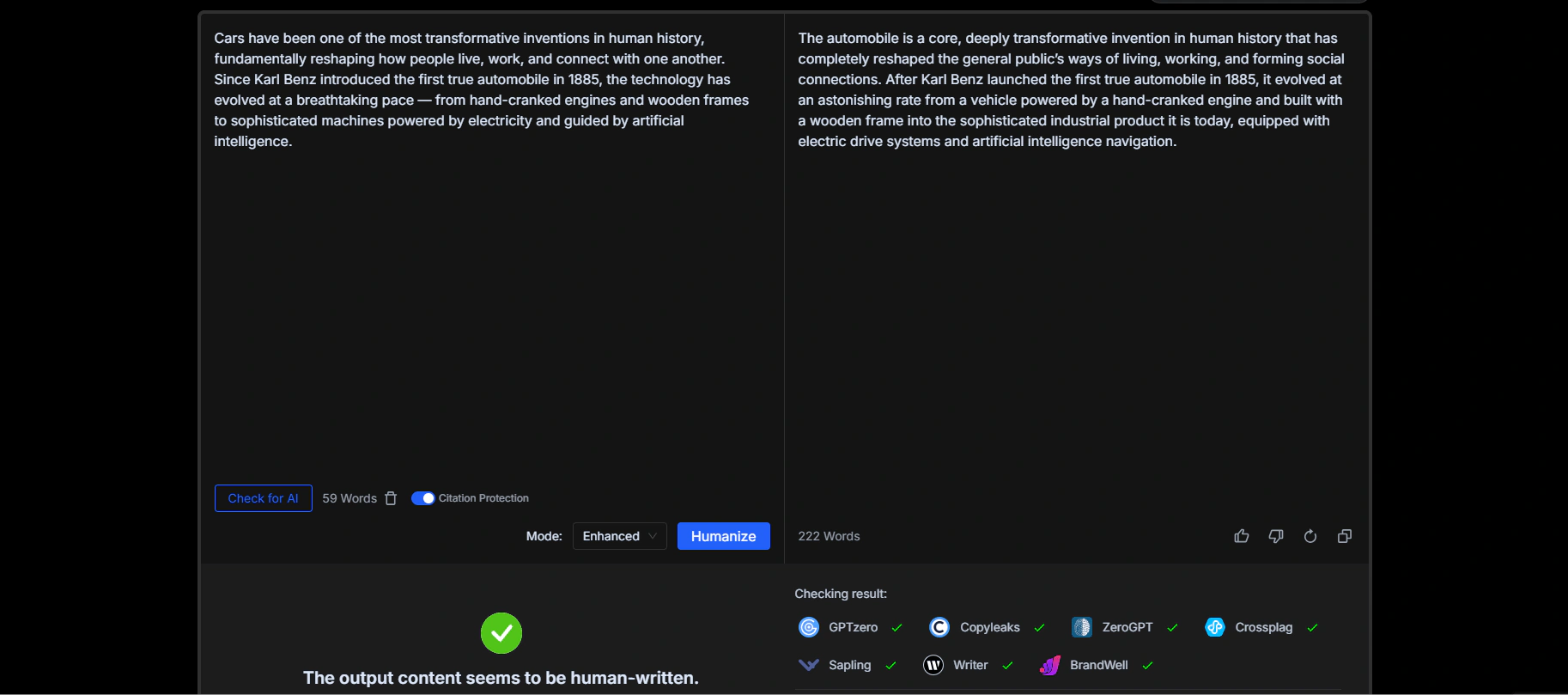
BypassGPT is an AI remover that rewrites AI-generated text to help it pass major detection tools including Turnitin, GPTZero, Copyleaks, and Originality.ai. It offers three rewriting modes – Fast, Creative, and Enhanced – which gives users some control over how aggressively the text is changed.
The tool also includes a built-in AI checker so you can verify results without leaving the platform. It supports over 50 languages, which makes it a practical option for non-English writers who need AI detection removal in their native language without switching to a separate tool.
Pros:
-
Built-in AI checker
-
50+ languages supported
-
SEO-friendly output
Cons:
-
Free plan is very limited
-
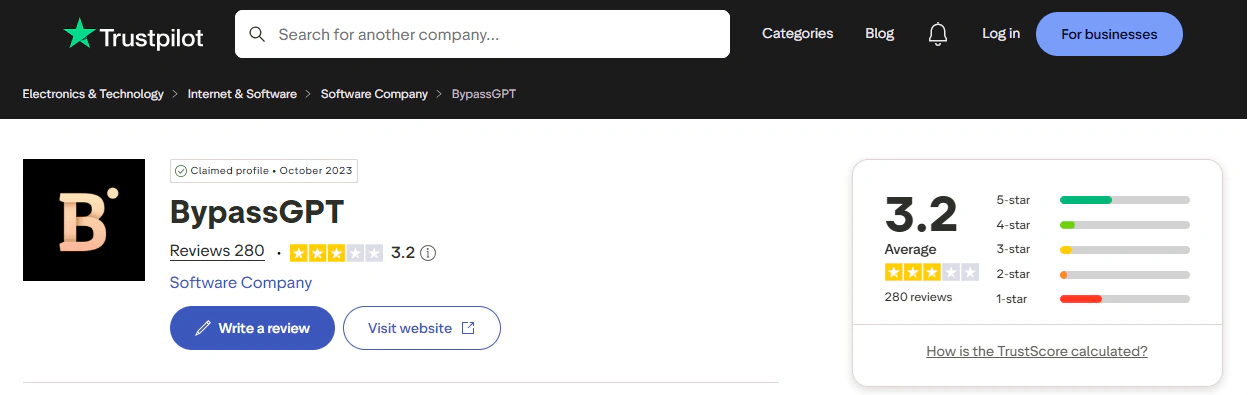
Output quality is inconsistent – user reviews on Trustpilot note that the rewritten text sometimes adds extra content, changes meaning, or produces non-standard phrasing that needs manual correction
-
3-day refund window with usage cap
Free plan: 150 words per month; 80 words per input; built-in AI checker included.
Paid plans start at $12/month.
StealthWriter – best for writers who need high word limits per run
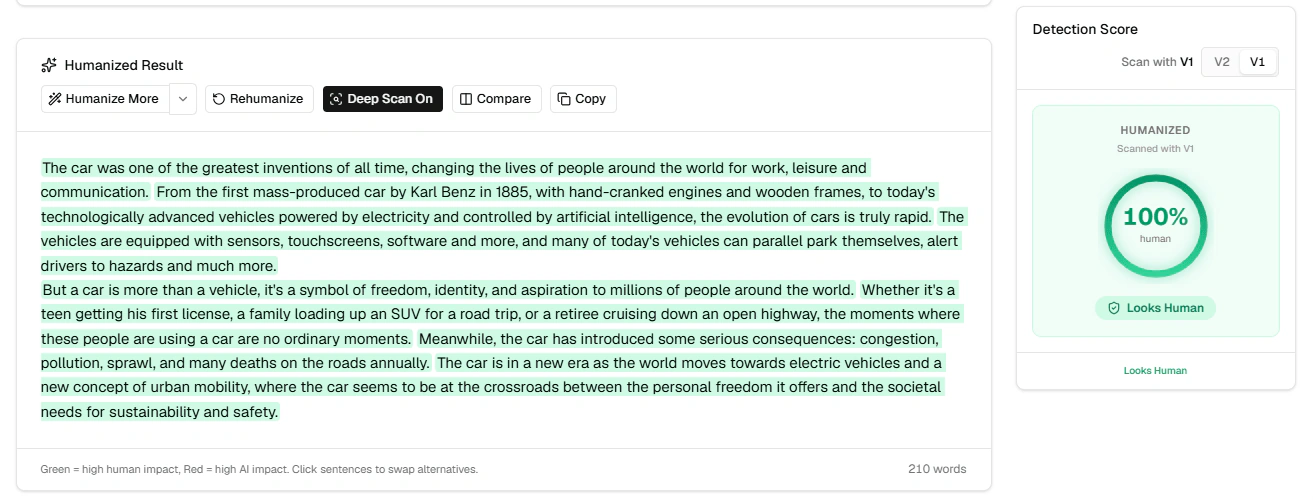
StealthWriter is an AI detection remover that rewrites AI-generated text using two models – Ninja and Ghost – each designed to handle different levels of detection resistance. It stands out for allowing up to 1,000 words per run on the free plan, which is higher than most tools in this category.
The built-in V2 detector and Deep Scan feature let you check results immediately after rewriting. It works best for writers who regularly process longer pieces of text and want to see detection scores before and after in the same interface.
Pros:
-
High word limit per run on free plan
-
Built-in detector with Deep Scan – both the V2 detector and Deep Scan are included on the free plan, so you can verify output quality without needing a separate tool
-
10 humanizations per day on free plan
Cons:
-
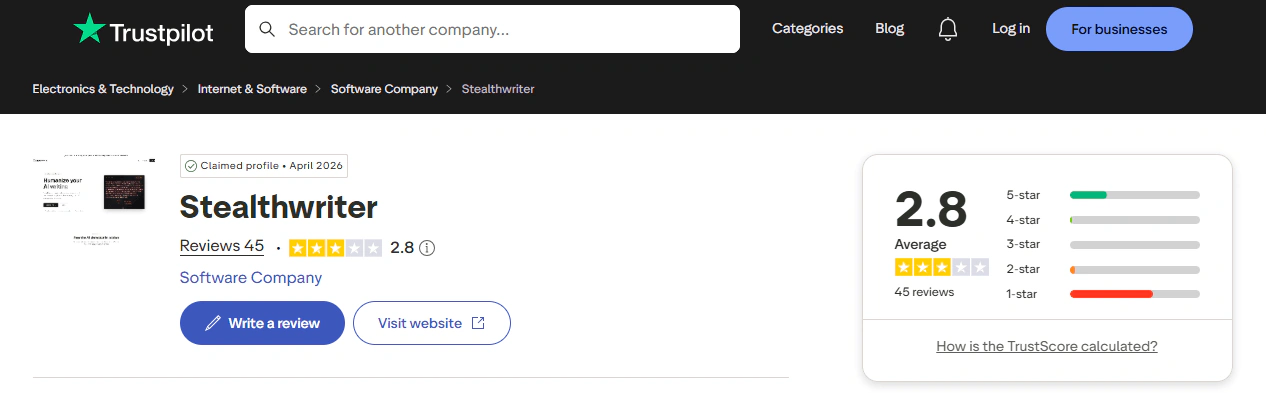
Trustpilot rating is low – StealthWriter holds a 2.8/5 score from 44 reviews, with complaints about subscription cancellation difficulty and unclear usage tracking
-
Ghost model is only available on paid plans
-
Paid plans start at $20/month
Free plan: 10 humanizations per day; 1,000 words per input; V2 detector and Deep Scan included; no credit card required.
Paid plans start at $20/month.
WriteHuman – best for blog writers
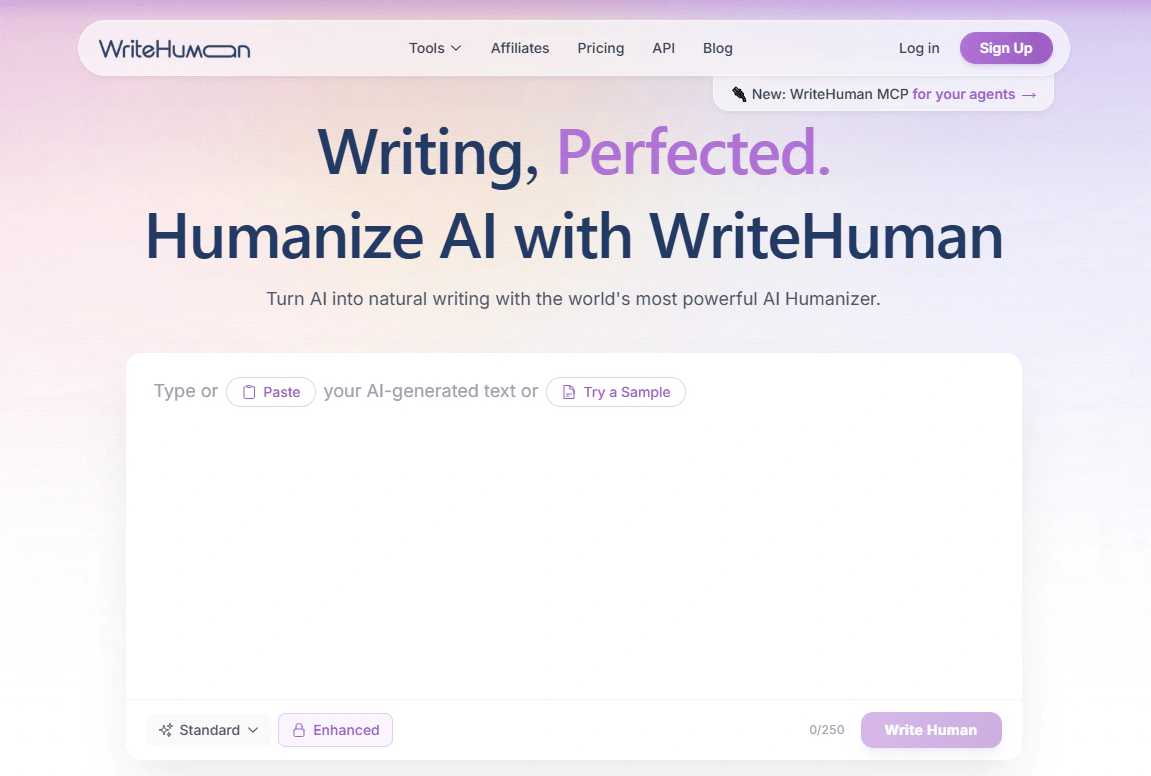
WriteHuman is an AI detection remover that focuses on making AI-generated text sound more natural and readable, rather than just reducing detection scores. It offers three humanization modes – Simple, Standard, and Enhanced – and gives multiple output variations per run so you can choose the version that fits your tone best.
The built-in AI detector lets you check results without leaving the platform. It works best for bloggers, email writers, and content creators who care about output readability as much as passing detection tools.
Pros:
-
Multiple output variations per run – depending on your plan, you get 2 to 5 different rewritten versions of your text
-
40+ languages supported – covers a wide range of languages, making it accessible for non-English writers who need AI detection removal in their own language
-
Clean interface with no unnecessary steps
Cons:
-
Free plan is very limited
-
Inconsistent results on stricter detectors
-
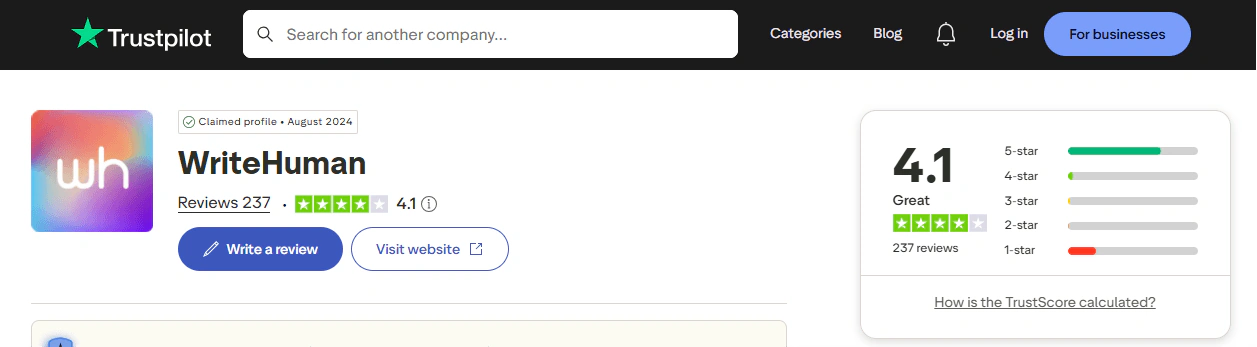
Refund complaints in user reviews
Free plan: 3 humanization requests per month; 250 words per run; basic humanization model; AI detector included.
Paid plans start at $18/month.
Final thoughts
The best AI detection remover depends on what you need it for. If you are a student or writer who wants a full workflow in one place – humanize, check for plagiarism, and verify detection results without switching tools – GPTinf is the most practical option. If you need a free tool to test quickly brief texts, UndetectableAI is worth trying first. BypassGPT works well if you write in a language other than English, and WriteHuman is a solid pick if readability matters more to you than deep detector bypass.
For academic writing specifically, HumanizeAI gives you the most control over tone and register without pushing your text toward casual language. Whichever tool you choose, start with the free plan to test the output quality on your own text before paying.
FAQ
Can an AI detection remover guarantee that my text will pass every detector?
No tool can guarantee a 100% pass rate on every detector every time, because detectors update their models regularly and results can vary depending on the length and complexity of your text. The safest approach is to run your text through the tool's built-in detector after rewriting and check the result yourself before submitting.
Do free plans work well enough for a full essay or article?
Most free plans in this category limit you to 150–400 words per run, which covers a paragraph but not a full piece. If you are working with longer content, you will likely need to either split the text into sections or upgrade to a paid plan.
Will the rewritten text still sound like me after humanization?
Most tools change sentence structure and word choice, which can sometimes shift the tone away from your original voice. To reduce this risk, look for tools that offer a freeze keywords feature or selective rephrase, so you can protect specific phrases and only rewrite the parts that need it.
Is it worth paying for a tool if a free option exists?
Free plans are useful for testing whether a tool works on your type of content, but they usually have strict word limits and fewer rewriting modes. If you process more than a few hundred words regularly, a paid plan will save more time than the cost – especially if it includes unlimited plagiarism checks or re-humanizing.
Can these tools handle languages other than English?
Some tools in this category support 40–50+ languages, while others are built primarily for English. If you write in another language, check the supported languages list before signing up, since rewriting quality in non-English languages can vary significantly across tools.
What is the difference between an AI humanizer and an AI detection remover?
They refer to the same type of tool – one that rewrites AI-generated text to make it read more like human writing. The term "AI detection remover" focuses on the outcome of passing automated checks, while "AI humanizer" focuses on the process of improving natural language quality. Both describe tools that do the same job.