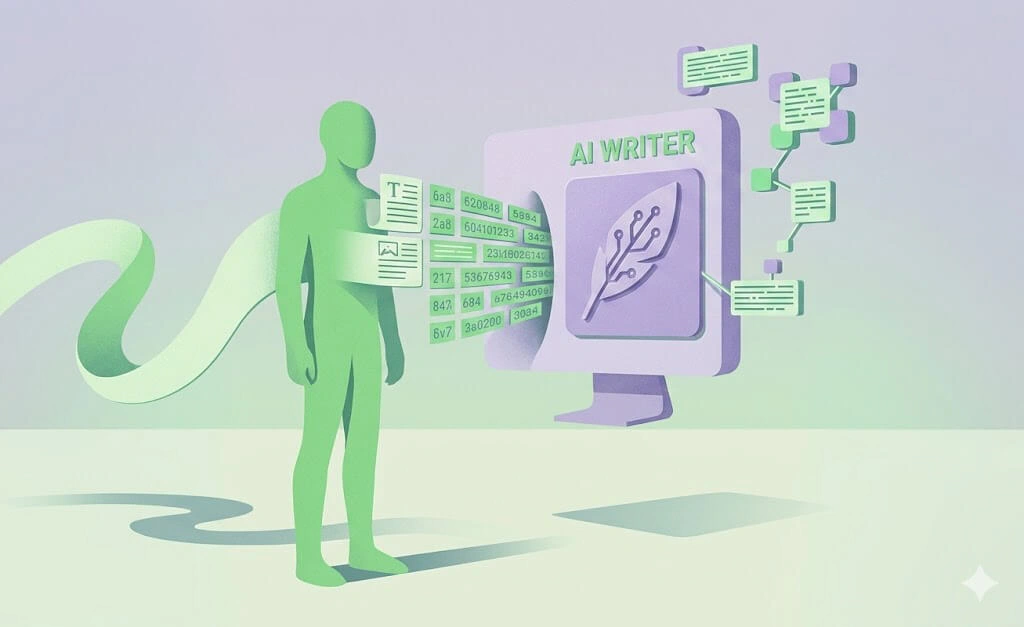

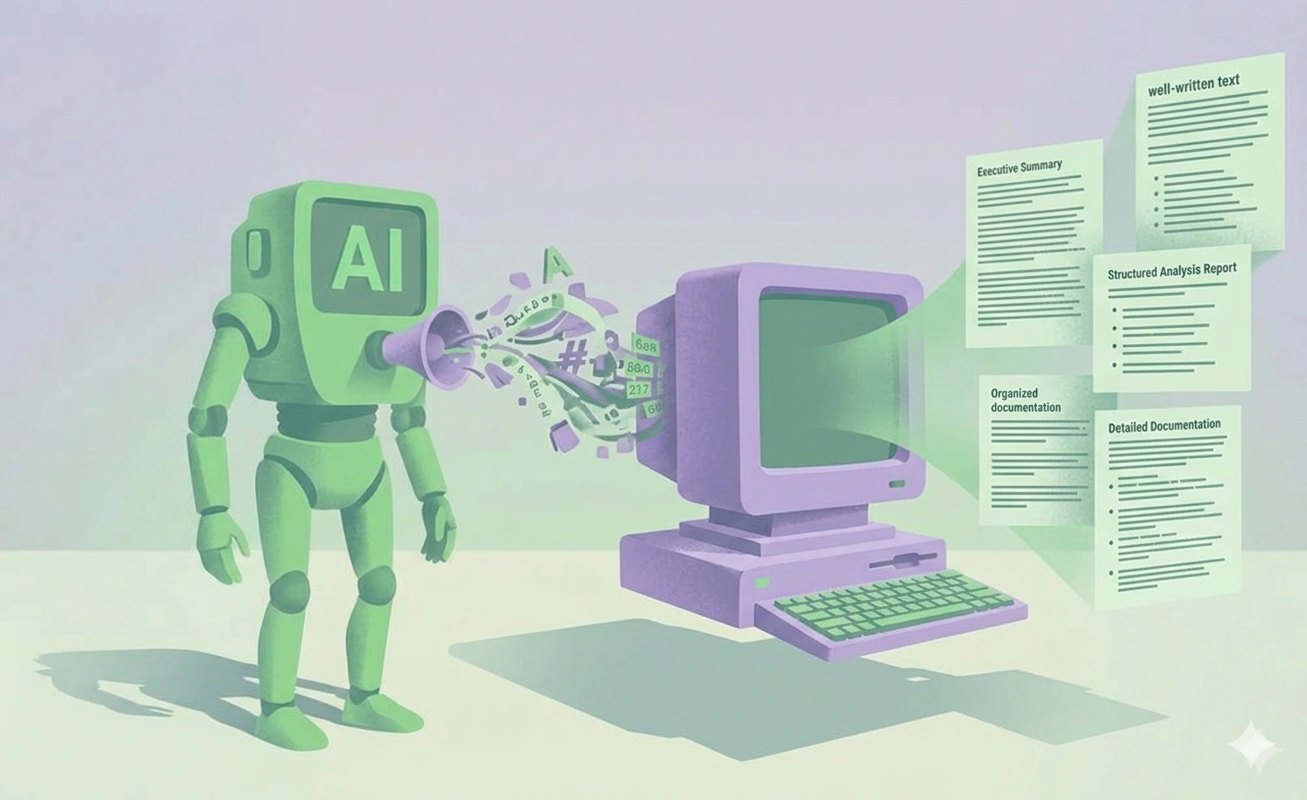
Why do you need to make text sound human?
AI text often reads flat and generic. Readers notice this, and it can make your work feel less trustworthy. Anyone who uses AI for blogs, emails, or school work needs the text to sound natural. Human-sounding writing keeps people reading and gets your point across. It also helps you avoid false flags from AI detectors.
How to detect AI written content
AI writing often shares the same patterns. Once you learn them, you can spot them fast.
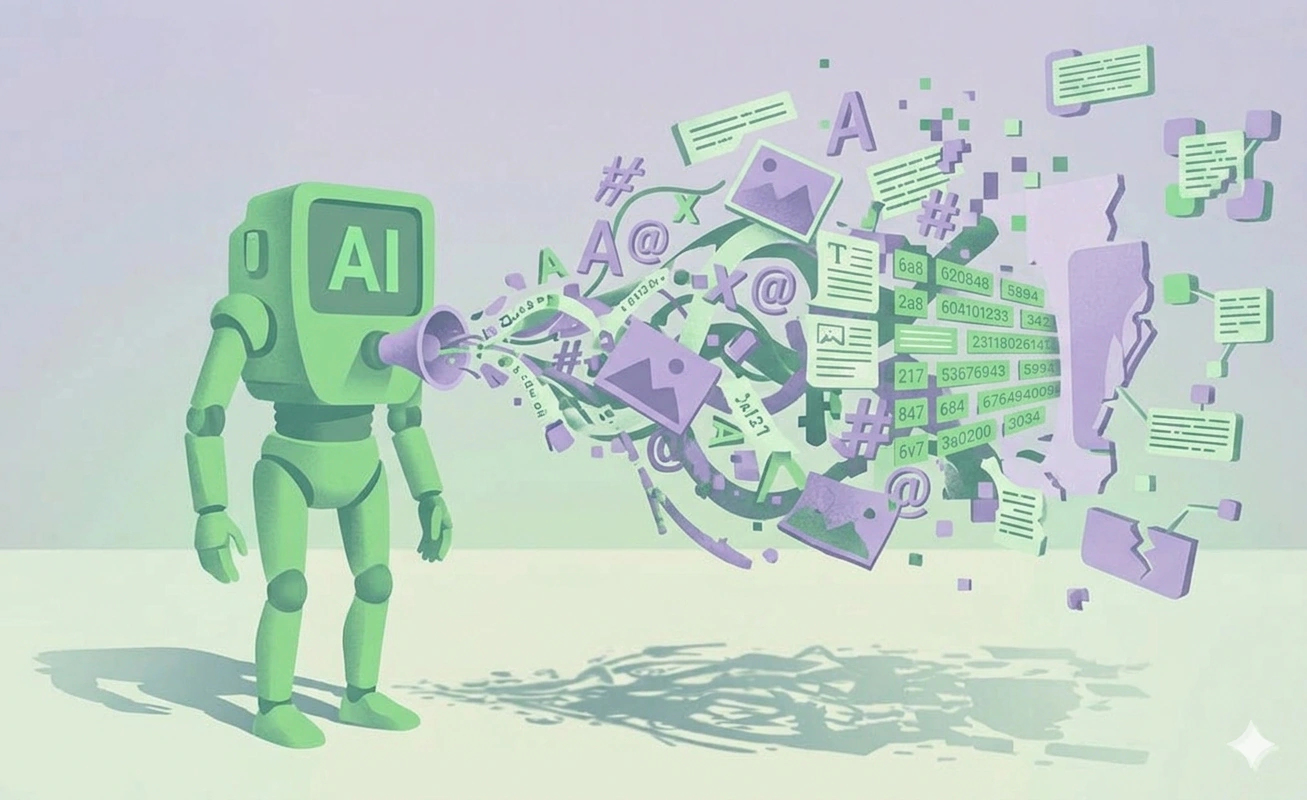
Here are the most common ones:
- Repeated transition words. Words like "however," "moreover," and "furthermore" show up too often.
- Paired adjectives. AI likes to use two adjectives together, such as "clear and simple" or "fast and easy."
- Even sentence length. Most sentences are the same length, so the text has no rhythm.
- Hedging language. Phrases like "it's worth noting" or "it's important to remember" add words but no meaning.
- Over-explaining. AI repeats the same point in different ways.
- Generic examples. The examples are vague and could fit any topic.
When you see these signs, you know what to change.
9 steps for how to humanize AI text manually
This is the core work. None of these steps need a tool. They take time, but they give you the most control:
-
Vary your sentence length. Mix short and long sentences. A short sentence after a long one adds rhythm. This is one of the fastest ways to sound human. Before: "The app is fast. The app is simple. The app is cheap." After: "The app is fast and simple. And it costs less than most tools on the market."
-
Cut filler and hedging. Remove phrases that add no meaning. Before: "It's important to note that the price is low." After: "The price is low." Other phrases to cut: "it's worth mentioning," "in order to," "at the end of the day," "when it comes to."
-
Add specific details. Use real names, numbers, and facts. Vague words make text feel empty. Before: "Many users saw better results." After: "Three out of five users finished the task faster." Swap "a lot," "some," and "various" for real numbers when you have them.
-
Use active voice. Put the actor first. Before: "The report was finished by the team." After: "The team finished the report." Active voice is shorter and easier to read.
-
Use contractions. AI often writes in a stiff way. Contractions sound more like speech. Before: "It is not hard, and you will get used to it." After: "It's not hard, and you'll get used to it."
-
Break up repeated transitions. AI leans on the same connectors. Cut them or replace them. Before: "However, the plan worked. Moreover, it saved time. Furthermore, the cost dropped." After: "The plan worked. It saved time, and the cost dropped."
-
Add a personal angle. Share an opinion or a small story. AI does not have real experiences, so a personal note stands out. Example: "I tried this on my own blog last month, and the bounce rate dropped."
-
Read it aloud. When you read text out loud, you catch unnatural phrasing fast. If a sentence is hard to say, rewrite it. Watch for long sentences that make you run out of breath.
-
Fix the prompt, not just the output. If the AI keeps making the same mistakes, change your prompt. Ask for short sentences, a clear tone, or fewer transition words. For example: "Write in short sentences. Use no more than one transition word per paragraph."
Using an AI humanizer
Editing by hand works, but it takes time. When you have a lot of text or a tight deadline, an AI to human text converter can help.
These tools rewrite AI text to read more naturally. They change word choice and sentence structure, so they fix the same patterns we looked at earlier: even sentence length, repeated transitions, and stiff, impersonal phrasing. That is their main value.
They give you a fast first pass on a large amount of text, and then you do a shorter review. One such tool is GPTinf.
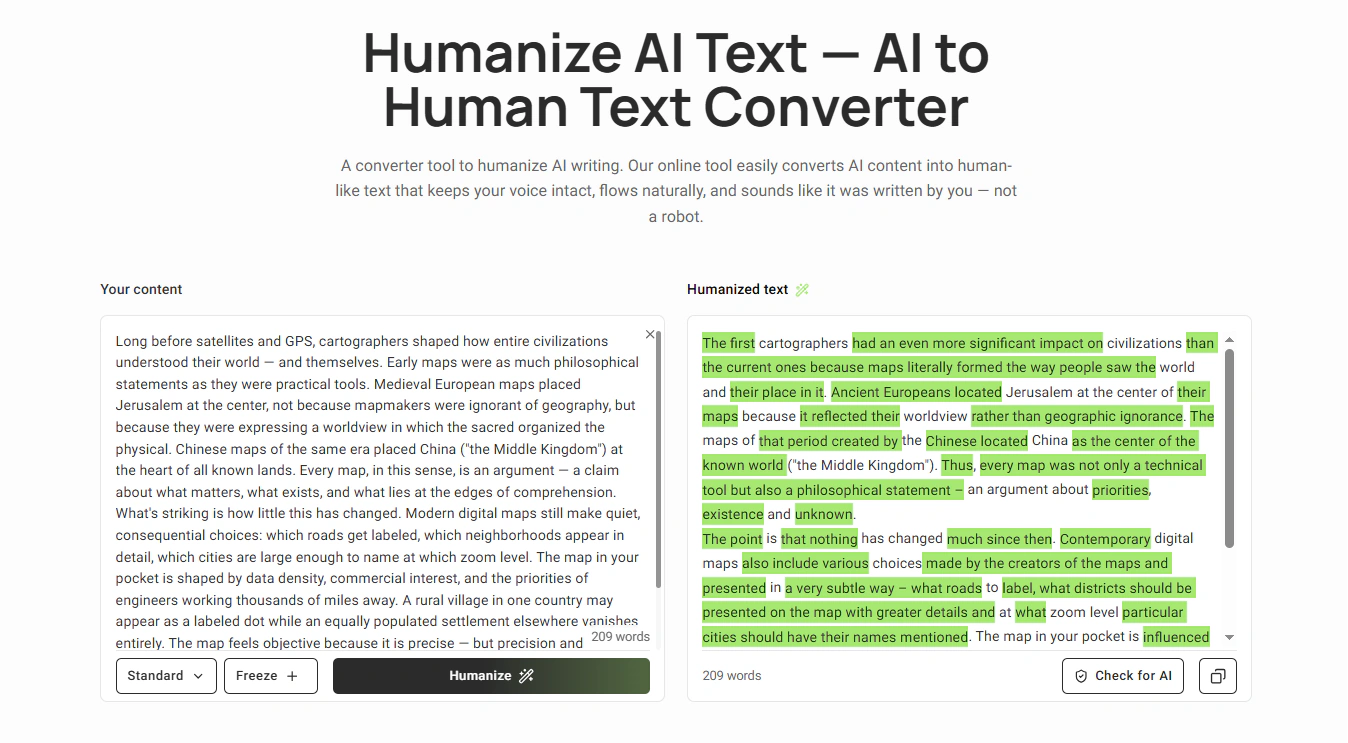
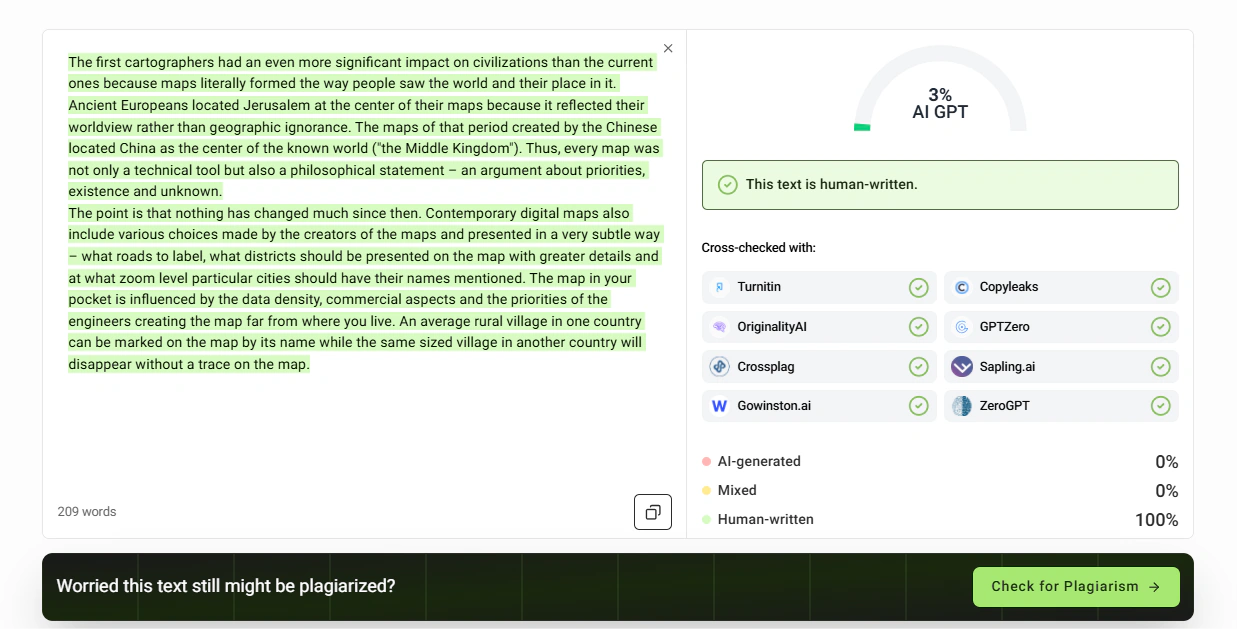
GPTinf is an AI to human text converter that rewrites AI text at the sentence level, so it changes the structure and not just a few words. You paste your text or upload a file, pick a rewrite mode, and get a more natural version back. After each rewrite, it shows an AI detection score, so you can see how human the text reads before you use it.
It is best for students, content writers, bloggers, and non-native English speakers who use AI for a first draft and want it to sound like their own work. The practical value is the workflow: you rewrite, check the score, and fix copied text or grammar in the same place, instead of moving between three tools.
Manual editing vs. humanizer tool
Both methods work, so the right choice comes down to your time and your goals. Here's how manual editing and a humanizer compare side by side:
|
What matters |
Manual editing |
AI humanizer (GPTinf) |
|
Speed |
Slow, line by line |
Fast, whole text in seconds |
|
Effort |
High, you rewrite everything |
Moderate, the tool handles it |
|
Long texts |
Hard and tiring |
Handles them with ease |
|
Control |
Full control of each word |
High, with modes and Freeze Keywords |
|
Detection check |
You have to guess |
Built-in score after each run |
|
Price |
Free, but costs your time |
Free up to 300 words/run; paid from $9.99/mo |
|
Best for |
One short, important piece |
Most day-to-day writing |
6 Common mistakes when humanizing
Knowing how to make writing not sound like AI is only half the job. The other half is not overdoing it. Here are the mistakes people make most, and what to do instead.
1. Editing until the meaning breaks
Some writers change so many words that the point gets lost. The text sounds human but says the wrong thing. Original: "The app saves your work every five minutes." Over-edited: "The app keeps an eye on your stuff now and then." The second line lost the real detail. Keep the facts; change the style.
2. Adding fake personal stories
A personal note can help, but only if it's true. Made-up stories backfire when a reader spots them. Bad: "As a doctor with 20 years of experience, I can say..." when you're not a doctor. Better: share a real, small detail you actually know, or skip it.
3. Changing the facts
When you rewrite, it's easy to bend a number or a name by mistake. This is worse than sounding robotic. Bad: turning "the study ran for six weeks" into "the study ran for a few months." Always check that names, dates, and numbers match the source after you edit.
4. Stuffing in keywords
Keyword stuffing means repeating the same search term over and over to rank higher. It makes the text awkward and hard to read, because the words are there for a search engine, not for the reader. Search engines no longer reward this, and they may rank the page lower for it. Use your keyword where it fits the meaning, then write in normal words.
5. Trading one AI habit for another
People cut "however" and then start every line with "but." Or they swap one filler phrase for a different one. Bad: "But the tool is fast. But it's cheap. But it works." Mix your sentence openings instead of leaning on one word.
6. Removing all structure
Short sentences are good, but not every sentence can be three words long. Text with no longer sentences feels choppy and still reads as edited. Aim for a mix. A few short lines, then a longer one.
Conclusion
AI writing does not have to sound robotic. Start by learning the signs: repeated transitions, even sentence length, and filler words. Then fix the text by hand. Vary your sentences, cut the filler, and add real details.
When you have a lot to write, a humanizer like GPTinf can speed up the work. With these steps, your AI text will read clearly and sound natural.
FAQ
Does this work for any AI model?
Yes. The signs of AI writing are similar across models. The same manual fixes and tools work no matter which AI you use.
Will editing change the meaning of my text?
It can, if you are not careful. Always read the final version to make sure the meaning stays the same. This is true for both manual edits and humanizer tools.
Do I still need to edit after using a humanizer?
No editing required. GPTinf does most of the work for you. It rewrites the text and also gives you built-in tools to check it: an AI detection score, a grammar checker, and a plagiarism checker. You can rewrite and check in one place.
How long does it take to make AI text sound human?
It depends on the length. A short post may take a few minutes by hand. A long article is faster with a tool plus a review.