

You already run two checks before turning in a paper: grammar and a plagiarism checker. But there is a third: an AI content detector. Even if you wrote the draft yourself or only used ChatGPT for an outline, your professor won’t know that from the file alone. To reduce false flags (and the grading headaches that follow), most students now add a quick pass with a detector like GoWinston or similar AI detection tools.
You need to understand that one scan isn’t always enough. Different detectors disagree, short inputs wobble, and you know that polished academic style can look more “AI-generated” for some reason. Since many detectors can misflag your text, you need tools that tell you the least lies.
So this guide keeps it practical. We will talk about what AI detector tools really measure, other AI technologies like GoWinston you can try, and an effective student workflow (check → revise → re-scan) to lock in your high score. We’ll also show top alternative fit — a custom, non-AI detector + humanizer that helps you detect AI patterns and fix them without turning your work into even more generic AI text.
What is Winston AI (or gowinston ai) and How Does It Work for AI Detection?
Winston AI is an AI content detector. It's a tool that estimates the likelihood that a passage reads like it was produced by an LLM like ChatGPT, GPT-4, Google Gemini, or Bard. It doesn’t “see” your drafts; it looks at writing patterns (often called perplexity, burstiness, and simple stylometric cues) and returns a likelihood score. Depending on the plan, you may also get document uploads, downloadable reports, and an API.
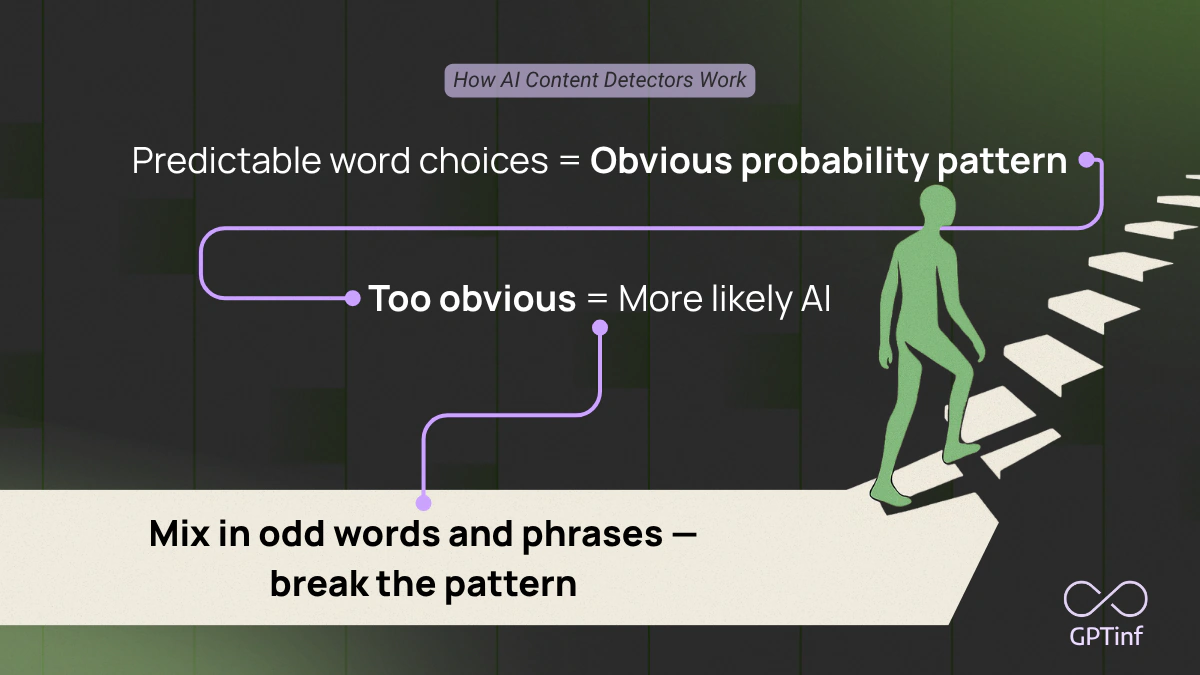
Read more: How AI Detectors Work in Essays.
Strengths of GoWinston
- Straightforward scan flow with quick results
- Document-level checks (DOCX/PDF/TXT) and exportable reports
- Works well as a first pass before you revise or run a second detector
- Simple, user-friendly interface
Limitations of GoWinston
- Short inputs can wobble; very brief answers (under ~150–200 words) are less reliable
- Polished, highly structured academic prose can look “machine-like” and get flagged
- Pricing : /
Bottom line: Winston AI detector gives you a probability signal but not definitive proof of AI use. If a section of your paper gets flagged, you can improve it by adding course-specific detail, varying sentence length, and citing sources clearly. But before you do all that, you might want to rescan with a second tool before you decide what to change.
Why You Might Want a Winston AI Alternative after reading some Reviews
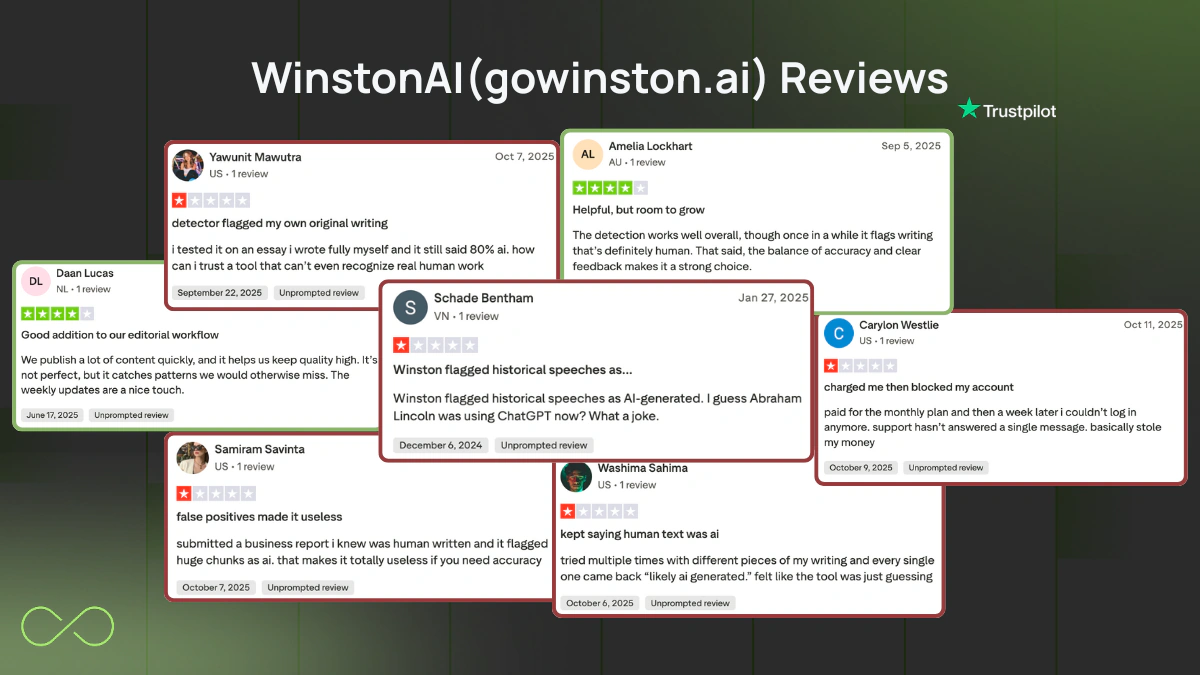
Reviews Source: Trustpilot
Most students use Winston AI (aka gowinston.ai) as a first pass. It’s quick and familiar. Still, there are good reasons to keep a second AI checker in your workflow:
- Scores can differ.
One detector says “human,” another says “AI-generated.” Different detection algorithms and thresholds create variation, so a second read is common. - Free caps.
A free tier may limit words or scans, which isn’t great when you need to check a full paper the night before it’s due. - Paid Tiers.
The pricing can feel steep for students or high-volume users, so some look for more affordable detectors with similar accuracy. - Short or academic writing.
Very brief answers or tightly formatted academic papers can get flagged, even if you wrote it. - Explainability.
A single percentage doesn’t tell you what to edit. Line-level highlights (rhythm, repetition, phrasing) save time.
Best Detection Tools Like Winston AI to Detect AI-Generated Text (2025 List)
1) GPTinf (Best student workflow) — Top alternative
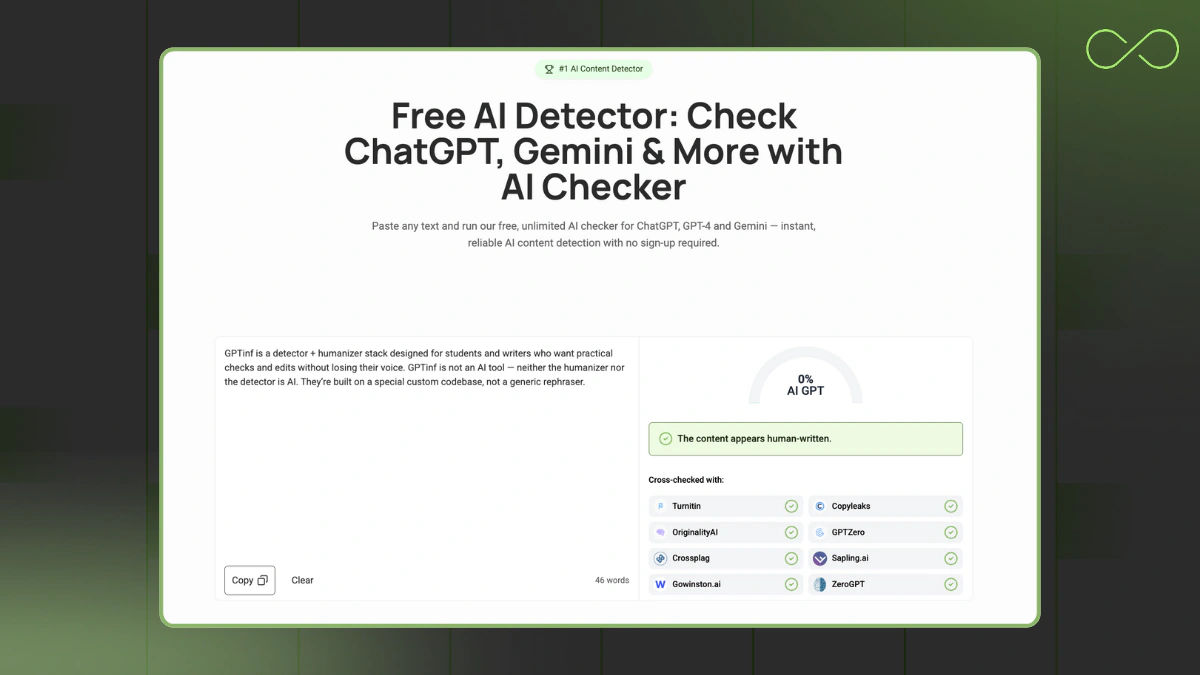
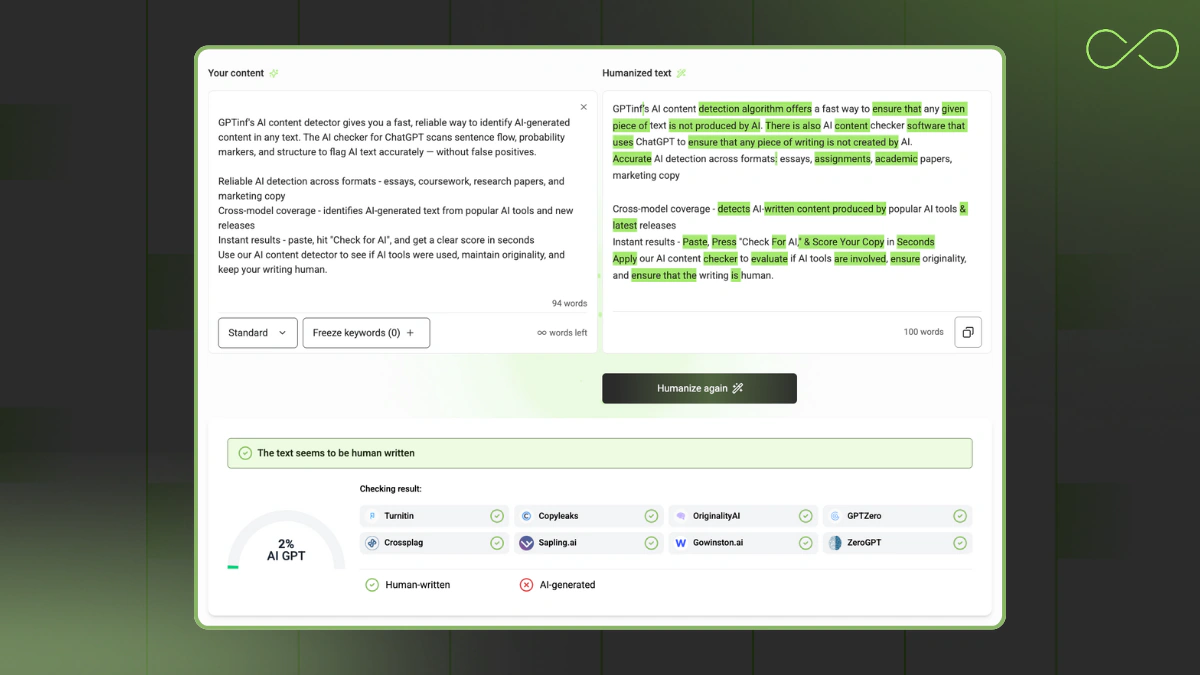
GPTinf is a detector + humanizer stack designed for students and writers who want practical checks and edits without losing their voice. GPTinf is not an AI tool — neither the humanizer nor the detector is AI. They’re built on a special custom codebase, not a generic rephraser.
Why students pick it
- Completely free, no registration required, unlimited checks
- Non-AI approach avoids the “AI fights AI” loop
- Cross-checks with all major detectors
- Human-sounding humanizer results that keep your tone and phrasing
Trade-offs
- Doesn't highlight phrases or sentences that sound AI
Free/Plans
Quick tips
Scan 150–300+ words at a time → humanize → add course examples/citations → re-scan.
2) GPTZero — Another alternative to Winston AI generator
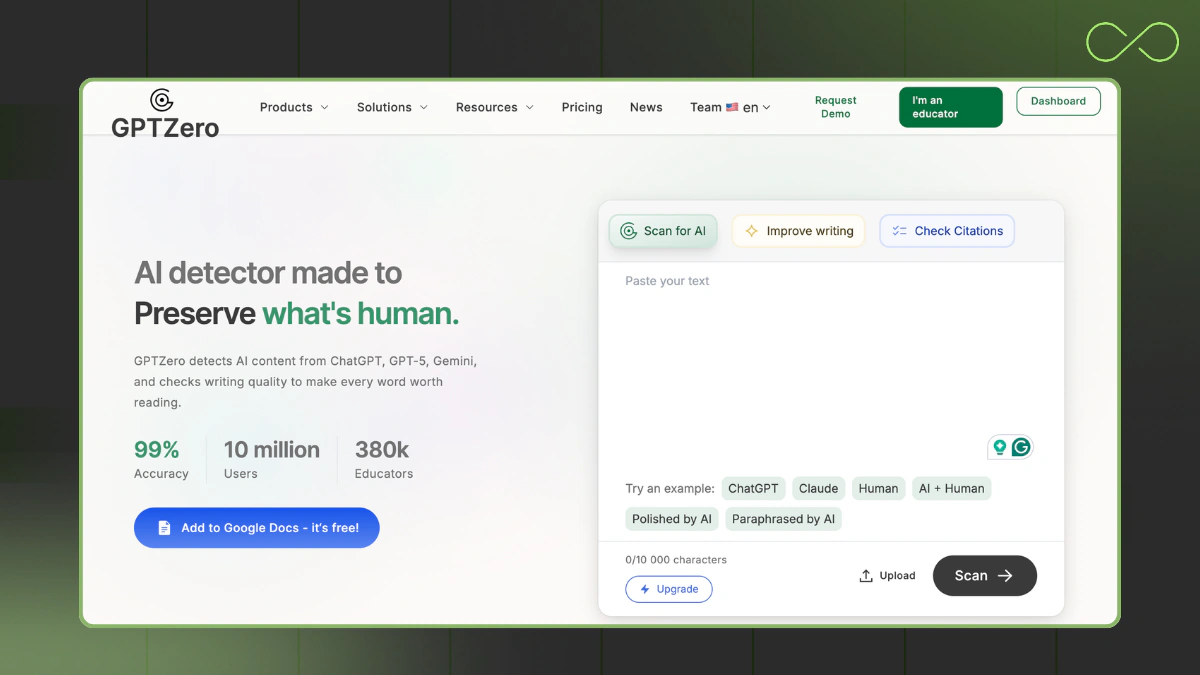
GPTZero is a familiar AI detector for quick checks of paragraphs and short sections; it's often used as a second opinion alongside another detection tool.
Why students pick it
- Fast triage for intros, abstracts, and short answers
- Sentence-level flags for lines that might read AI-like
Trade-offs
- Can over-flag very formal academic tone
- Short inputs wobble; longer samples are steadier
Free/Plans
- Free tier for short scans; paid tiers increase limits
Quick tips
Paste 200–300 words; avoid single-sentence checks.
3) Copyleaks AI Detector
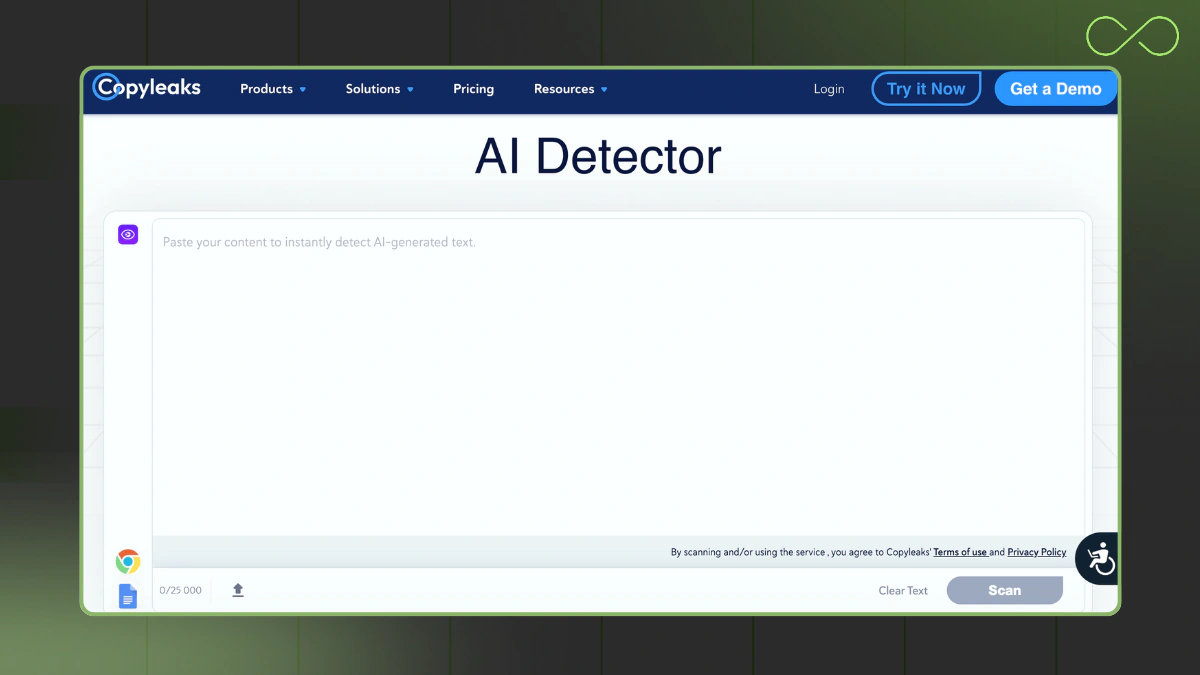
Copyleaks is a combo of plagiarism checking and AI content detection with browser/LMS options and an API for teams.
Why students pick it
- One pass for originality + AI signals
- Integrations are helpful for classes using LMS workflows
Trade-offs
- Interface can feel technical at first
- Thresholds may be strict on stylized writing
Free/Plans
- Limited free trials; paid plans for higher volume
Quick tips
Scan full sections with citations; act on line-level notes before re-checking.
4) Originality.AI - AI Checker like GoWinston.ai
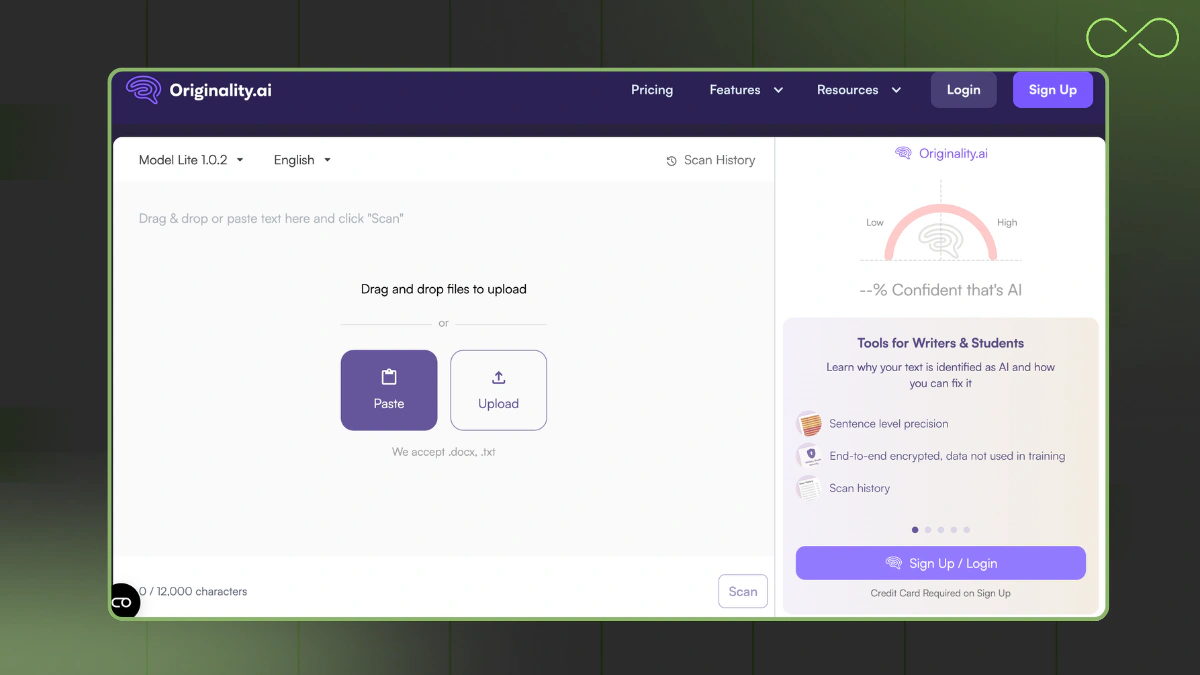
OriginalityAI is a detector used by SEO/content teams that checks for AI-generated content and plagiarism; team seats and API available.
Why students pick it
- Batch/automation for group projects or content workflows
- Team history for shared drafts
Trade-offs
- Short-text stability varies; provide more context
- Built more for web content than coursework
Free/Plans
- Usage-based pricing; promos vary
Quick tips
Upload larger excerpts (body + references) instead of isolated sentences.
5) QuillBot AI Detector – Multifunctional AI content analysis and refinement tool
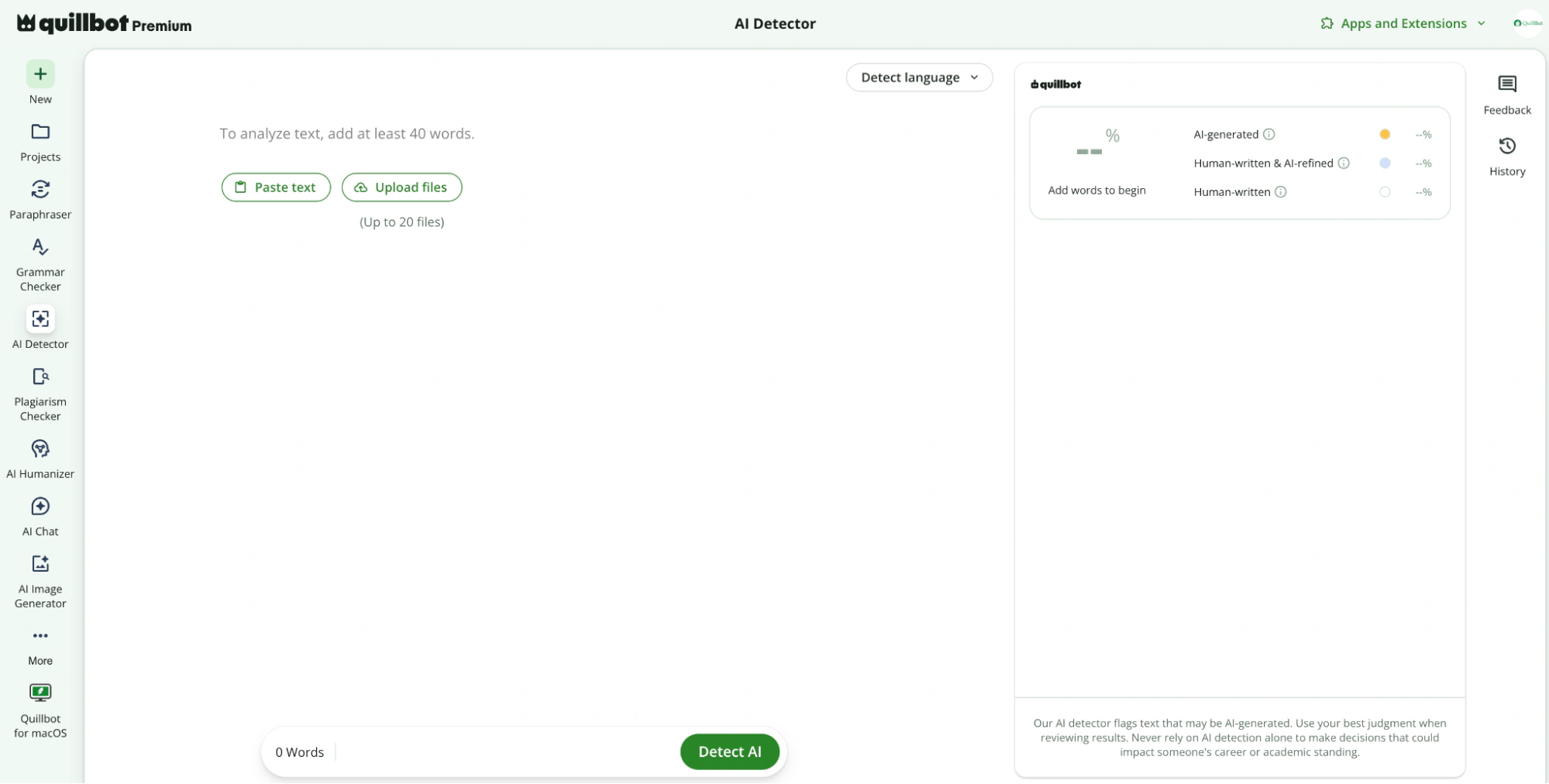
QuillBot AI Detector is designed for students, educators, and professionals who want clear insights into whether a text may contain AI-generated content. It’s part of a broader writing platform, allowing users to detect, refine, and improve content within the same workflow.
Why users pick it
- Clear AI likelihood breakdown that contrasts AI-generated and human-written segments
- Integrated with paraphrasing and grammar tools for quick refinement
Trade-offs
- Like all AI detectors, it can occasionally produce false positives
Free/Plans
- Free AI Detector with limited word count
- Premium & Team Plans offer unlimited AI detection
Quick tips
Scan key sections of your document → review highlighted AI segments → refine tone or structure → re-scan before submission.
Quick Comparison Table of GoWinston.ai detector alternatives
|
Detector / Tool |
Typical Use |
Short-Text Reliability |
Team / API |
Notes |
|
GoWinston (Winston AI) |
Course work, articles |
Medium |
Some |
Clear scoring; verify with a second tool for edge cases |
|
GPTinf |
Student workflow (scan → reshape → re-scan) |
Medium-High |
N/A |
Non-AI detector + humanizer; custom codebase; public tests |
|
GPTZero |
Academic/office |
Medium |
Limited |
Popular to double-check ChatGPT notes |
|
Copyleaks |
Schools, enterprises |
Medium |
API + LMS |
Multi-language coverage; strict on structure |
|
Originality.AI |
SEO teams |
Medium |
API |
AI + plagiarism bundle |
|
QuillBot AI Detector |
Academic writing, professional editing, content review |
Medium-High |
Team Plan (No API) |
Integrated with paraphraser, grammar checker & humanizer. Comes with multiple extensions |
Note: No detector can give accurate detection 100% of the time across advanced AI models and various AI styles. You may want to learn about how new AI content detectors work to understand what you are dealing with.
A Simple Student Workflow using a Tool like Go Winston AI detector
Use this loop whenever your text might be flagged:
-
Draft with ChatGPT or class notes (using AI to jump-start ideas is fine; avoid copying someone else’s work).
-
Scan with a detector (try two if possible) to detect AI patterns.
-
Revise: swap repetitive phrases, vary sentence length, add your own examples, citations, and course concepts.
-
Humanize with GPTinf (non-AI) to reshape wording without erasing your tone.
-
Re-scan. If still flagged, expand with personal analysis or method details (“how I solved it,” “why I chose this source”).
-
Final check: facts, references, metrics, and formatting.
Ethics note: Know your school’s policy. Use detectors and humanizers to improve clarity and originality, not to hide AI involvement in graded work that forbids it. Aim for integrity in academic contexts.
Final Thoughts
Detectors help you see where AI-generated text might leak through, but no single detection solution is perfect. If you rely on generative AI tools for drafting, you’ll get better results by pairing a detector and plagiarism checker with thoughtful edits in your own voice.
GPTinf stands out because its detector and humanizer are not AI — a different approach built to keep your message human while reducing risk. Try a small sample first, iterate, and keep learning how these systems read your writing.
FAQs
What’s the fastest way to run ChatGPT detection before you submit?
Scan the same section with gowinston ai and a second ai content detector (e.g., GPTinf) to compare results for detecting ai-generated content. Two passes help when one detector overreacts to polished AI writing from language models like OpenAI’s GPT or Google Gemini.
Do detectors prove a paper was written by human or AI?
No. AI detection is probabilistic — there’s no perfectly accurate AI verdict on whether content generated by a model or written by a human. Claims like “ensure content authenticity” are often marketing.
What features matter when picking a tool like Winston AI?
Look for explainable methods (basic natural language processing + machine learning), line-level writing feedback, and workflow add-ons (reports, API, Chrome extension). An AI-driven dashboard that highlights rhythms/phrasing is practical; Winston AI helps here, but always confirm with a second tool for bypassing detection.
Which is the best AI detector with a Chrome extension and an API?
There’s no single “best.” For integrations: ZeroGPT has a Chrome extension; Copyleaks and Originality.AI offer APIs; Winston AI offers reports; GPTinf focuses on a non-AI detector + humanizer workflow rather than integrations.
Is there a completely free way to start on AI detection?
Most tools offer a free tool tier or capped scans; GPTinf includes 240 free words, and other detectors list small trials. Use freebies to compare which feels like the best AI fit for your class; no detector is “the one” leading AI content detector for every assignment.
How do I stay one step ahead of tools that detect AI and avoid false flags?
Add course details, vary sentence length, and cite real sources; then re-scan. Pair tools and AI thoughtfully — use a detector, apply light edits or an AI humanizers pass (e.g., GPTinf), and check again. This keeps you ahead of AI without scrambling your voice. You can also check out our tips for avoiding detection.
Why do results change as new AI models roll out?
Updates to OpenAI GPT, Google Gemini, and other leading AI systems shift patterns; detectors tune for the evolving power of AI. No one leads forever in leading AI generated text detection, so cross-checking helps you adapt as ai offers change and AI empowers better writing workflows.