
Have you ever been tempted to run your work in an essay program like ZeroGPT, just to cover yourself, only to find that it randomly identifies your work as AI-generated? Trust us, this is commonplace for students in both the United States, United Kingdom, as well as Canada, as they provide a solution to prevent unjust penalties for plagiarism (something for which ZeroGPT is infamous, by the way).
Before you even hit send, what you really require is a detector which reveals just what makes what you’re writing appear to be machine-generated, providing an accurate score in the process. First, it’s essential to understand what detectors are looking for (repetitive language, consistent sentence structure, or just overly clean transitions). And then pick tools which better logically assess what you’re writing.
Below, I’ll give you a rundown of the most accurate free alternatives to ZeroGPT, like GPTinf AI Detector and Copyleaks, as well as an overview of how patterns similar to those of AI chatbots like ChatGPT, Gemini, and Claude may also result in false positives in human writing.
Why Look for ZeroGPT AI Detector Alternatives?
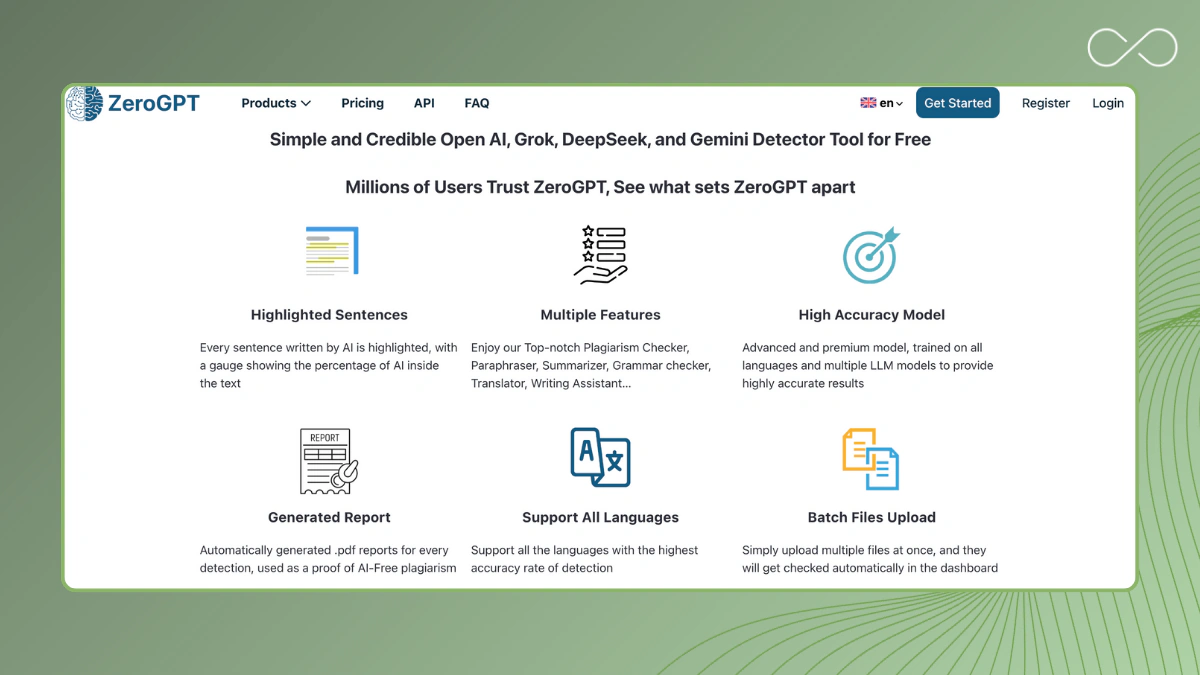
ZeroGPT is a detector that has quickly gained popularity amongst students as well as teachers, claiming to detect whether texts have been written using AI tools such as ChatGPT, Claude, or Google Gemini, amongst others. The tool achieves this by examining sentence patterns, rhythm, transitions, and the language used to gauge how "machine-generated" a passage is.
However, in real-world applications, this resource has also received a negative reputation in terms of performance issues. As per customer feedbacks, expert evaluations, and professional tests, sometimes this resource, namely ZeroGPT, apparently labels completely human-written essays as AI-written work. For example, in a professional analysis, several false positives emerged, including "Human #2" and "Human #3," which were rated 100% "AI-written" by ZeroGPT, even though they were written by a human writer.
Important topics to know as a student:
1. False Positives
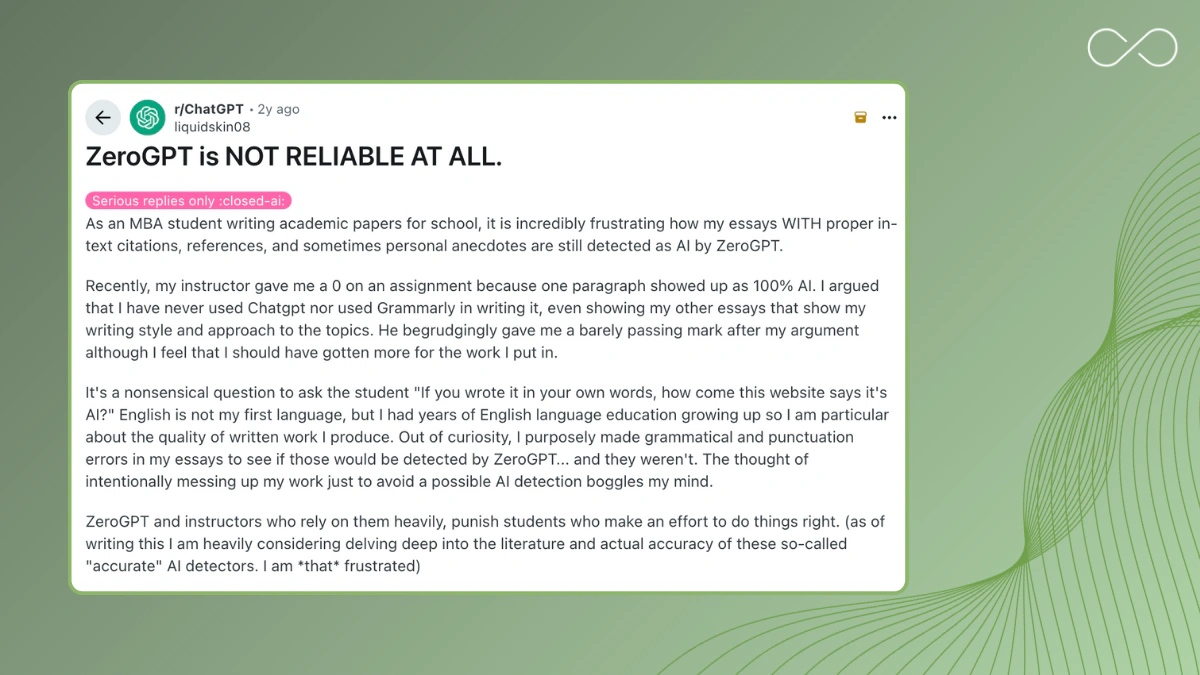
ZeroGPT has been observed to classify actual human writing as "AI" in real-world testing scenarios.
2. Quick shift in detection criteria
As AI models, such as ChatGPT4/4.1, Claude, and Gemini, advance, criteria of what "looks like AI-text" keep changing, which is difficult for detection tools to track.
3. Inconsistent credibility
While they promote a degree of near perfect results, independent tests showed them to be much less reliable than claimed.
4. Reputation issues
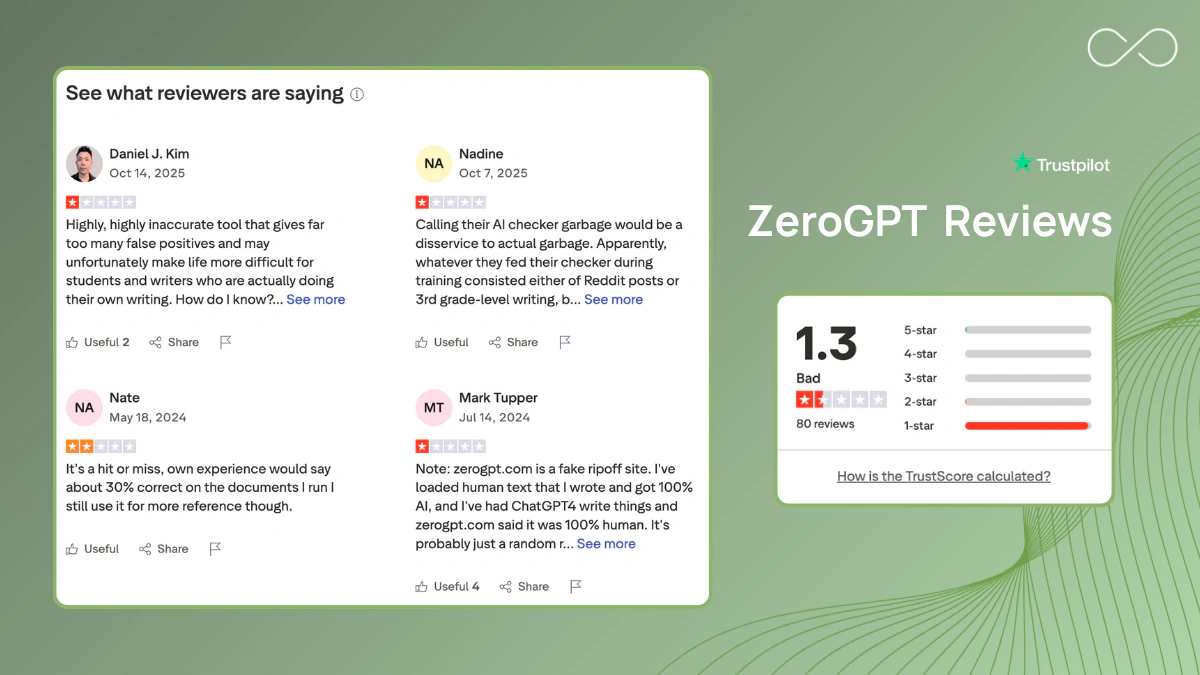
Reputation issues include customer reviews (e.g. Trustpilot-style forums) which repeatedly raise incorrect classification problems, a lack of transparency in scores, and performance issues. As your academic paper may depend upon the outcome of such a scan, to solely depend upon ZeroGPT is to, in a manner of speaking, stake a gamble, even in cases where your writing is strong but downgraded anyway. This is why it is worthwhile to look into more suitable alternatives.
Why comparing detectors matters
Of course, not all of these checkers function the same way, nor does a percentage score tell much of the story. It's imperative to know whether this detection software has equal performance for both false positives and false negatives, pinpoints which exact sentences it believes are AI-generated, and provides an adequate reason why this writing is deemed suspicious enough to warrant a warning.
Privacy: This is another significant issue. A good free detector should inform whether your texts are stored, used for training, or deleted after scanning.
Taking all this into consideration, below are the top 5 alternatives to ZeroGPT that offer better explanations, higher precision, and more authentic results, all available for free use.
Top 5 Free and Accurate ZeroGPT Alternatives
1) Copyleaks AI Detector
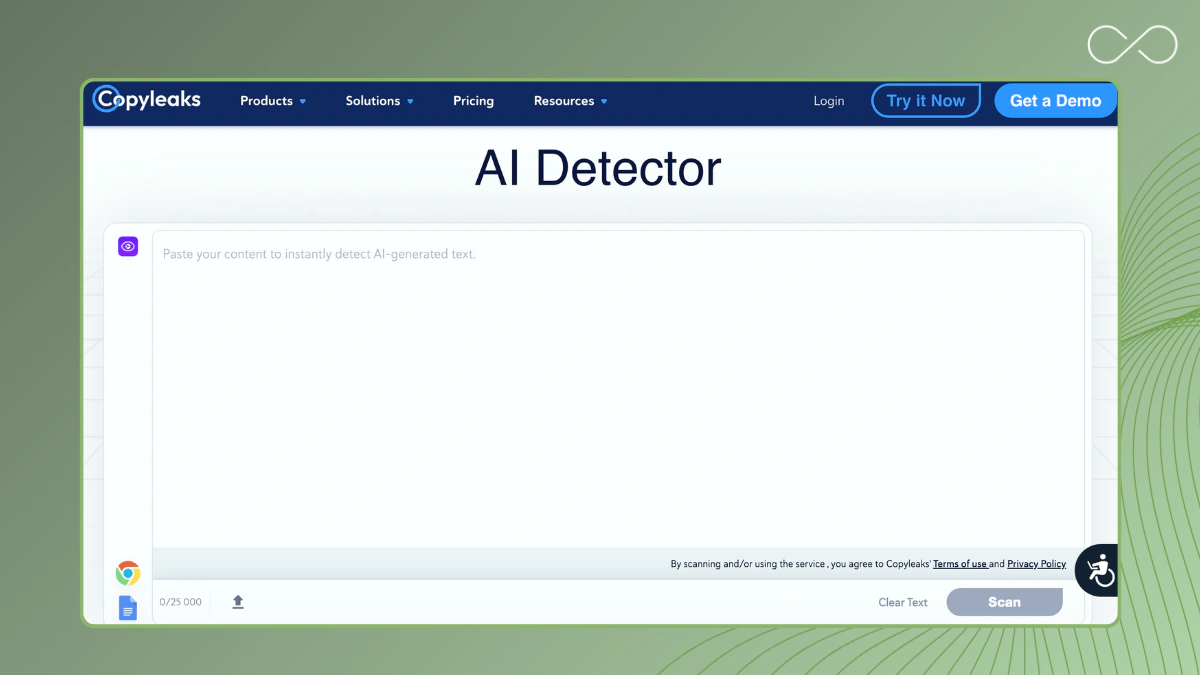
Copyleaks is a plagiarism checker and AI detector combo. It is a practical alternative that offers LMS integrations. It lets you check for potential AI-generated text as well as content originality with just one tool.
Key Features
- No need to use a different tool for plagiarism checking.
- It is a time-saver that works with browsers as well as common LMS platforms.
- Useful for classes that combine English and other languages.
- Can handle higher-volume content checking for academic use.
| Pros | Cons |
|
Only takes one pass for reliable AI detection and originality. |
Free access is limited; usage-based pricing can add up for frequent scans. |
|
Generates reports for academic review processes. | The UI can feel technical if you’re new to AI detection tools. |
Best for: Schools, publishers, and students who need plagiarism as well as AI content detector checks together.
2) GPTinf AI Checker
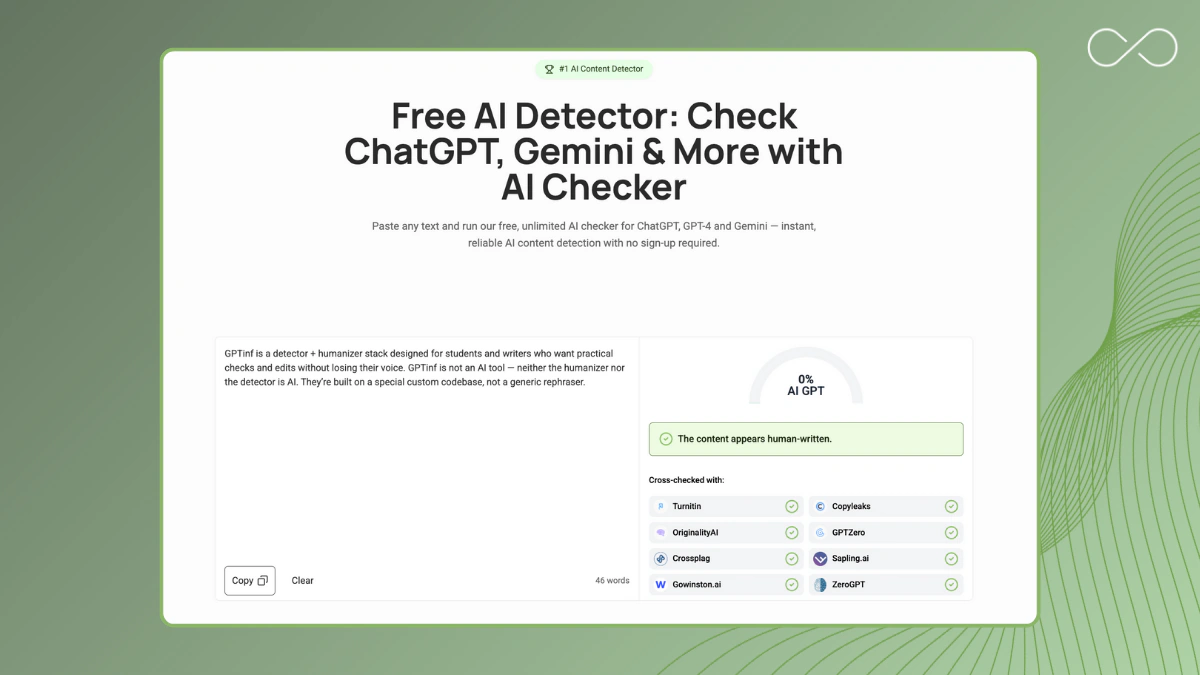
GPTinf is a modern AI content detector built on a custom, non-AI codebase. Its detector doesn’t use generative AI. Instead, GPTinf analyzes linguistic signals and the main patterns LLMs use. What this does is ensure the results you get are based on genuine structure, not just rephrased output.
Key Features
- Built to recognize new LLM outputs.
- Student-friendly tool at zero cost.
- Unlimited scans.
- Your text isn’t stored to train models.
- Minimal clicks; easy to share screenshots in a follow-up with your instructor.
| Pros | Cons |
|
Unlimited checks with no charges or registration. |
No full document upload. You’ll need to copy/paste the text. |
| No hidden fees or popups; completely free to use. |
Doesn't highlight phrases or sentences that sound AI. |
Best for: Those who need a free, no-fuss AI detector and a way to polish the text before another check (GPTinf pairs with its Humanizer tool).
3) GPTZero
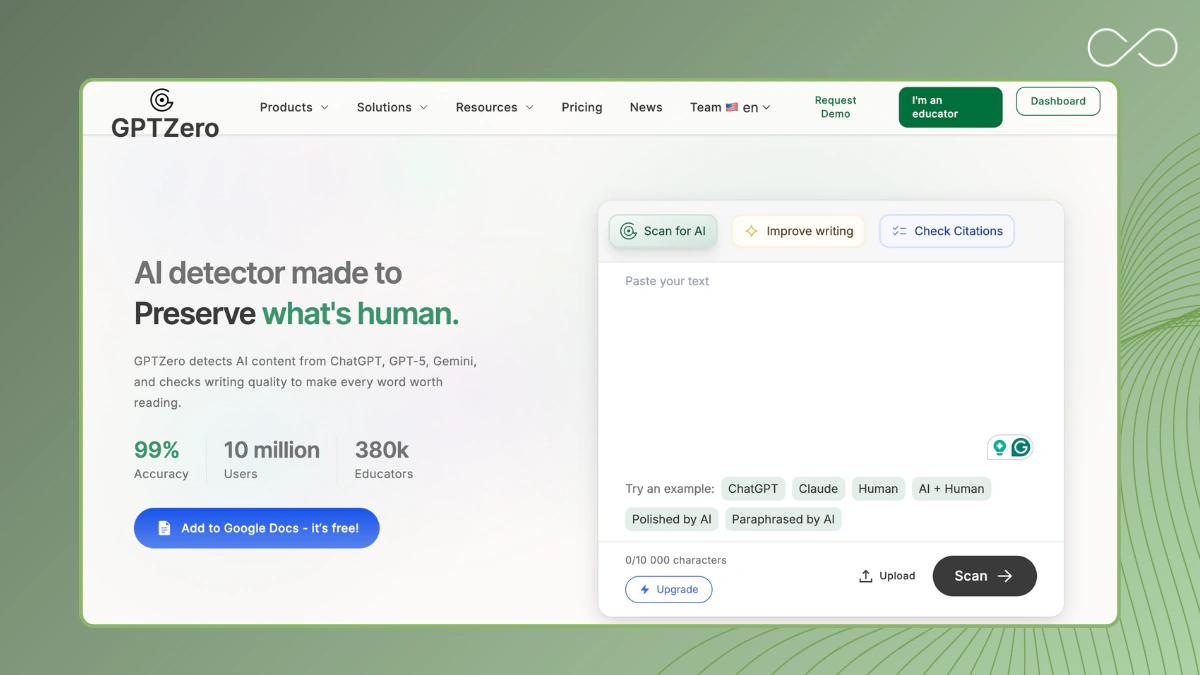
A lot of students and teachers use GPTZero to check their writing. Just like ZeroGPT, it tries to spot AI-generated text by looking at how predictable or random your sentences are. You can get a quick check without signing up for an account.
Key Features
- Flags lines that look generated by any AI so you can edit in place.
- Works for common European languages with reasonable accuracy.
| Pros | Cons |
|
Very fast triage tool for short sections (e.g., intros, abstracts). |
Can over-flag polished human writing (especially formal academic tone). |
|
Transparent indicators (perplexity/burstiness) help you reason about the detection outcome. |
The detection model may lag behind the newest LLM updates. |
|
Frequently used as a second check alongside another detector for reliable detection. |
Free tier works for short essays; you’d need to cut long outputs and check multiple times. |
Best for: Professors and students who need a quick AI checker to scan their texts. It helps double-check any previous flags.
4) Winston AI
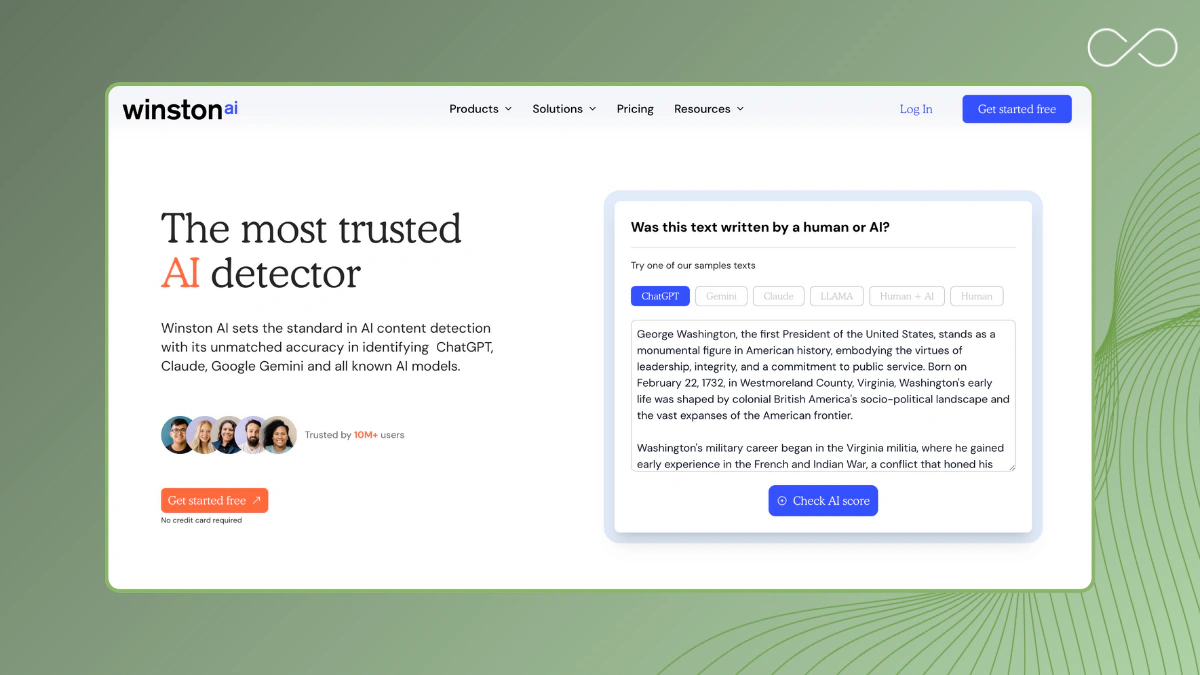
Winston AI makes it easy to check documents in a classroom setting. You can upload your work in formats like DOCX, PDF, or TXT. The tool lets you get a printable report, which is handy if your professor wants to keep records of your checks.
That said, Winston AI has some important limitations you should understand first.
Key Features
- Can handle full-document scans.
- Supports the common languages; helpful for those taking bilingual subjects.
- Generates PDF/CSV that you can use for record-keeping.
- Can accommodate multiple submissions from one dashboard.
| Pros | Cons |
|
Allows document-based review with reports that you can export. |
Limited free plan; you get pushed into paying for plans when bulk scanning. |
|
Solid choice when your professor requires you to document AI detection steps. | Heavy interface if you only need a fast checker for a few paragraphs. |
Best for: Those who need consistent, document-level content detection with exportable reports.
5) Sapling AI Detector
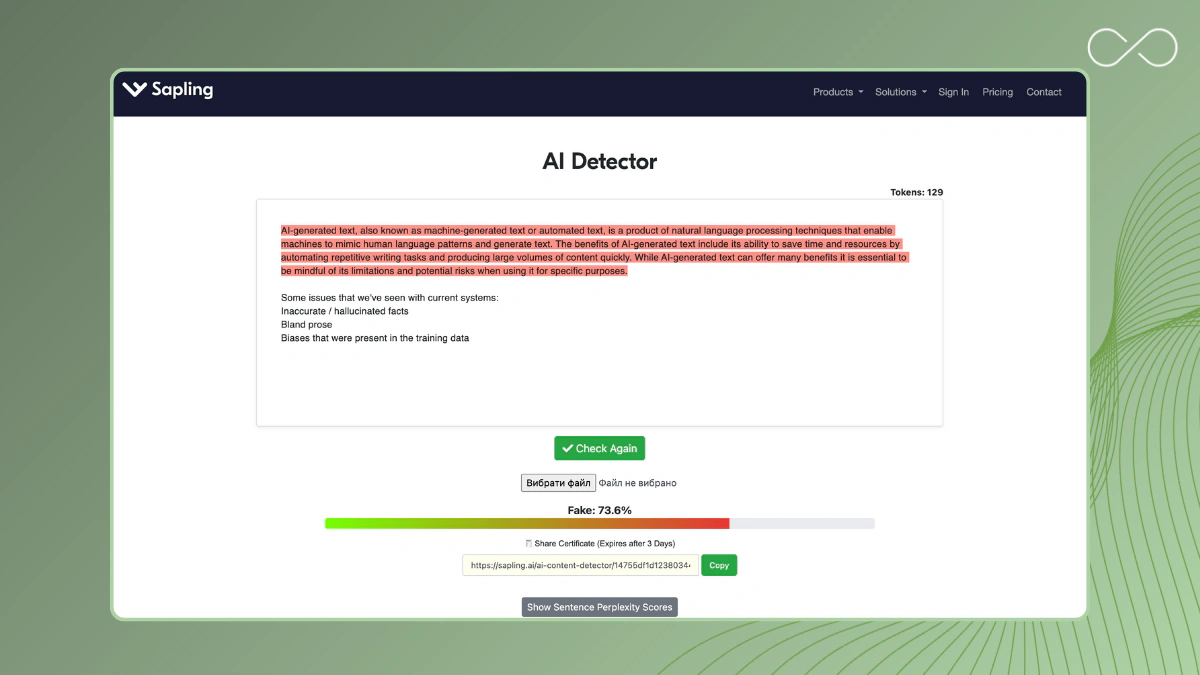
Sapling is a browser-based, lightweight AI text detector. With the Chrome extension, you get quick, inline checks in Docs, Gmail, or job portals.
Key Features
- Real-time checks while you draft, so issues don’t pile up.
- Recruiters and small teams can quickly scan multiple short content pieces.
- Free tier is good enough for quick paragraphs, bios, and emails.
| Pros | Cons |
|
Minimal workflow friction; no need to tab-hop if you’re only doing short reviews. |
Not good for long academic essays because input caps are strict on the free plan. |
|
Designed for quick checks on short-form writing. |
No deep-dive analysis. |
|
Chrome extension is easy to install and remove. |
Best for: Anybody who wants inline AI detection on short texts.
TL;DR: Comparing 5 Alternatives to ZeroGPT
|
Tool |
Free Plan Limit |
Doc Upload |
Multi-Language |
Privacy Stance |
Best For |
|
GPTinf |
Unlimited, no registration required |
No |
No |
Yes |
Longer school essays |
|
GPTZero |
Short scans |
No |
Yes |
Yes |
Fast checks, students |
|
Winston AI |
Limited/month |
Yes |
Yes |
Yes |
Educators, teams |
|
Sapling AI Detector |
Short content |
No |
Yes |
Yes |
Short drafts, recruiters |
|
Copyleaks |
Limited number of trials |
Yes |
Yes |
Yes |
Plagiarism + AI checks |
Tip: Don’t rely on just one AI checker.
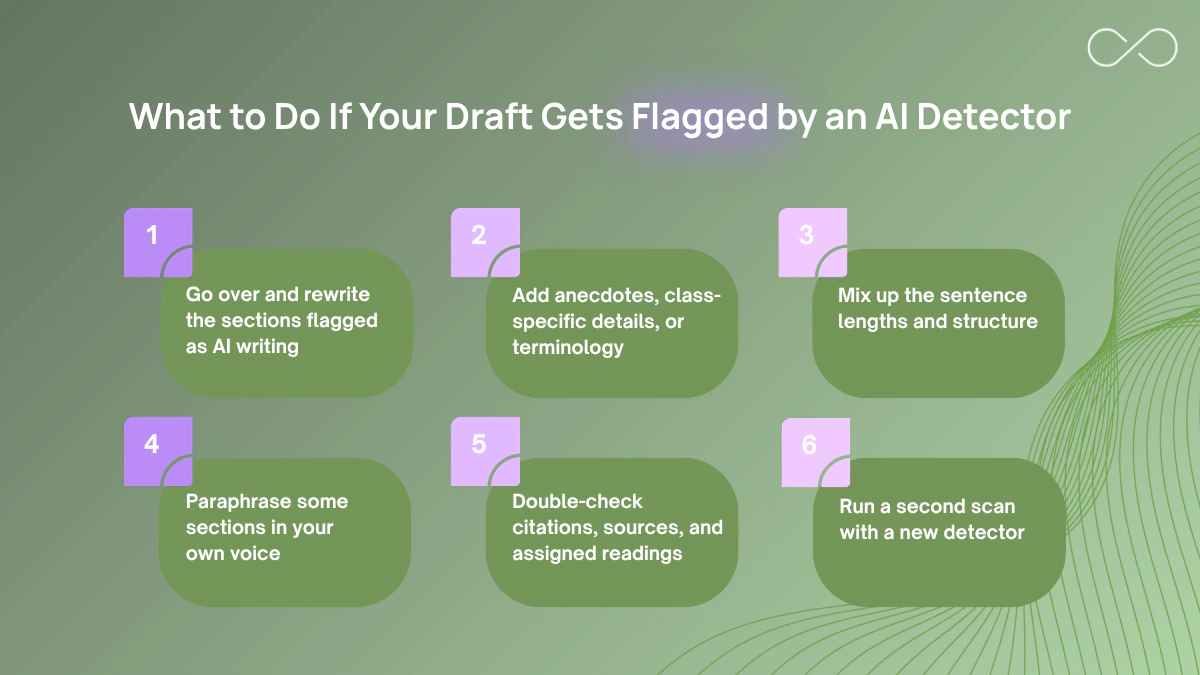
If a score looks off, get a second read from another ZeroGPT alternative. Revise your work based on the specific sentences flagged by the detector. That’s the best way to address false positives and keep your content sounding like you.
How to Choose the Right AI Detector Tool
Pick tools that help you submit with confidence. Here’s what actually matters when you’re comparing ZeroGPT alternatives and other AI detectors:
01 Accuracy + false-positive rate
You want balanced results on real student writing. A good, cutting-edge AI tool should flag patterns (e.g., uniform rhythm, generic transitions) and explain them. You can’t use detectors that just mark your draft “AI.” One way to check the tool’s accuracy is to scan a well-cited, formal prose. It is this type of text that often gets confused as Chat GPT essays when they are fully human-made..
If you need more suggestions, read our top tips to avoid AI detection.
02 Up-to-date detection model
Choose a detector tool that’s tuned for current models (GPT-4/4.1, Claude, Gemini). Older engines misread short prompts and polished structure.
03 Language support
If you write in English plus another language, look for multiple languages AI detection. Some tools only perform well with English content without support for other languages.
04 Privacy and data handling
Read the privacy page before you paste anything. A trustworthy AI checker states retention limits, encryption, and whether your text trains models (it shouldn’t). Give more priority to those that offer deletion controls.
05 Workflow fit (Chrome, Docs, LMS, API)
The best ZeroGPT free alternative fits how you work. It offers quick checks via a Chrome extension, full-document uploads (DOCX/PDF/TXT), or an API if you automate.
06 Transparent, actionable results
Go for sentence-level notes over a single score. Explanations like “repetitive clause openings” or “citation anomalies” are much more helpful since you’ll know which sections to revise and how to fix them.
07 A usable free tier
The detector’s free plan should at least allow you to scan an entire section rather than just a paragraph or two.
08 Support and updates
You want an AI detector with easy-to-follow instructions. Go for those that provide updates and explain new features.
Conclusion
ZeroGPT is a common first stop for students who use content generated by AI in their school submissions. However, ZeroGPT also sometimes gives vague or inconsistent results, particularly in formal academic prose. Using ZeroGPT alternatives can give you a clearer picture before you submit anything. Go for modern tools that offer advanced AI-generated text detection to get a quick second read from a simple GPTinf AI checker. Revise your work and get a better score.
Remember: a flag isn’t necessarily proof. Professors look at sources, version history, and your voice across your submissions. Make sure to keep drafts, cite carefully, and run a full-section scan (not just a paragraph) so your content detection result reflects the whole essay. That combo, a solid process plus a reliable AI checker for ChatGPT, keeps your human-written work from being mistaken for text written by AI.
If you’re curious about bypassing detection or handling flagged drafts responsibly, check out our guide to bypassing AI detectors.
FAQs On Top ZeroGPT Alternatives
What is ZeroGPT?
ZeroGPT is a browser-based advanced AI checker that scans text and reports if it seems AI-generated by scoring writing patterns and consistency. It can flag formal, tightly structured human prose. That’s why it’s best to treat the percentage as a prompt to revise.
Are AI detectors 100% accurate?
No. AI detection is still probabilistic. You need to treat any score as a signal and improve your work accordingly.
What’s the best free ZeroGPT alternative to detect AI content?
GPTinf is a good alternative if you want a free detector that offers unlimited checks. You can paste your work and scan it without needing to sign up. You can also consider the other options showcased here, but keep in mind they have a word limit and are priced high.
How do I avoid false positives on human text?
Write from your notes, include class examples, vary sentence length, and cite real sources. If the tone of your work still feels mechanical, use HumanizeAI.pro or UndetectableAI.pro to make it sound more natural. Re-check with a modern tool for detecting AI-generated content.
Do ChatGPT detectors store my text?
Reputable tools state that they don’t store or reuse your uploads. Always check the privacy page before pasting any sensitive content.
What’s the difference between an AI content detector and a plagiarism checker?
An AI detector estimates AI usage, whether it was likely AI generated (e.g., ChatGPT). They measure different things and are often used together. Meanwhile, a plagiarism checker compares your text to known online content.