


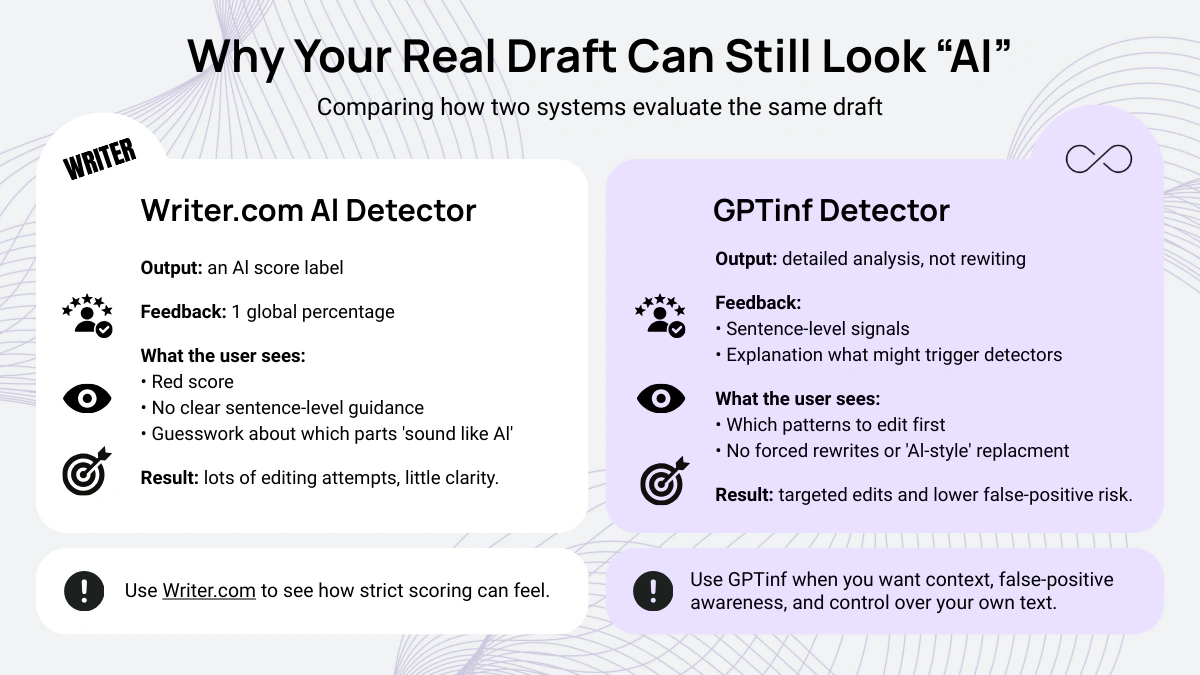
The real headache with the Writer.com AI detector is not the score. It is staring at “AI-generated” or a high percentage and getting almost no useful clues about what to change in your sentences. You tweak a few lines, run the Writer.com detection tool again, and the number barely moves. Now you are burning time guessing which patterns look “too AI” instead of actually improving your draft.
This guide to Top Writer.com AI Detector alternatives you should try is for that exact situation. You will see where Writer.com can feel rigid, which alternatives give clearer pattern-level feedback, and how tools like GPTinf focus on transparent scoring and false-positive awareness so you can read AI detection results calmly and make specific edits without rewriting your whole piece.
What To Look For in the Best AI Detector Tool to Detect AI-Generated Text
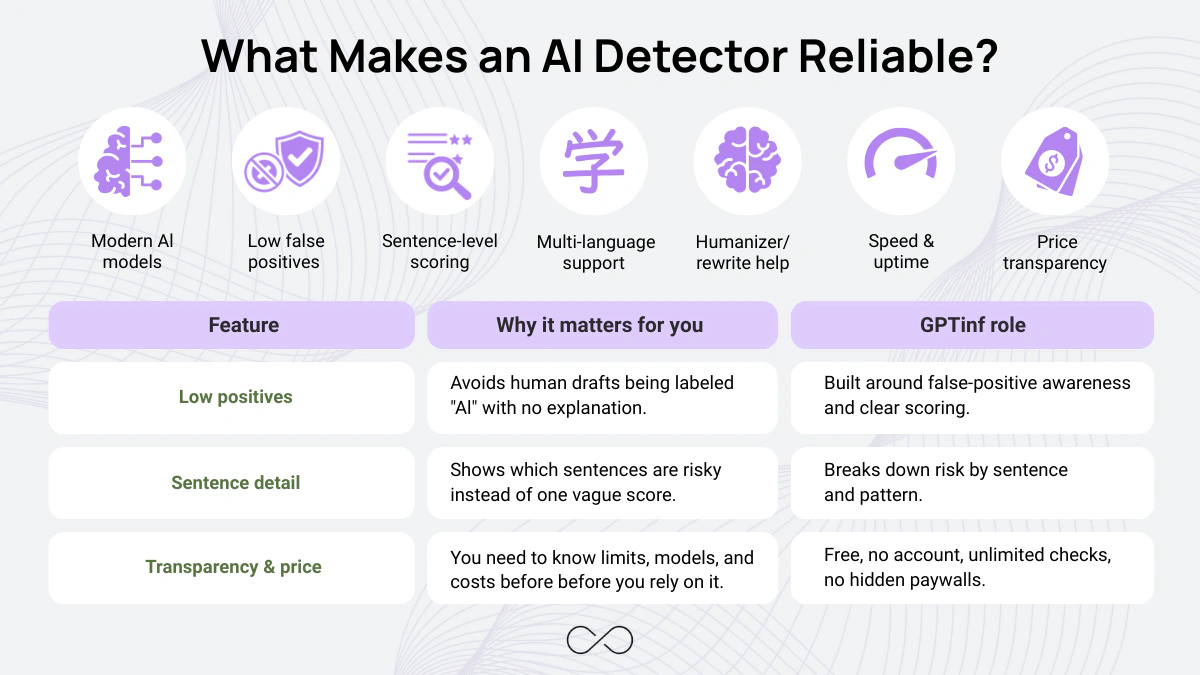
When you pick an AI detector, you are not buying a score; you are buying clarity. You want a tool that reads modern models such as GPT-4, GPT-5, Claude 3.5, and Llama 3 without triggering false alarms in your human writing. If a detector struggles with false positives on normal essays and emails, it creates more problems than it solves, and the Writer.com detector can feel like that at times.
Start with the basics:
- Accuracy across current AI models, so it does not break when a new model appears.
- Low false-positive rate on short and long drafts.
- Multi-language accuracy if you switch between English and other languages.
- Sentence-level scoring so you see which phrases look risky instead of guessing.
- Humanizer or rewrite support when you want help adjusting tone and structure.
- Bulk analysis, speed, and reliability if you scan lots of files.
- Price transparency so you know exactly what the AI detection tool costs before you depend on it.
→ If you’re curious what AI detectors actually do under the hood, go here: How Do AI Detectors Work? Understanding the Methods and Accuracy.
Best Writer.com AI Detector Alternatives and Best AI Detection Tools
Peer-reviewed tests show why you might want options beyond the Writer.com AI detector. A study in the International Journal for Educational Integrity evaluated Writer, Copyleaks, GPTZero, and others and found inconsistent performance, including some human paragraphs labeled “likely AI-generated” and weaker results on GPT-4 text. Below are Writer.com AI detector alternatives that approach AI content detection in different ways.
1. GPTinf – Best AI Detector for False Positives and Human Writing
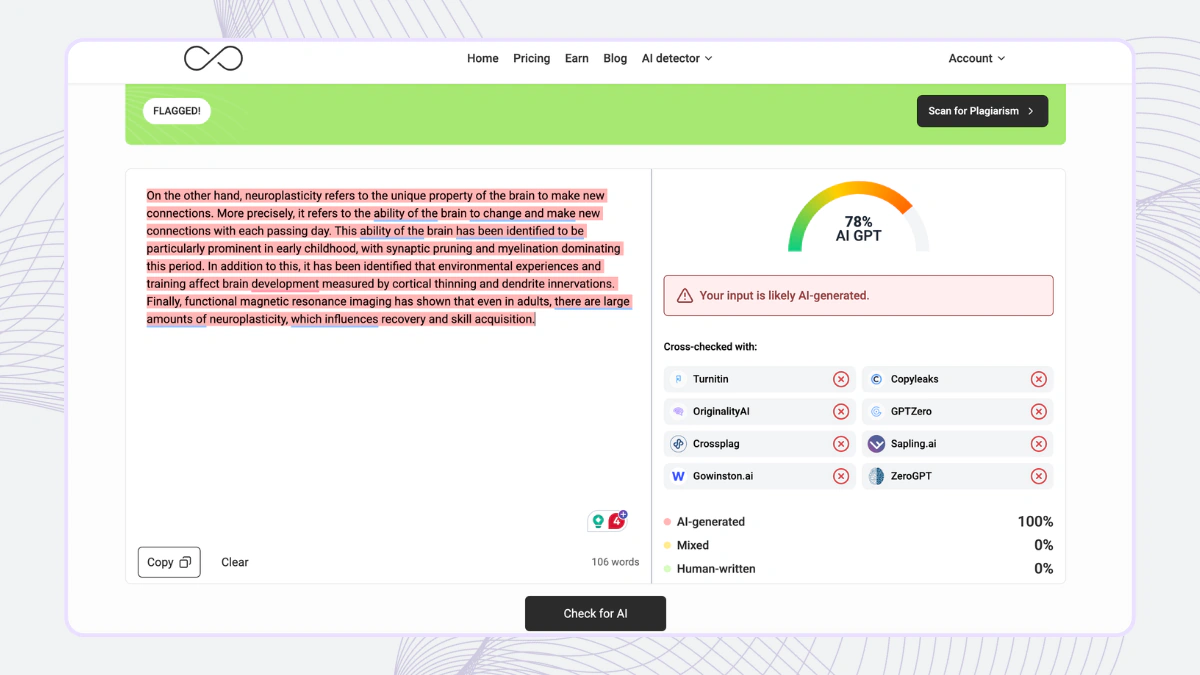
GPTinf Detector is our top pick when you want an AI content detector that treats your writing like evidence, not a guess. It runs on a custom codebase rather than a generic text generator, so the detector is trained to highlight patterns, context, and false positives instead of pushing you to rewrite everything as AI-generated text.
You paste your text into GPTinf, and the tool provides a clear AI detection score, sentence-level breakdowns, and plain-language notes about which sections might look less human-written to automated systems. There is no hidden rewriting engine and no pressure to “fix” your draft with an ai writer. The goal is simple: help you see how different AI models might read your work, then decide what to change yourself.
GPTinf Detector is completely free to use, with unlimited checks, no registration, and an easy-to-use interface that fits quick homework checks or daily client work.
→ If you want to see how GPTinf compares to tools people use for AI checks, read our breakdown of current options: 5 Best AI Tools to Bypass AI Detection in (Free & Paid).
2. Copyleaks AI Detector – AI Detection Tool for Academic AI Text
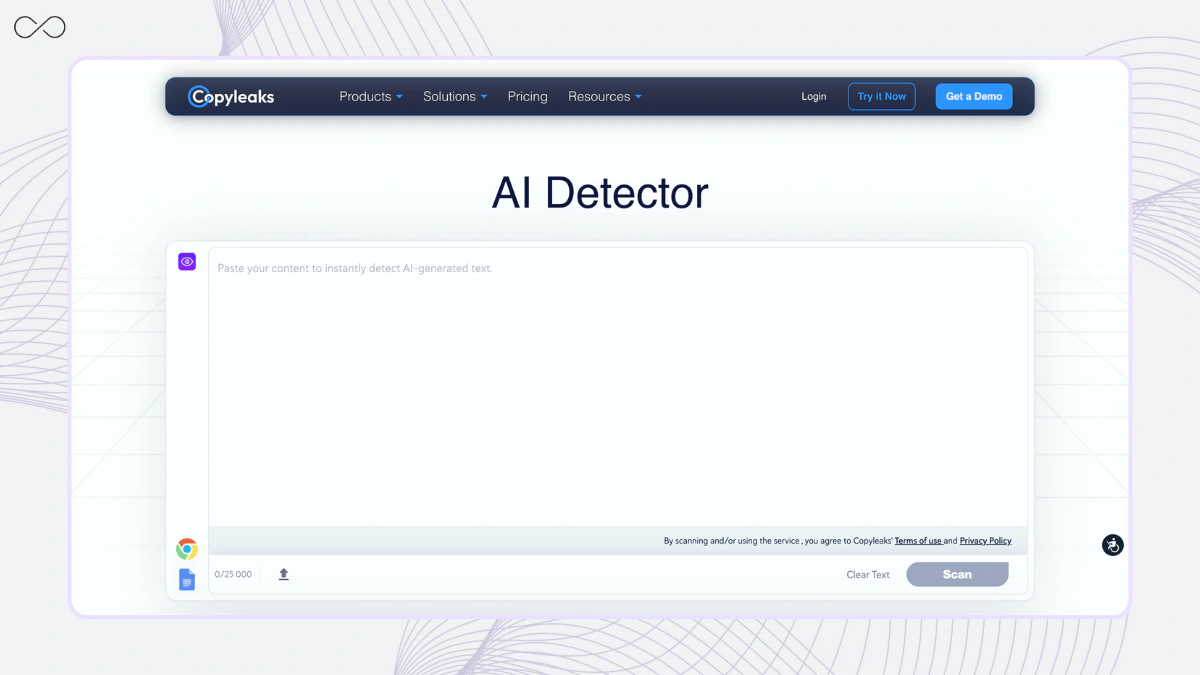
Copyleaks AI Detector is often used in education to verify whether a submission is human-written or AI-generated and to track AI and plagiarism issues across classes. A 2024 study comparing multiple detectors reported that Copyleaks and GPTZero showed higher reliability than Writer’s AI system when separating human and AI-generated writing in test samples.
Copyleaks AI Detector offers multilingual detection and sentence-level scoring, so a reviewer can see which specific lines the AI detector analyzes rather than relying on a single percentage. Independent reviews also note that very dry or technical papers can still be flagged as ambiguous or AI-like, so results from Copyleaks require human judgment rather than serving as final proof.
3. Sapling – AI Writing Checker and Content Detection
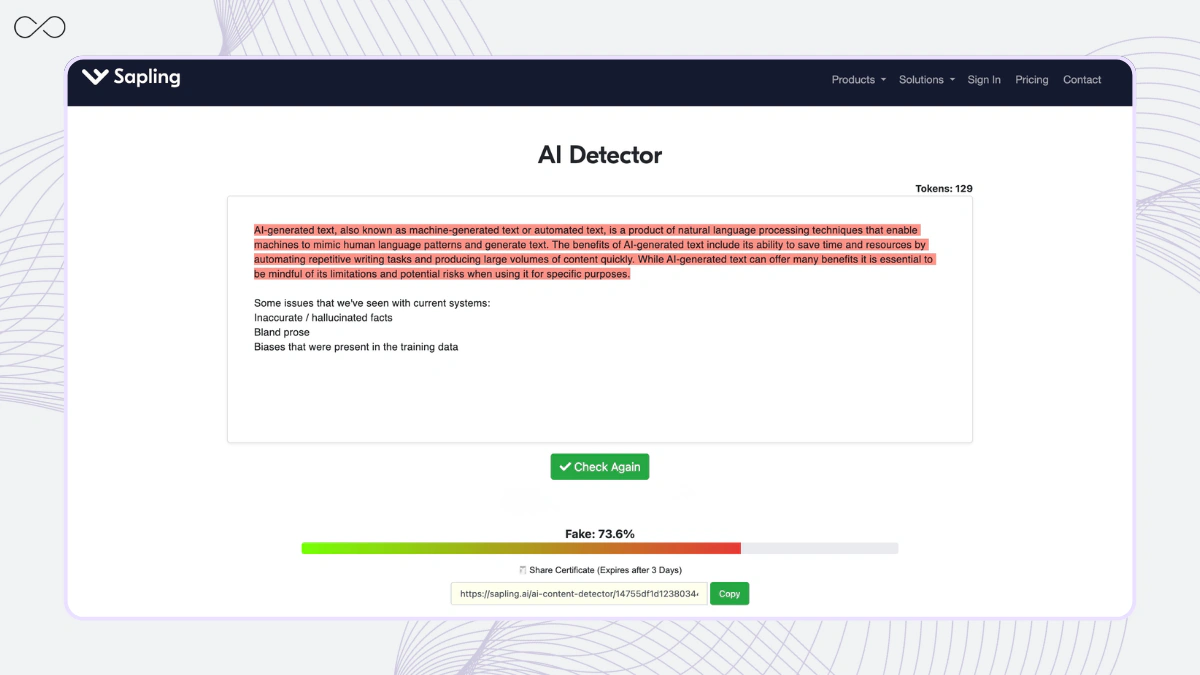
Sapling is a communication assistant that includes an AI detector and AI checker, along with its grammar and style tools. It uses sentence-level scoring across writing patterns to highlight segments that may be written by AI, and it can run within chat or CRM systems via its browser extension and API. Teams that use Sapling as a writing tool can keep detection, grammar, and style checks in one workspace, eliminating the need to switch tabs.
Sapling also markets that its grammar checker catches more errors than traditional systems, which matters if you care about accuracy as well as AI flags. In one independent review, mixed human plus AI drafts were still labeled 100% AI, so Sapling may lean toward caution on shared-authorship text.
4. Originality.ai – AI Content Detector for Websites
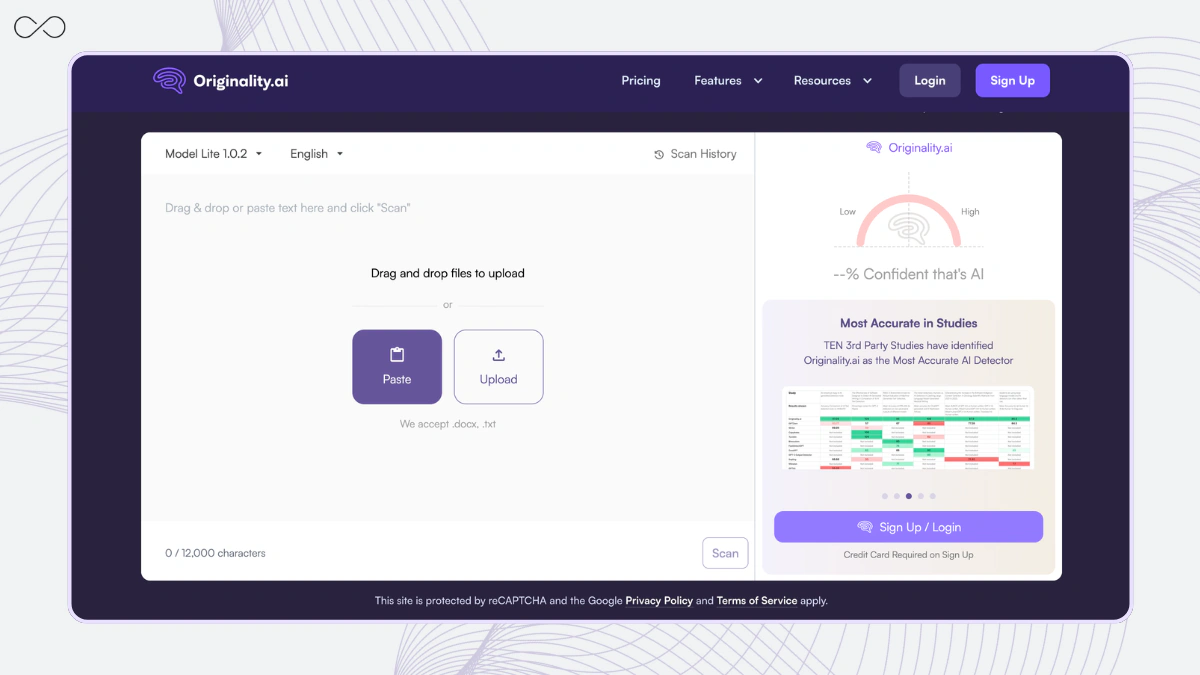
Originality.ai is an AI content-detection platform for agencies and site owners seeking website scanning, team workspace features, and combined AI and plagiarism checks in a single workflow. It can run as an AI detector tool, browser extension, or API, so you can keep AI checks, plagiarism review, and reporting as one tool as part of your existing editorial process. In practice, this means you can flag content that appears to be AI generated and log results across multiple projects or domains.
Independent reviewers have also documented clear false positives. In one public 2025 test, a human-written blog post from 2022 was labeled 61% AI, even though no AI writing tools were used on that draft. This kind of result shows that any score from Originality.ai still needs human interpretation, especially when you use the ai detector on older content or very neutral, informational articles.
5. Winston AI – Essay-Focused AI Detector Designed for Educators
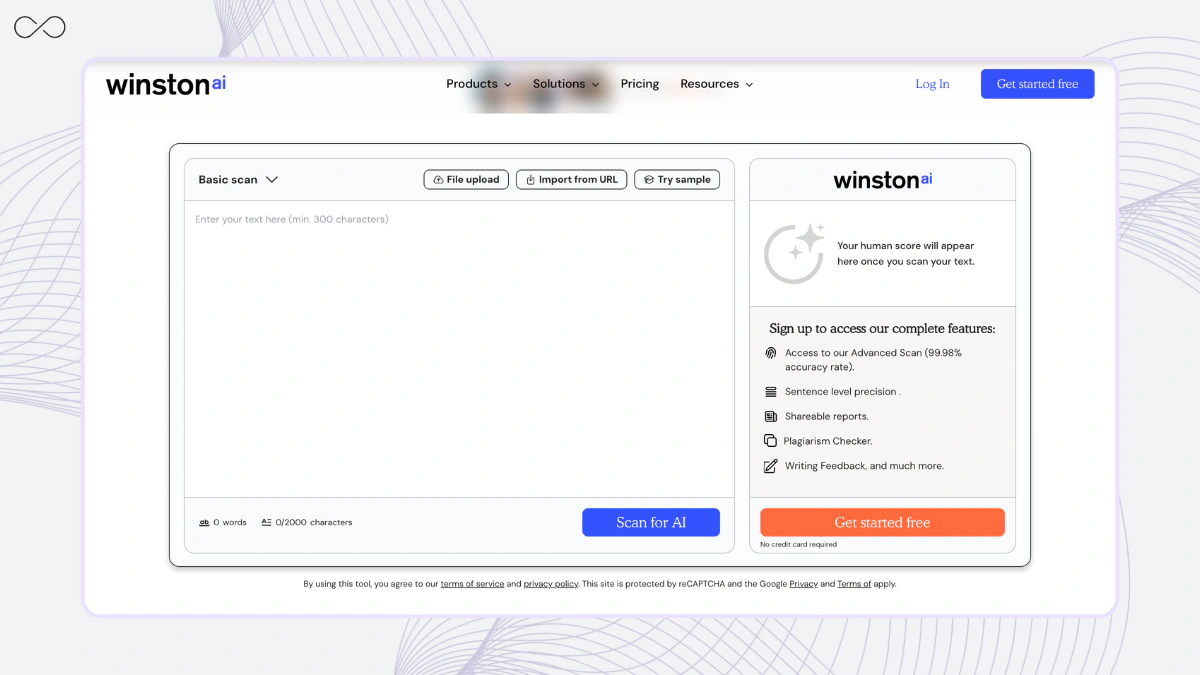
Winston AI combines essay-focused AI checks with a built-in plagiarism checker, enabling teachers and editors to review AI use and originality in a single report. Its dashboard uses paragraph-level heatmaps to show AI probability and highlight sections that might be written by AI, which is useful when you review longer essays or reports over time.
Independent testing, such as Tom’s Guide’s comparison of five detection tools, shows that Winston AI can correctly flag some AI-generated passages but also mislabel fully human paragraphs as AI, which means results still need human judgment.
How to Choose the Best AI Detector Tool for Your Needs
|
Scenario |
Recommended tools |
Why this fit is practical |
|
Best for students/essays |
GPTinf |
Free checks, focuses on false positives, and helps you understand how detectors read your text before you submit. |
|
Best free tool |
GPTinf |
Completely free, no account, unlimited scans; works as your default check before any important upload. |
|
Best for SEO teams |
GPTinf + Originality.ai |
Originality.ai handles site and batch scans, GPTinf helps you interpret tricky scores on key pages. |
|
Best for humanization support |
GPTinf + Sapling |
Sapling offers rewrite and grammar support, GPTinf shows which parts look risky so you don’t over-edit real human writing. |
|
Best for teachers/schools |
GPTinf + Winston AI |
Winston AI provides essay-style reports, GPTinf adds a second opinion on edge cases and possible false positives. |
|
Best for API/bulk use |
GPTinf + Copyleaks / Sapling |
Copyleaks and Sapling offer API and bulk checks, while GPTinf remains your transparent review layer for sampled results. |
→ If you need practical editing tips before you paste your draft into any detector, start with this guide: Top 7 Proven Tips to Avoid AI Detection in Writing.
Key Takeaways on AI Content, Detection, and Free AI Detectors
- AI detectors in 2025, even the so-called best AI detection tools, can misread neutral human writing, so treat results from detectors like GPTZero or Quillbot’s AI detector as signals, not final proof.
- Your goal isn’t to bypass detectors; it's to obtain an accurate AI content assessment. Any tool that promises to “pass even the toughest AI detection” on text generated with AI should be handled carefully.
- GPTinf is designed as a transparent analysis layer for the generative AI era writing, especially academic AI work, helping you interpret scores and avoid punishing normal style rather than limiting your access to AI.
Final Thoughts about Writer AI Detector Alternatives
There is no single best AI detector or AI app that can perfectly detect every instance of AI text or guarantee it will never be detected as AI. Instead of chasing undetectable AI guides, bypass tricks, bypass AI, or bypass AI detectors, focus on how you use AI. Rely on AI tools such as ChatGPT and Gemini for drafts, then run GPTinf as your free AI detector. Its free version and other AI tools show how the detector works, highlight risky AI phrases, help you detect AI patterns, and help clean up AI-generated content, keep free AI use reasonable, and stay honest with automation.
FAQs About Writer.com AI Detector Alternatives and AI Detection Tools
What are the best alternatives to the Writer.com AI detector in 2025?
If you want clearer feedback than a single “AI-generated” percentage, try tools that provide sentence/paragraph-level signals and explanations. In your list, GPTinf is strongest for calm interpretation (false-positive awareness + sentence-level breakdown), while tools like Copyleaks/Winston are often used in education workflows.
Which Writer.com alternative is best for avoiding false positives on human writing?
False positives are the biggest pain point for students, marketers, and anyone writing “neutral” content. GPTinf is positioned as a “transparent analysis layer,” so it’s a good first stop when you want to understand why a section might look risky instead of being pushed into rewriting everything.
Which AI detector gives the most actionable feedback (not just a score)?
Look for sentence-level scoring, pattern notes, and clear highlighting. GPTinf is relevant here because the pitch is “specific edits without rewriting the whole piece,” which is exactly what people want when Writer.com feels rigid.
What should I use if I need bulk checks or team workflows (like scanning lots of pages)?
Writer.com isn’t really a site-scanning tool. If you need workflows, you typically pair tools: use something like Originality-style scanning for volume, then use GPTinf to review “edge cases” on key pages where a score looks suspicious or high-stakes.
Which alternative is best for students checking essays or assignments?
Most students want: free access, simple UI, and fewer scary false alarms. GPTinf is relevant because it’s framed as free checks + clarity-first feedback, which makes it easier to use as a “sanity check” before submitting.
Do Writer.com alternatives work better on newer models (GPT-4/Claude/Llama)?
Detectors can drift as models change. The practical move is to use tools that update often and give interpretable feedback. Even if scores shift, GPTinf-style sentence-level breakdown helps you make grounded edits instead of chasing a moving number.
If two detectors disagree (Writer says AI, another says human), what do I trust?
Treat it as “uncertain.” Run a third check, then look at why sections are flagged. This is where GPTinf is useful as a second-opinion tool — less about the final percentage, more about identifying the exact lines that trigger the result.
Which alternative is best for non-native English or multilingual writing?
Pick tools that explicitly support multilingual detection and don’t punish “simple English.” If you’re switching languages, run a second check with GPTinf to see if it flags structure/clarity issues that are common in translated or simplified writing.
What’s the fastest way to improve my text when Writer.com keeps flagging it?
Don’t play “synonym roulette.” Change what detectors usually react to: repetitive sentence openings, overly even rhythm, generic transitions, and vague claims. Use GPTinf to find the specific sentences that look most “template-like,” then rewrite only those with more concrete detail and natural variation.